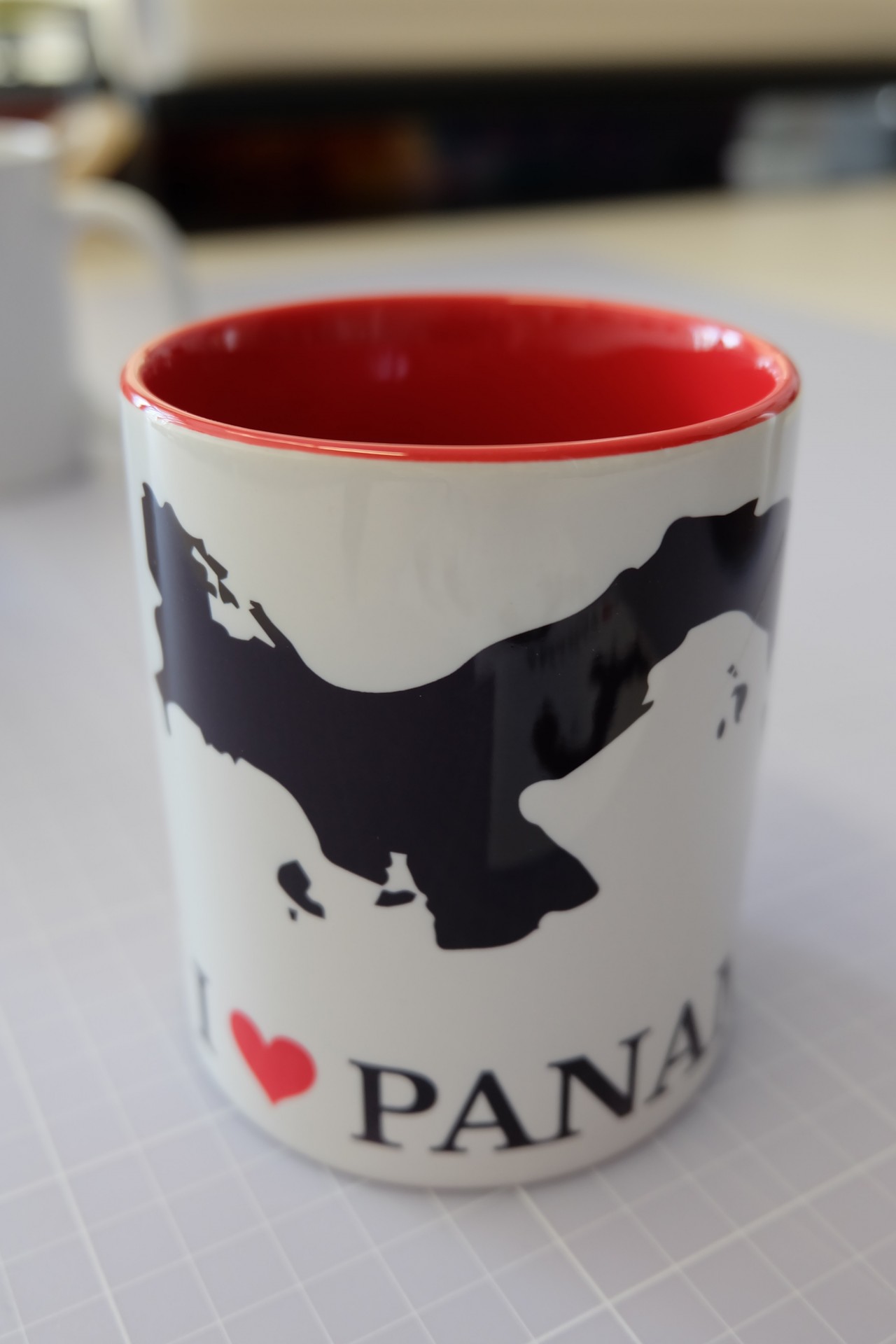
Coffee or money? As long as it’s black!

Below, we would like to outline the process for producing a mug using sublimation transfer, and also offer you the ‘Panama’ design for download.
Link to download the file:
1. Create and print designs
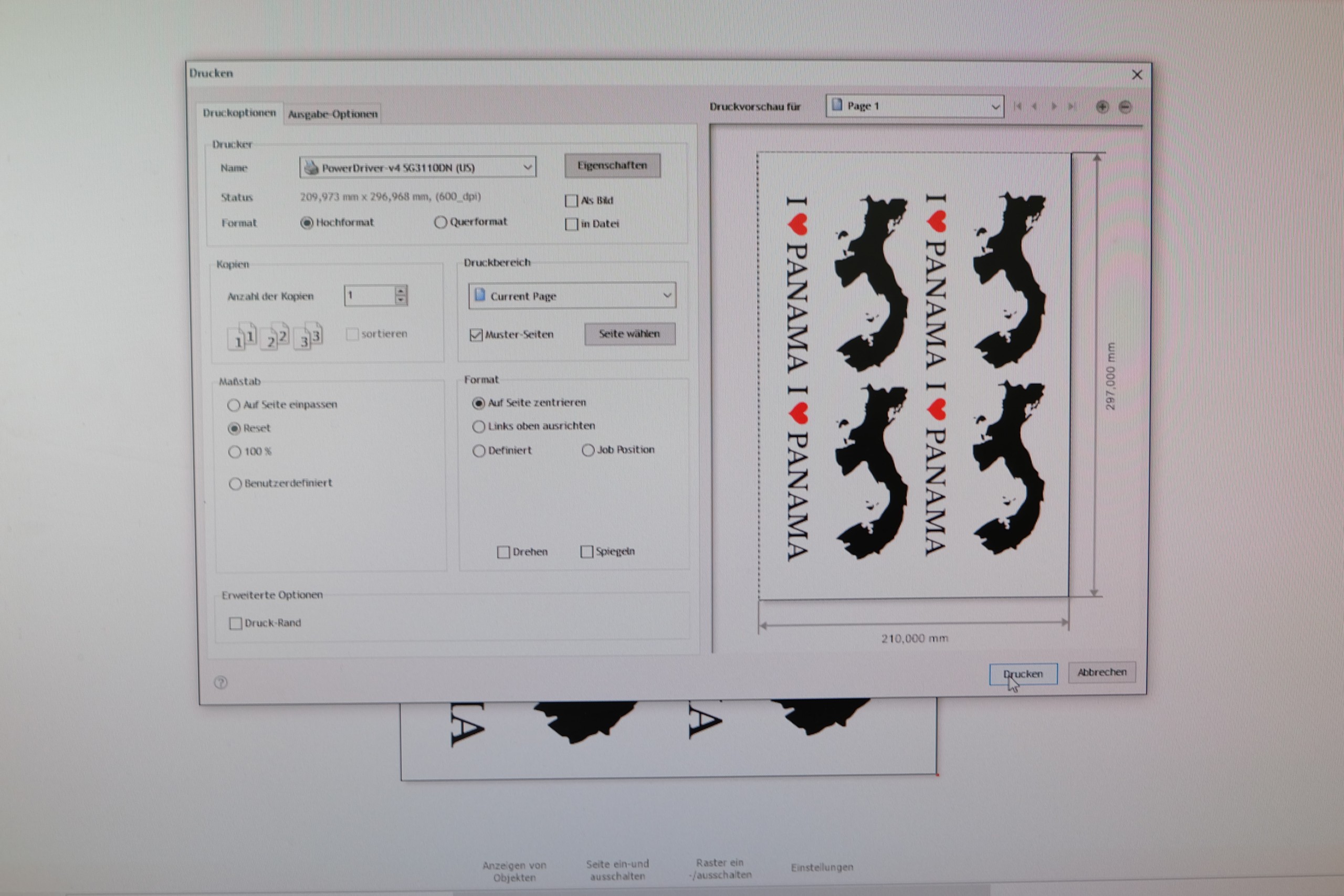
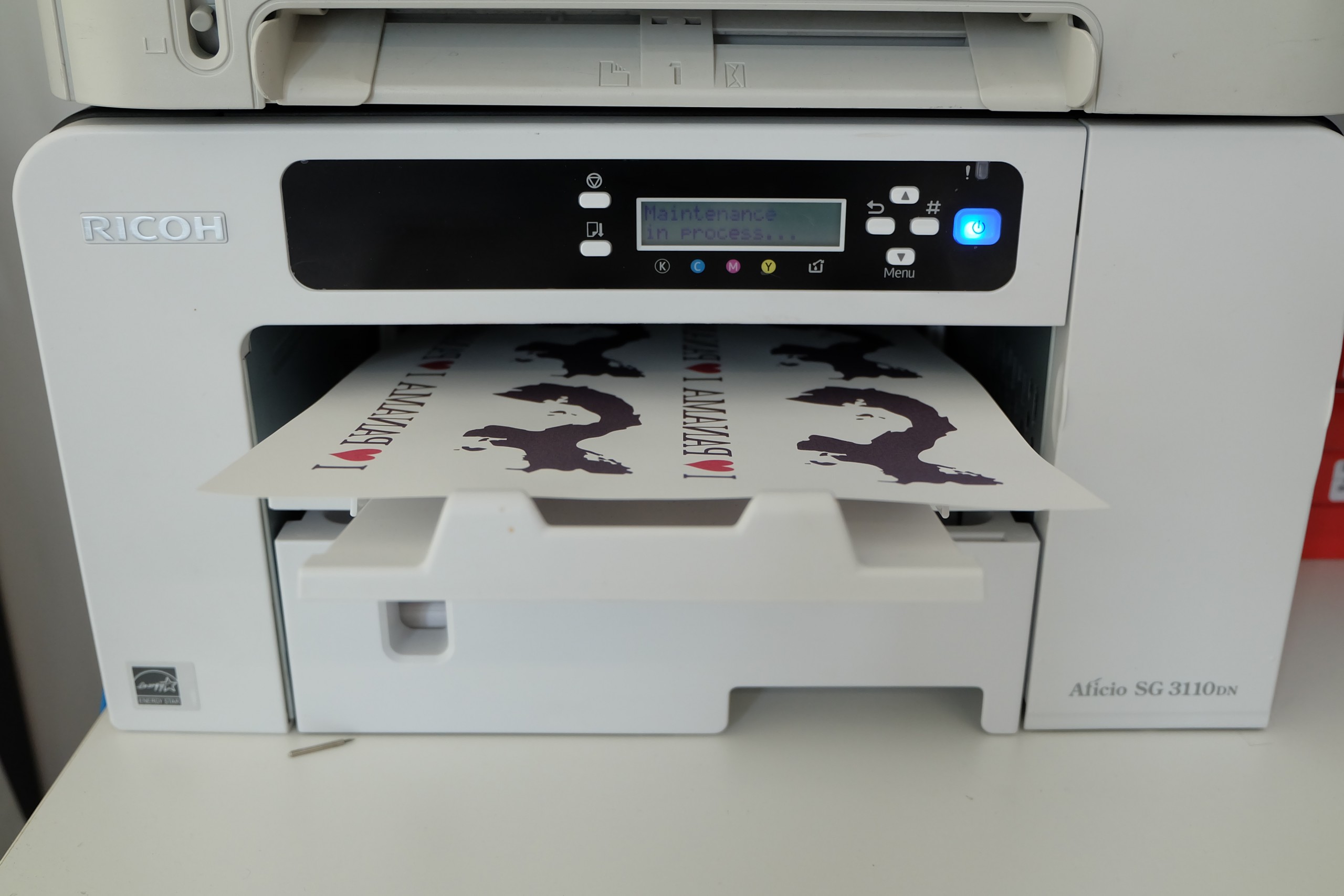
First, we created the design in DrawCut Pro, laid it out on A4 paper and printed it using the Sawgrass Powerdriver on our Ricoh SG 3110DN. The advantage of the Powerdriver is that you can select the type of sublimation paper and the transfer object (mousepad, ceramics, jigsaw puzzle, etc.), and the colours are optimised accordingly. This is the only way to ensure true colour reproduction in sublimation quickly and easily.
2. Cut out the designs and stick them on
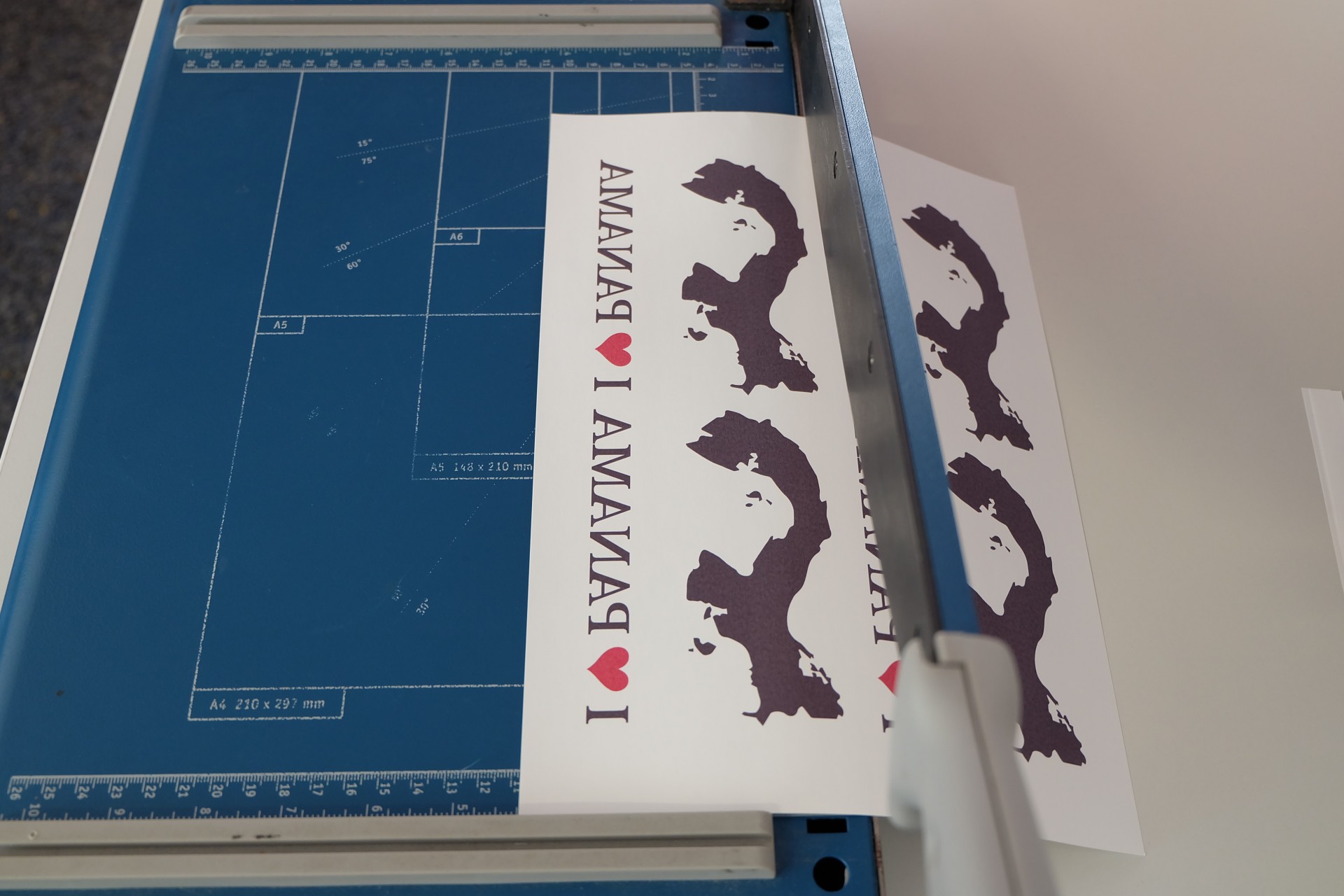
The printed designs are cut out as close to right angles as possible (to retain a reference edge for alignment) and stuck onto the prepared mugs using heat-resistant adhesive tape. In our example, we are using a premium Subli mug, Grade AAA with ORCA sublimation coating. This type of mug has an extremely bright white surface and the perfect coating for durable and excellent sublimation transfers.
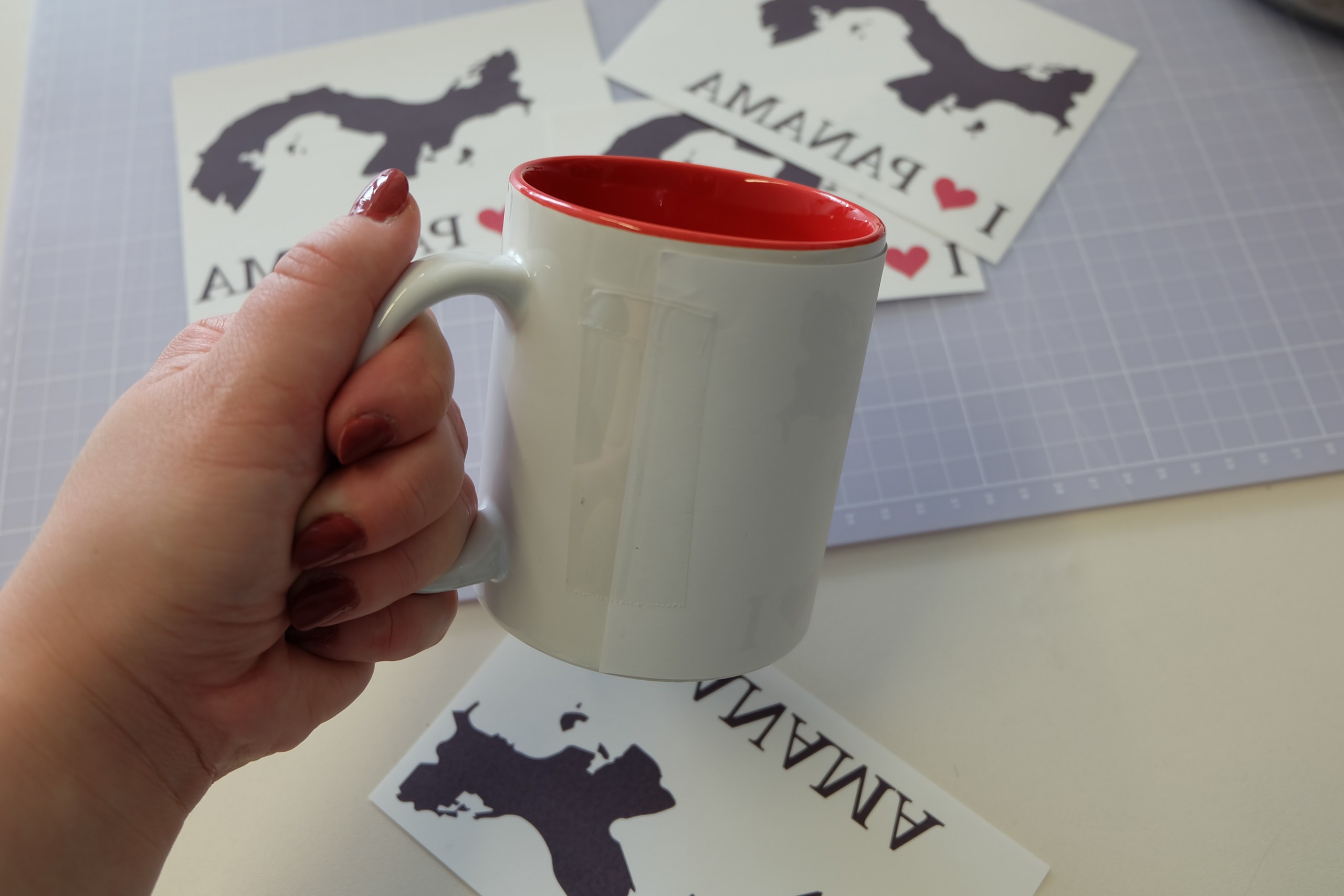
A quick tip: If you fold back one edge of each strip of heat-resistant tape, you’ll find it easier to peel it off the mug after the transfer without leaving any scratches.
3. Pressing cups
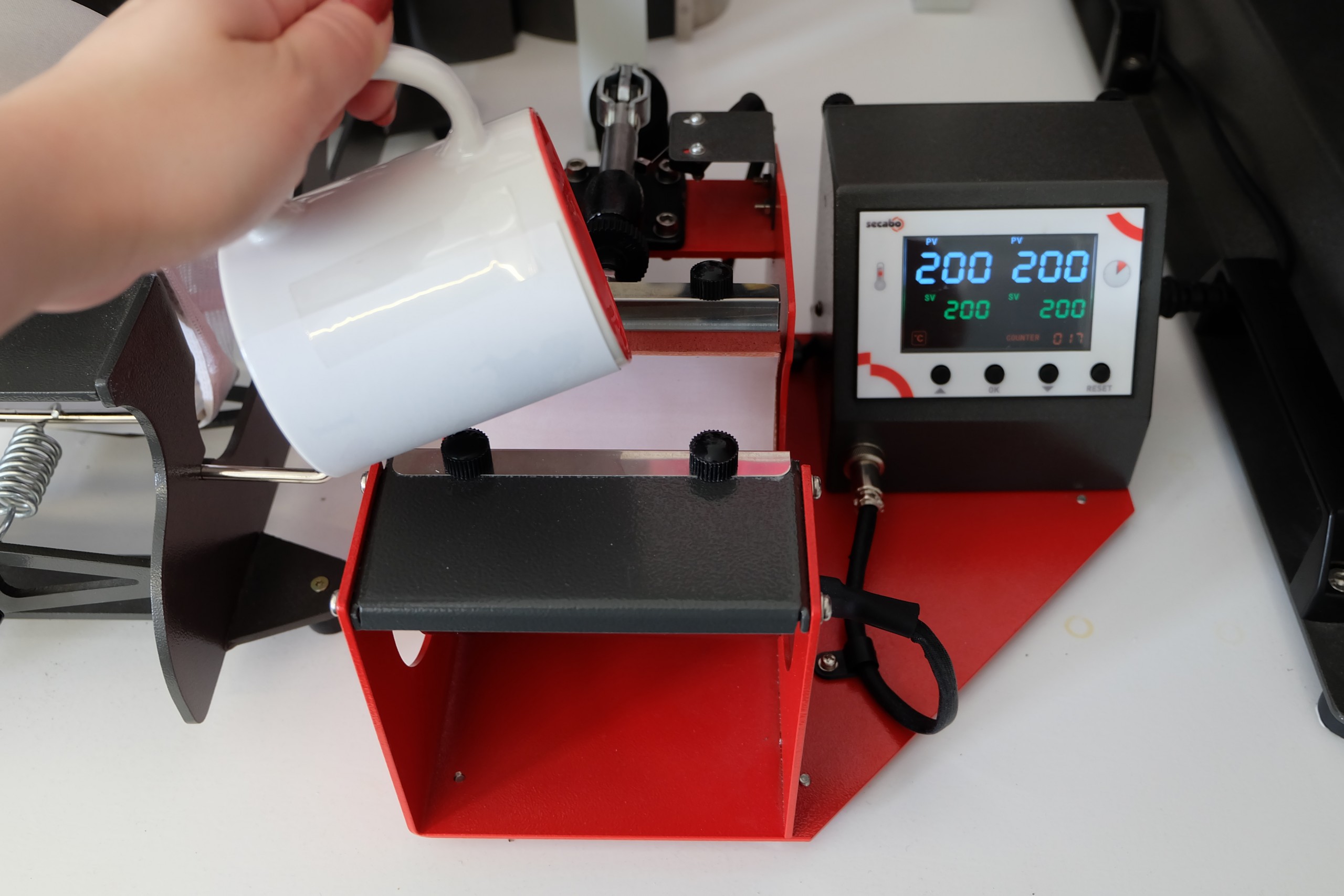
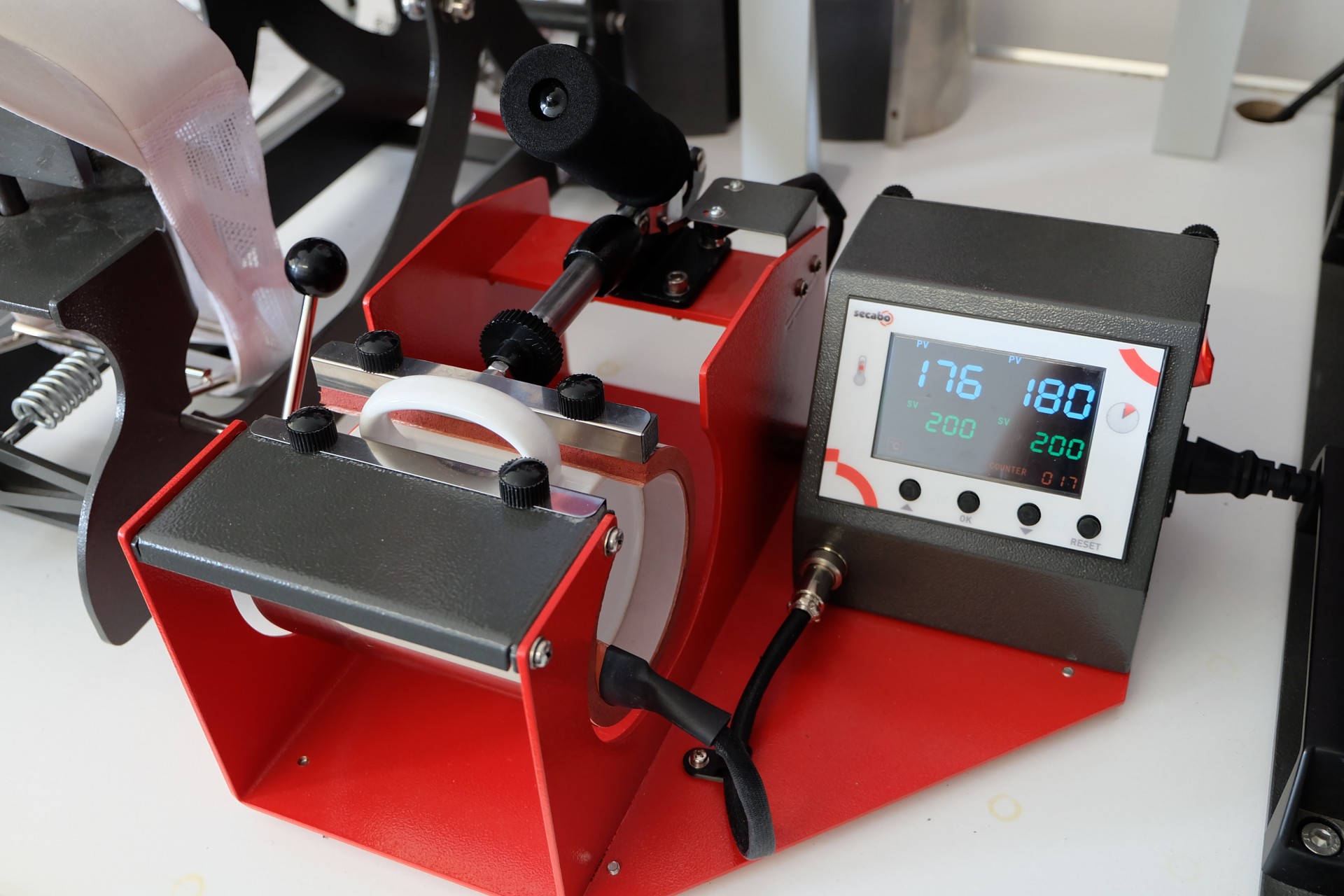
The cups were pressed in a Secabo TM1 cup press at medium pressure for 180 seconds at 200°C. As the mugs have a high heat capacity, it is perfectly normal for the temperature of the press to drop significantly at first, in some cases to below 150°C. Hence the long transfer time – the crucial period is the final 20–30 seconds, during which the temperature has returned to 200°C.
4. Peel off the transfer paper
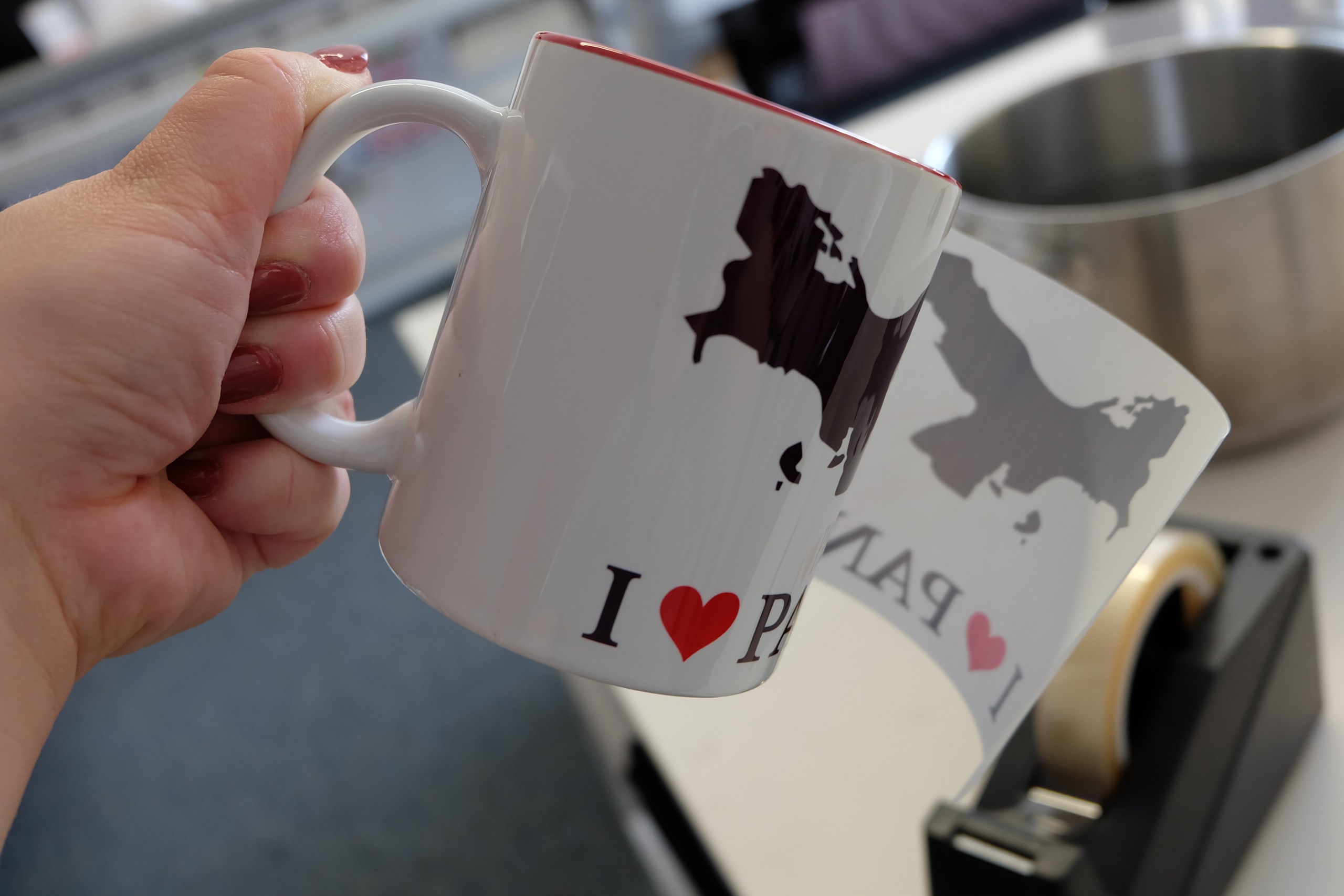
Immediately after removing the mug from the mug press, the transfer paper must be peeled off – ideally in one go – to avoid ghost images on the mug, which is still at 200°C. Thanks to the tab you attached earlier, the paper and the adhesive tape can be removed very quickly.
5. Rinse the cup under cold water
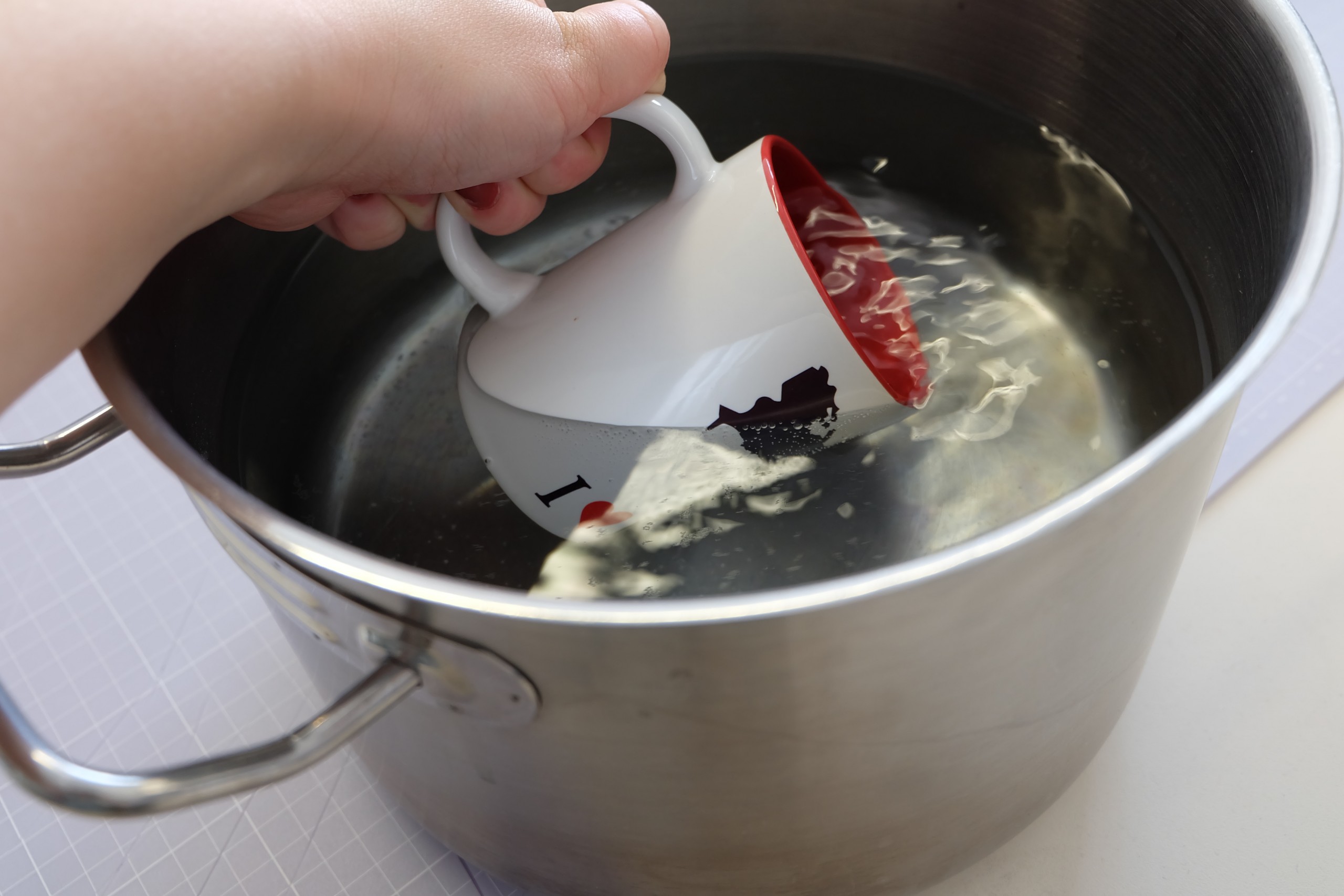
Immediately after removing the transfer paper, we plunge the mug into hot water. Cold water would be too cold for the cup, which is at 200°C, and it could break. That is why we use hot water – which is repeatedly reheated during the quenching process itself, so there is no need to replace it during production. The quenching process cools the mug sufficiently to halt the sublimation process and prevent the ink particles from evaporating. This ensures that the images remain beautifully clear and the edges sharp.
6. Polish the cup and – that’s it!
Now we can wipe off any dust and leftover adhesive from the thermal tape, and we’ve got this brilliant photo mug!