Digital Finishing: Summer, sun and cacti with the Secabo FC100!
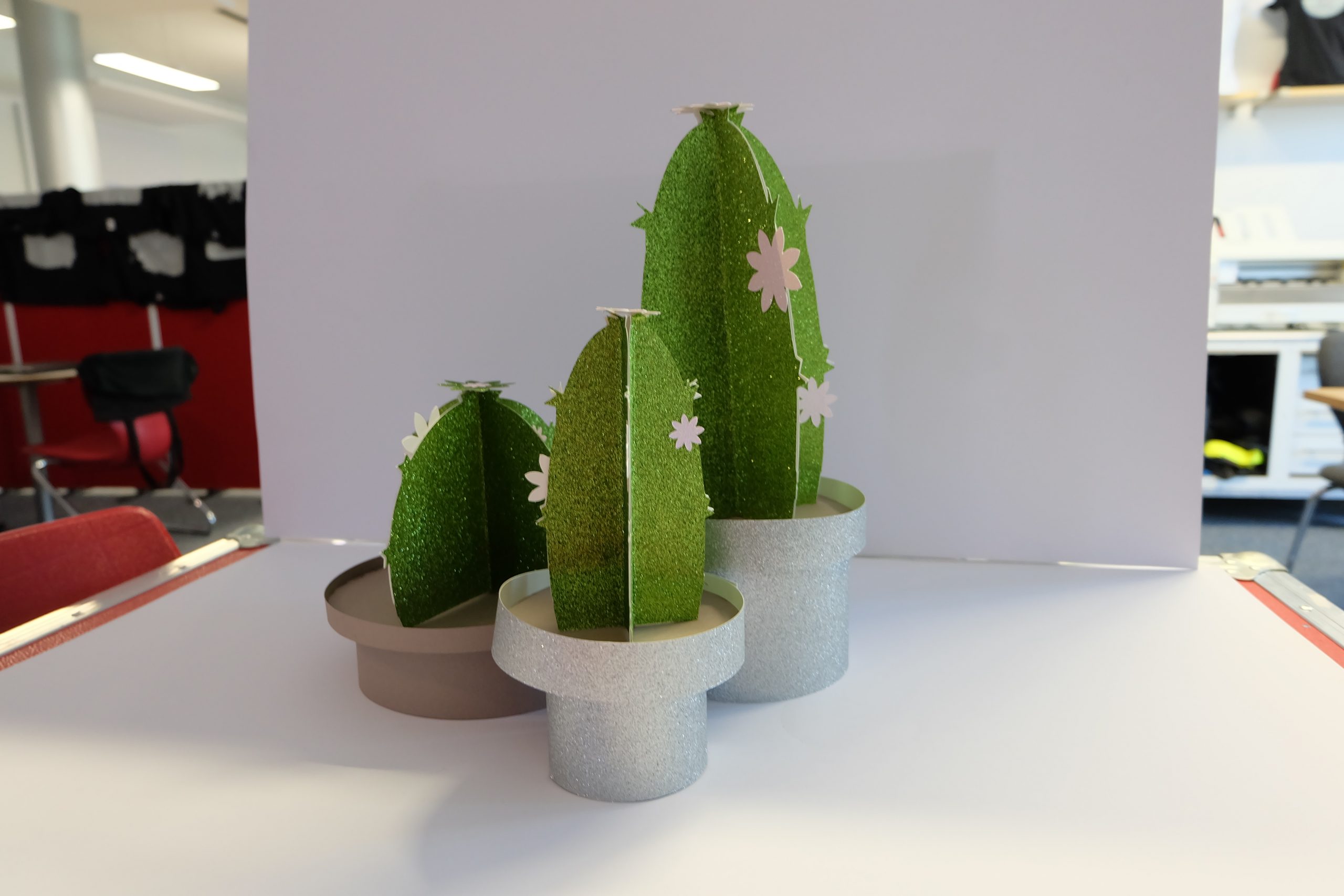
We’ve actually been trying to cut out and make a cactus using the Secabo FC100 flatbed cutting plotter. Will it work?
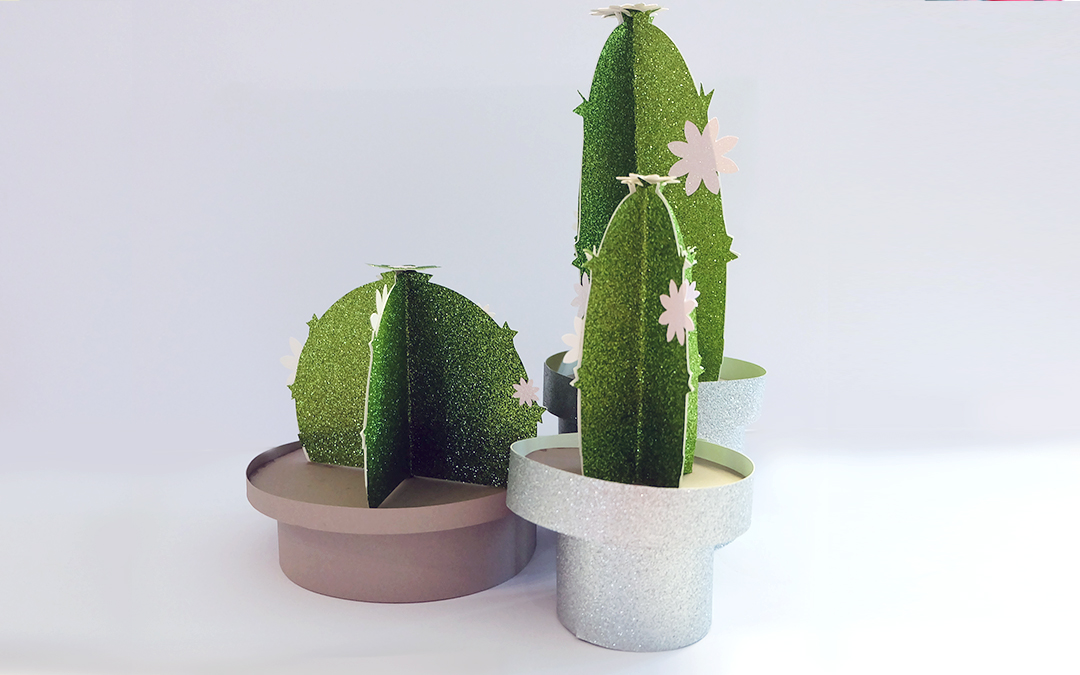
A warm welcome to the YOW! Blog! Today we’re back in the world of digital finishing. We’ve been trying out the Secabo FC100 flatbed cutting plotter to cut out and make a cactus. We were really impressed by just how many different things you can cut with it. As digital finishing technology continues to develop, the possibilities keep growing, and it’s simply great fun to try them out with the Secabo FC100 or FC50 flatbed cutting plotters. Regardless of the individual design, a wide variety of shapes can be cut. You don’t need a die-cut template and can even process very small print runs quickly. There are so many fantastic applications made possible by Secabo’s digital finishing machines, and we simply want to provide some inspiration here.
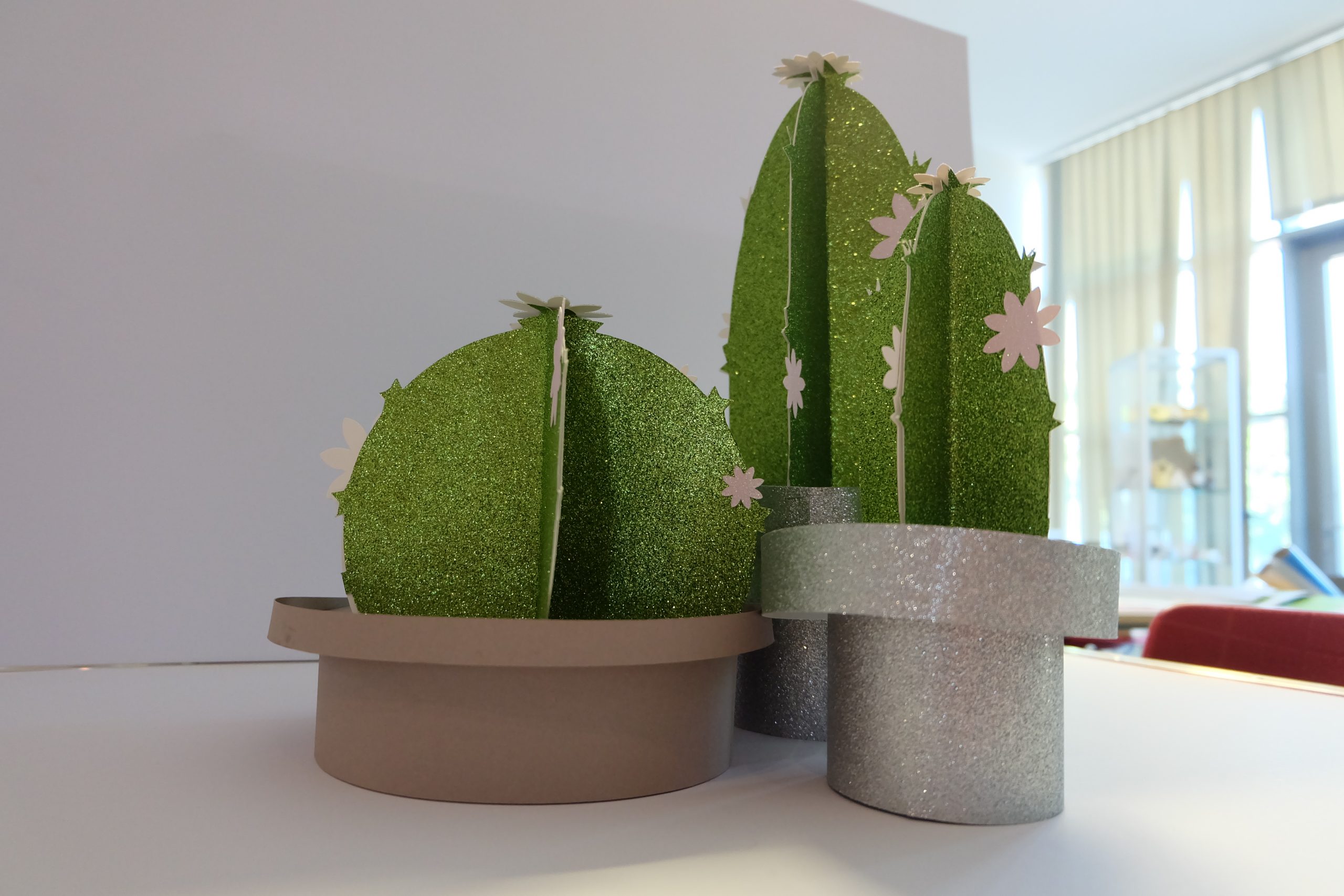
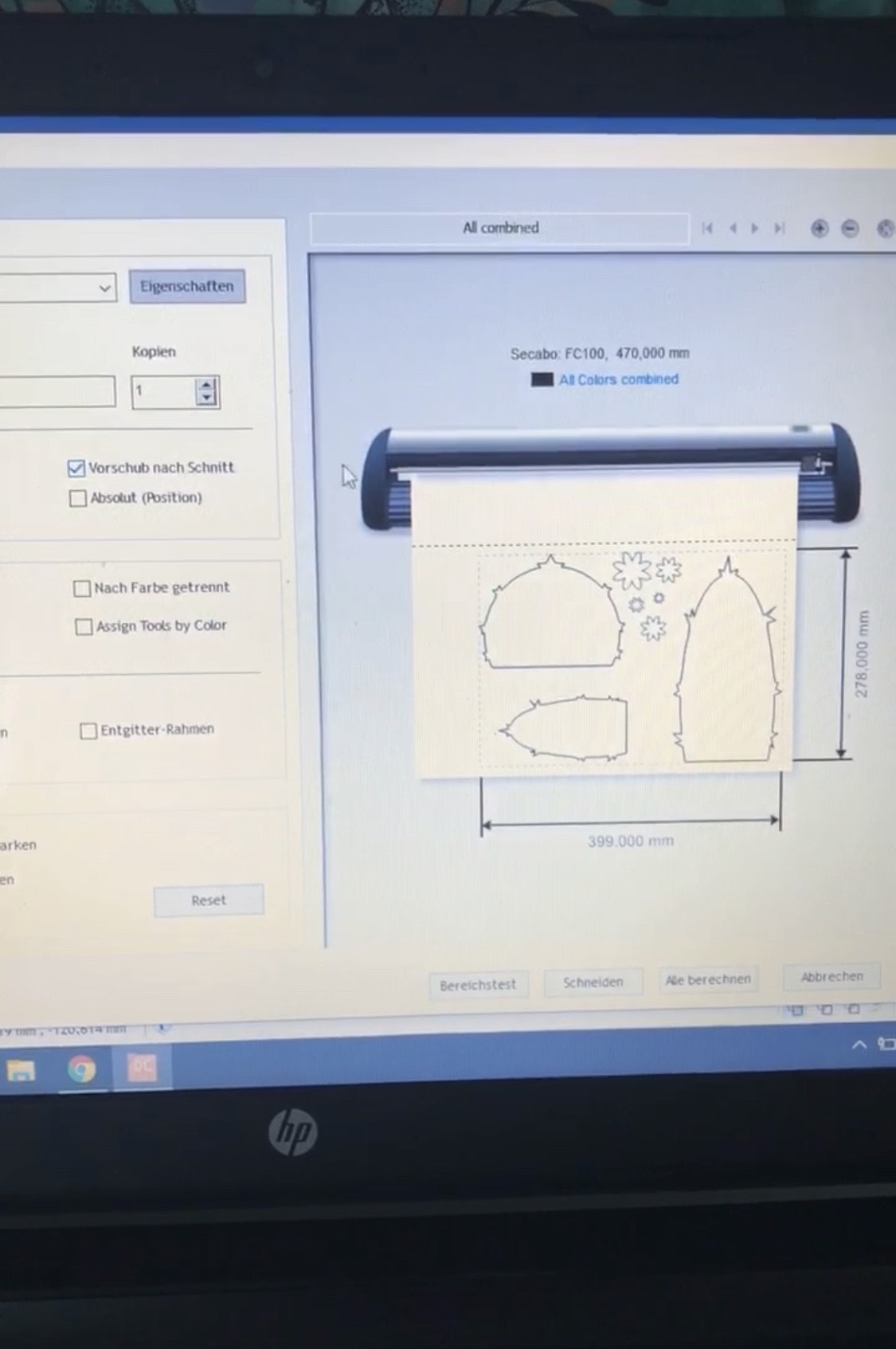
First, the cactus itself needs to be plotted.
We created a file for this containing three different cactus sizes. We then plotted these out four times onto card. We basically need four plots for one cactus (not counting the pot or anything else). As you may be able to see, we’ve decorated the cactus with little flowers at the end. We’ve placed these directly alongside the cactus stems in a single file. In this case, we only need the cutting tool. You’ll need to experiment with the cutting pressure, but we found that a setting of 200 is sufficient. We also cut over each design a second time, as it’s better to cut over it a few times rather than have the cutting pressure set too high.
Tip: If you like to use glitter card, make sure you cut it upside down – with the rough side facing downwards – as this ensures the blade cuts even more precisely.
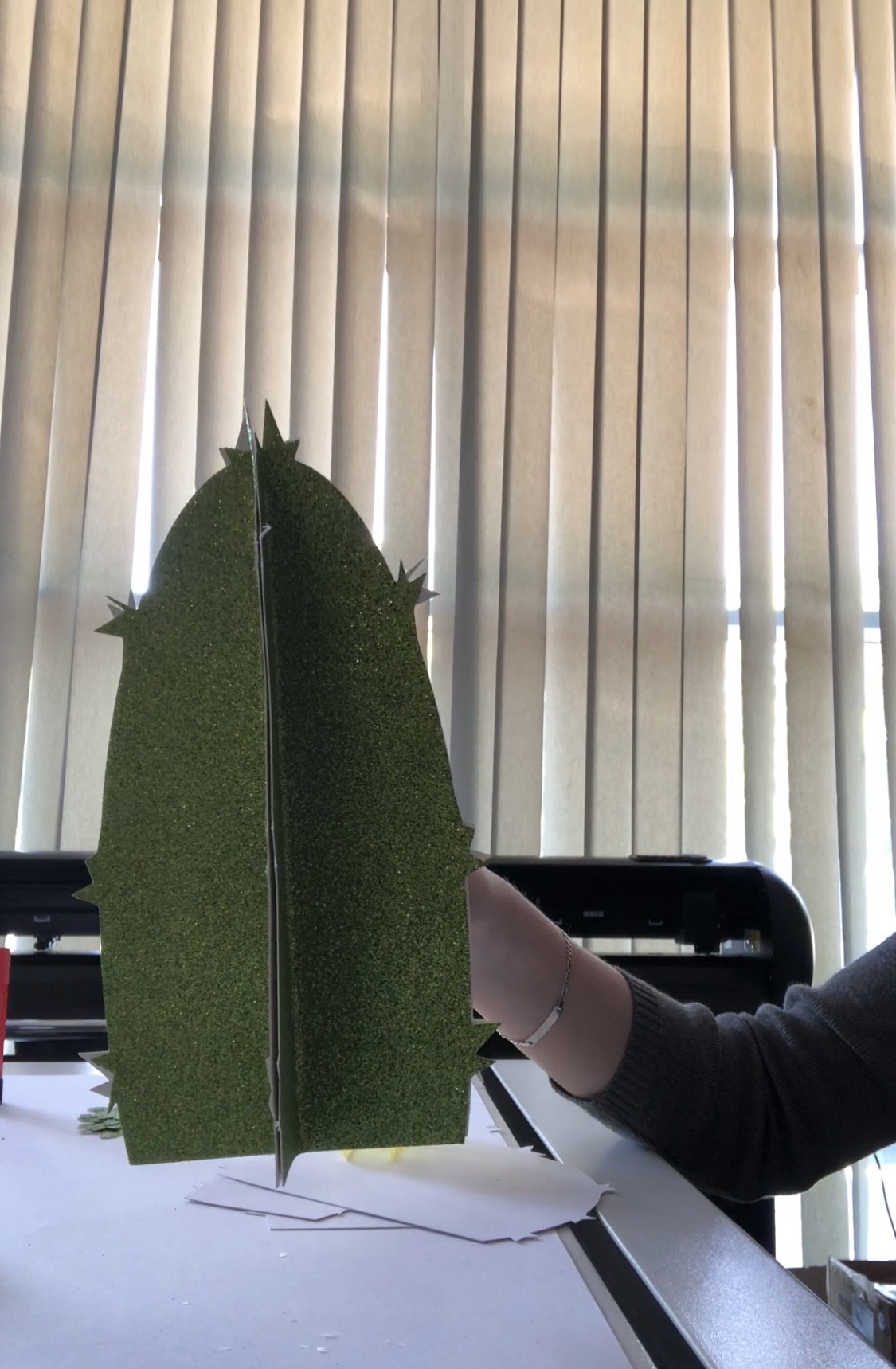
After that, all the cactus stems must be folded in half.
Have you traced everything out? If so, you can now fold each cactus piece in half. Make sure the glittery side is on the inside! You can now stick all four cactus pieces together so that the white areas are no longer visible. Only the glitter should be visible.
Circles must be plotted.
You can then plot out the circles on which to place the cacti. To do this, simply use the circumference of the cactus’s ‘base’ as a guide. The circles can now be decorated with the cacti.
Now the pot needs to be cut and glued together.
Now we move on to the lower section. We need a pot and a thin strip to hold the circle with the cactus on it in place (as you can see in the picture above). This means you should now plot out a thin strip – in the size of your choice. Whilst you’re at it, please plot out the pot as well. You can do this by creating a rectangle and adjusting it accordingly. Now the ends of the pot and the strip (not to each other!) can be stapled together. Stick the circle onto the small, stapled strip, then stick the finished cactus onto the circle, and finally stick the whole thing onto the pot. It’s best to use superglue and, to be on the safe side, always let it dry completely.
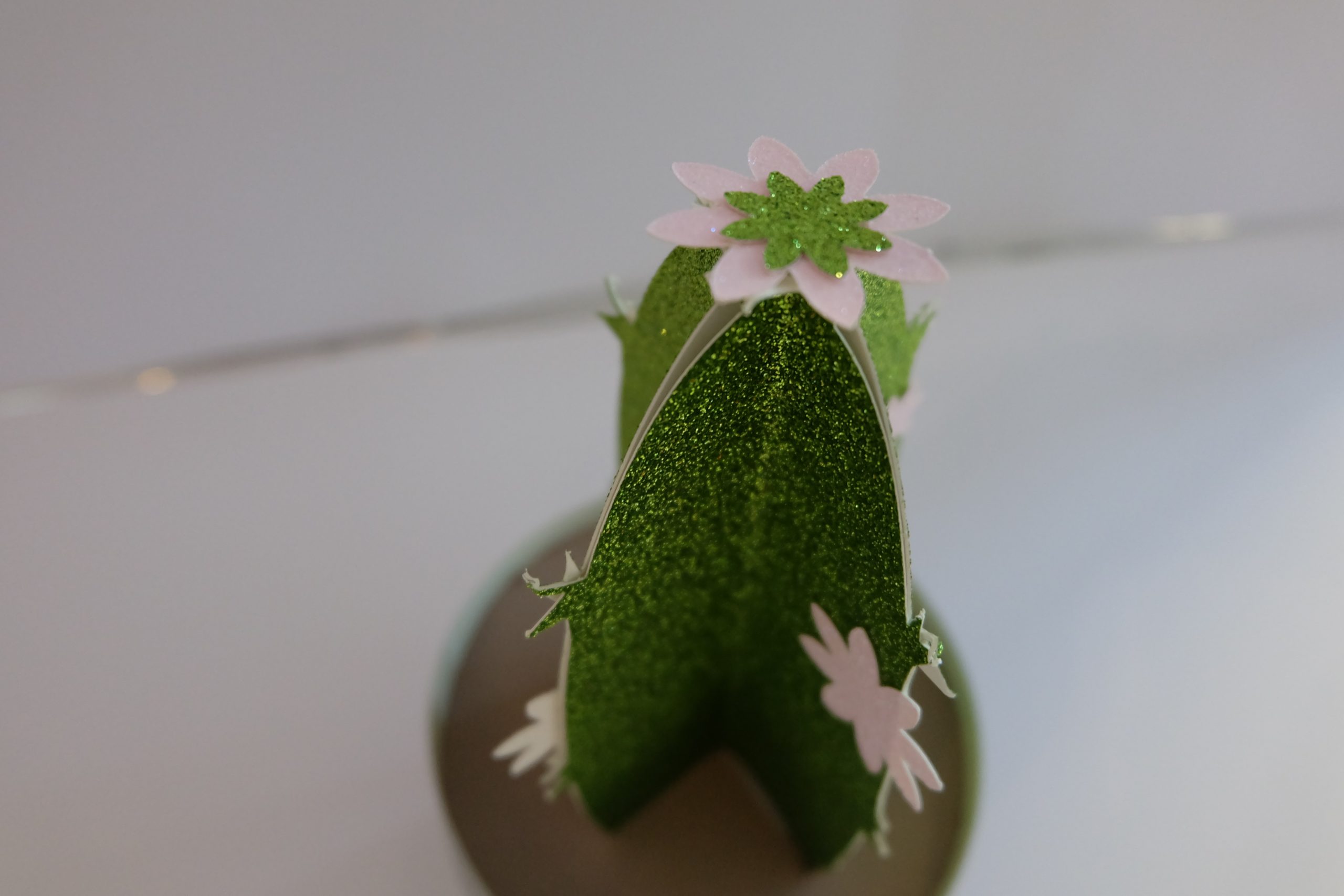
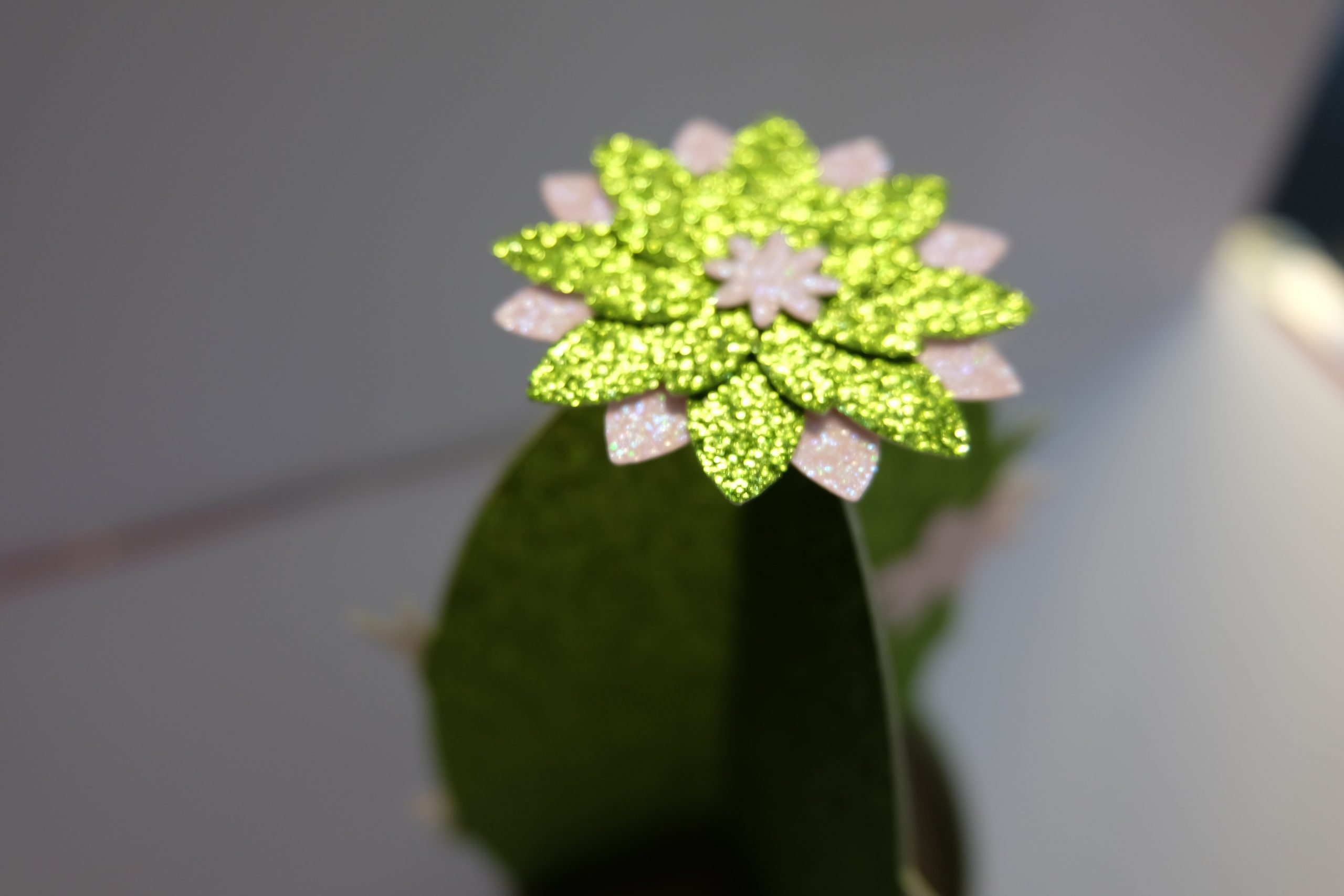
Last but not least, stick the flowers onto the top. And there you have it – your homemade cactus is ready.
Have you seen our other blog posts on digital finishing? If not, why not have a look here? If you have any questions, please feel free to contact our helpline on 0800 – 9697467 at any time.
We’d also be delighted to receive any suggestions, tips, compliments or criticism. Please do get in touch!