Express yourself – customise a T-shirt with flex foil
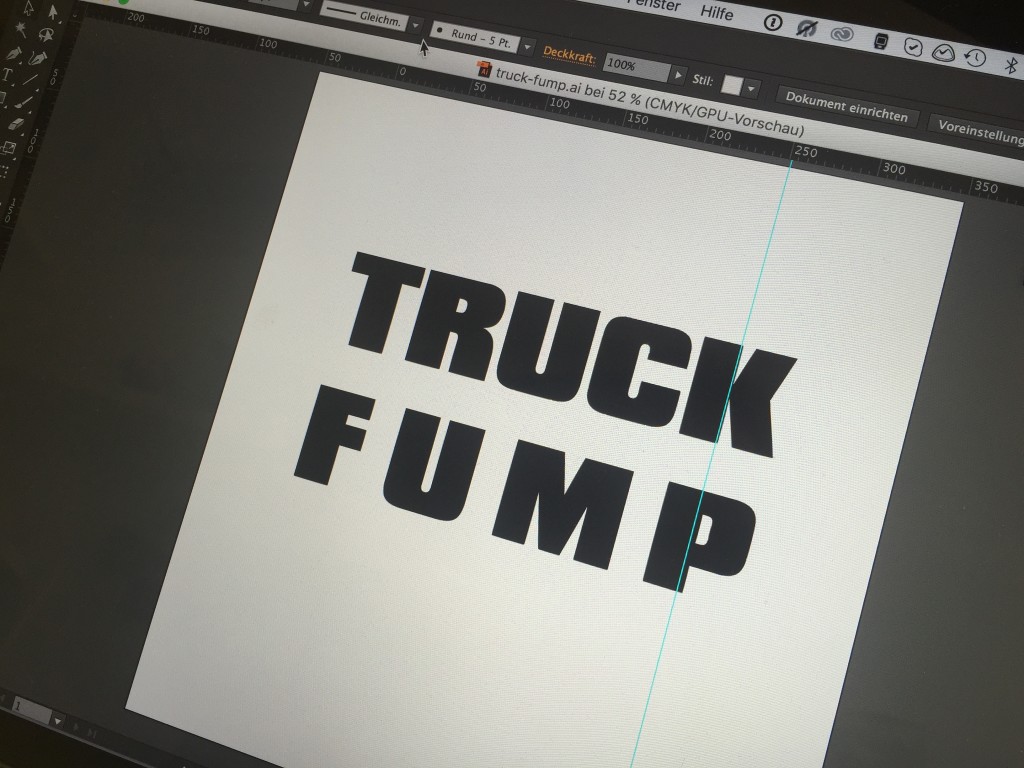
YOW!’s creative technologies make it possible to customise textiles with striking designs in just a few minutes, allowing you to give free rein to your imagination.
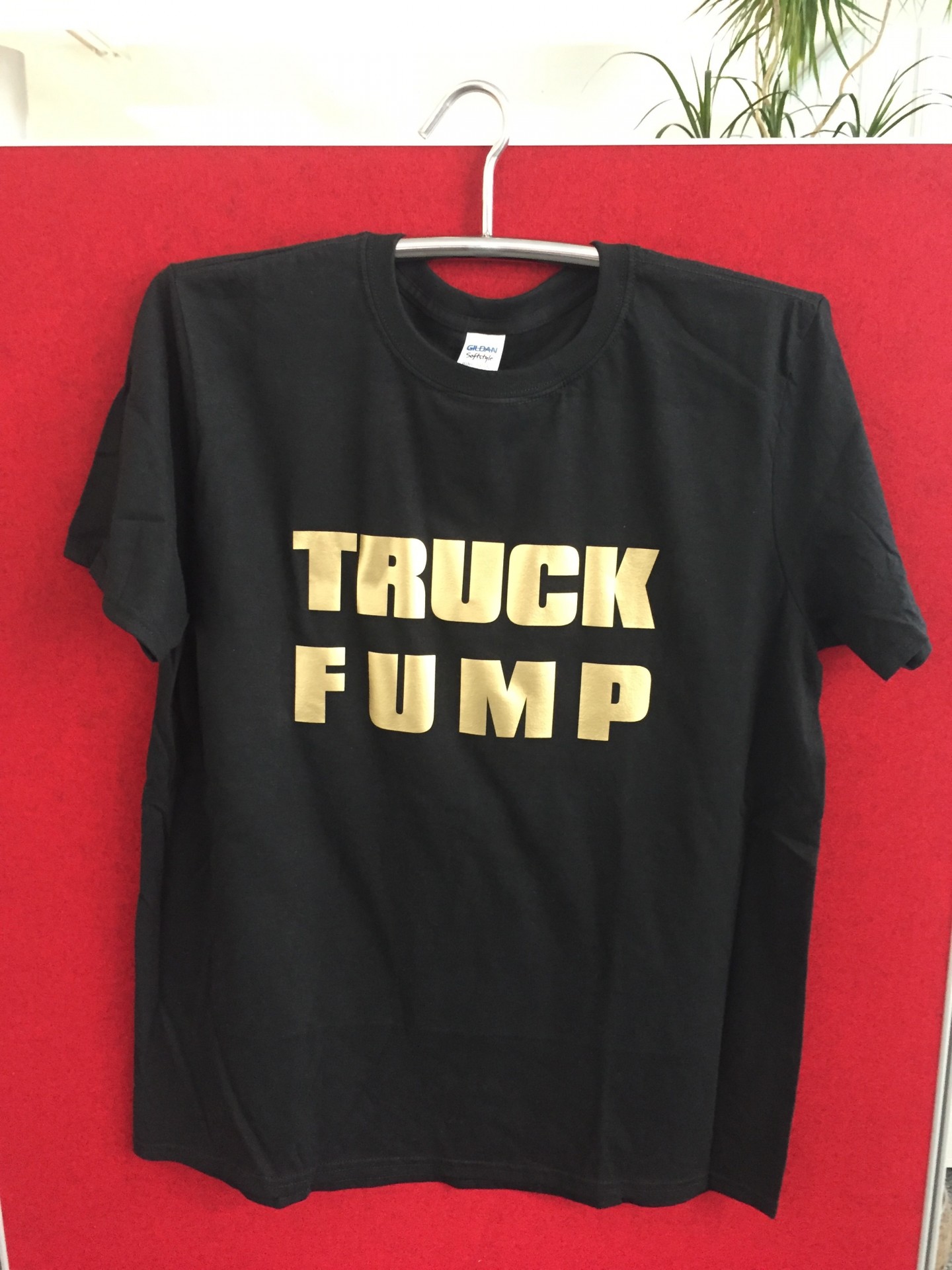
The file for the shirt shown is available for download here.
Here, we’d like to briefly describe such a creative process using a few images:
1. Create a design or logo, in this case in Illustrator CC – save the file as .ai, .eps or .pdf.
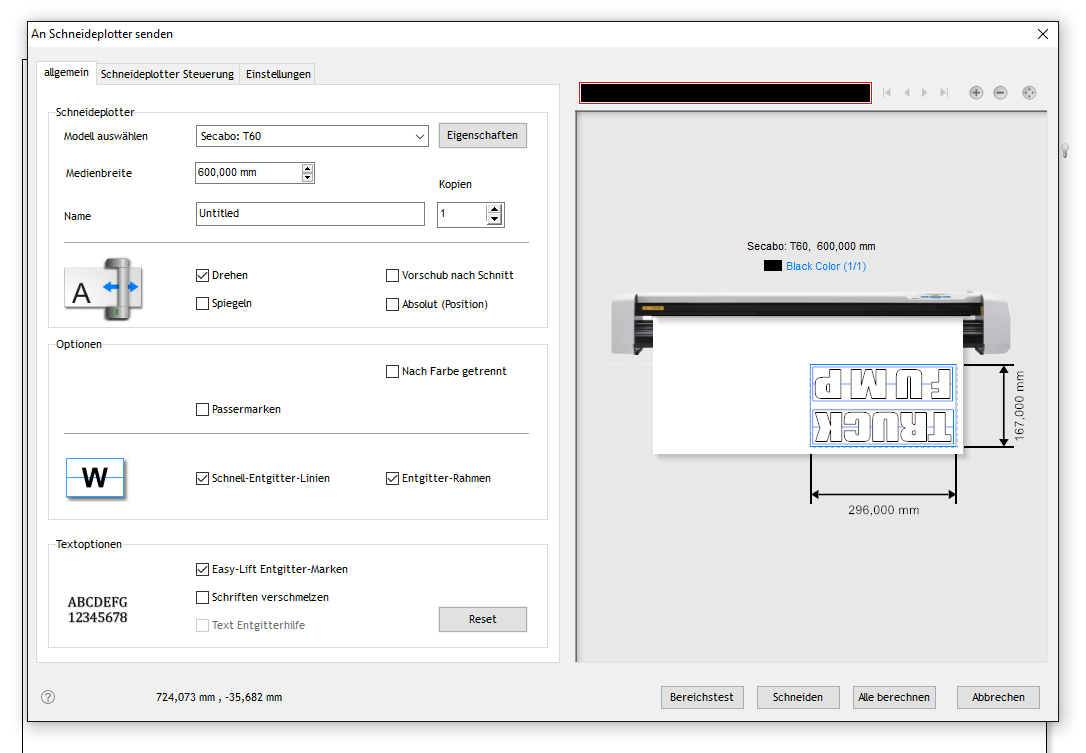
2. Import the graphic into DrawCut PRO and send it to the cutting plotter – in our case, a Secabo T60 – at the correct size.
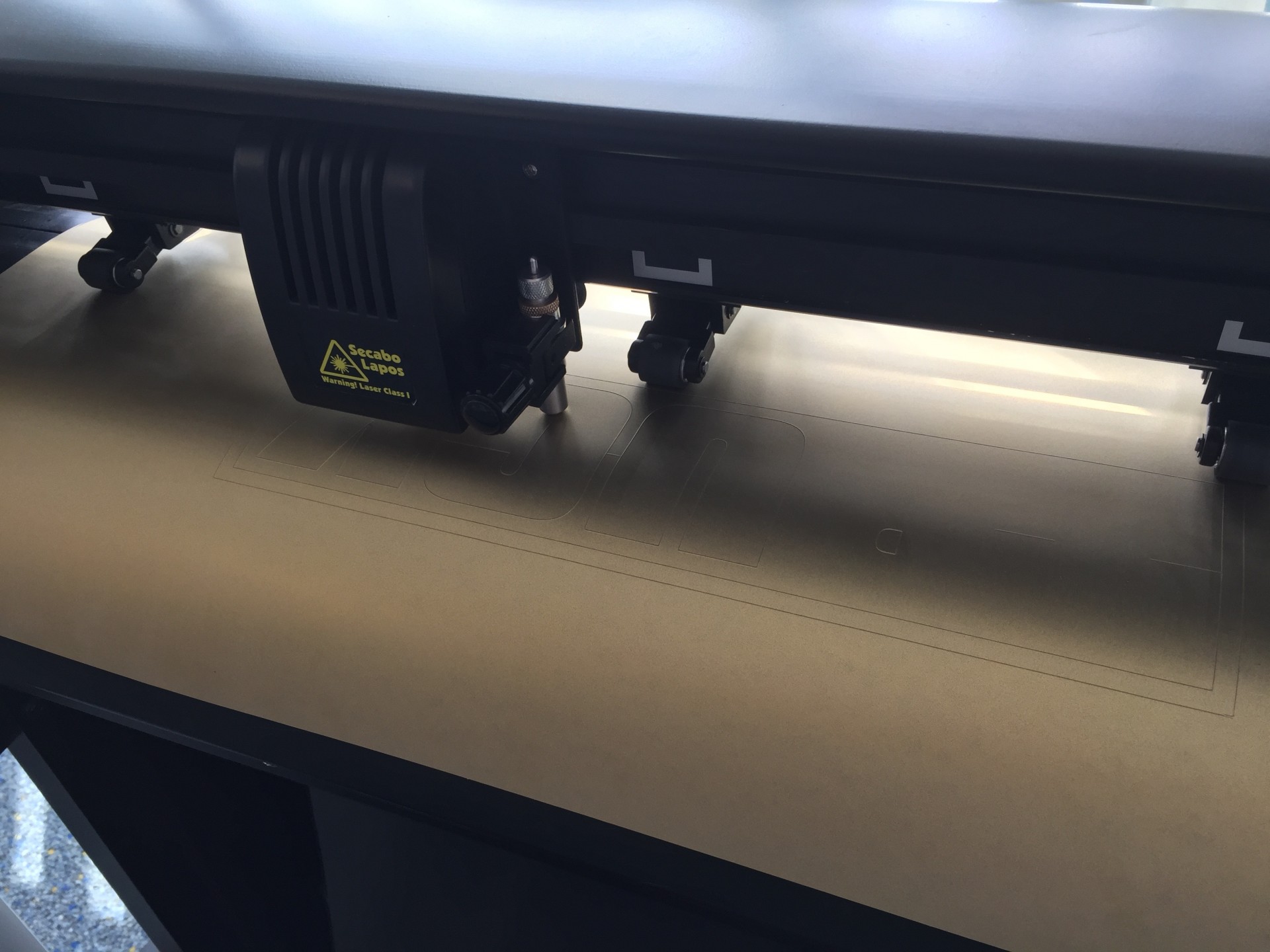
3. The cutting plotter – still the Secabo T60 – cuts out the lettering from a gold flex foil by Selectsign, in this case using a weeding frame to make it easier for us to remove the excess foil.
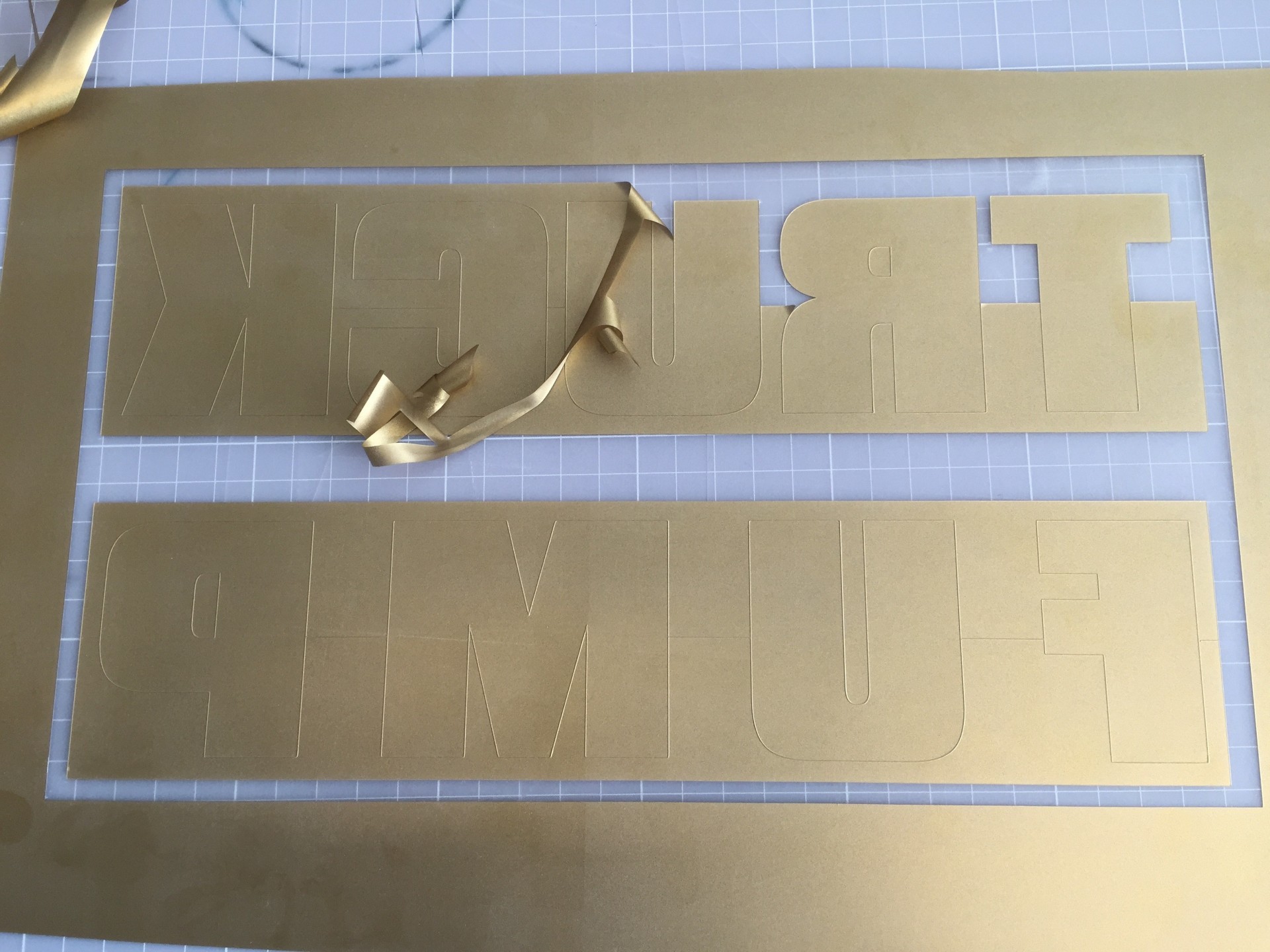
4. Weed out the lettering using a scalpel or weeding pen.
5. Place the lettering in a heat transfer press and position it exactly where you want it.
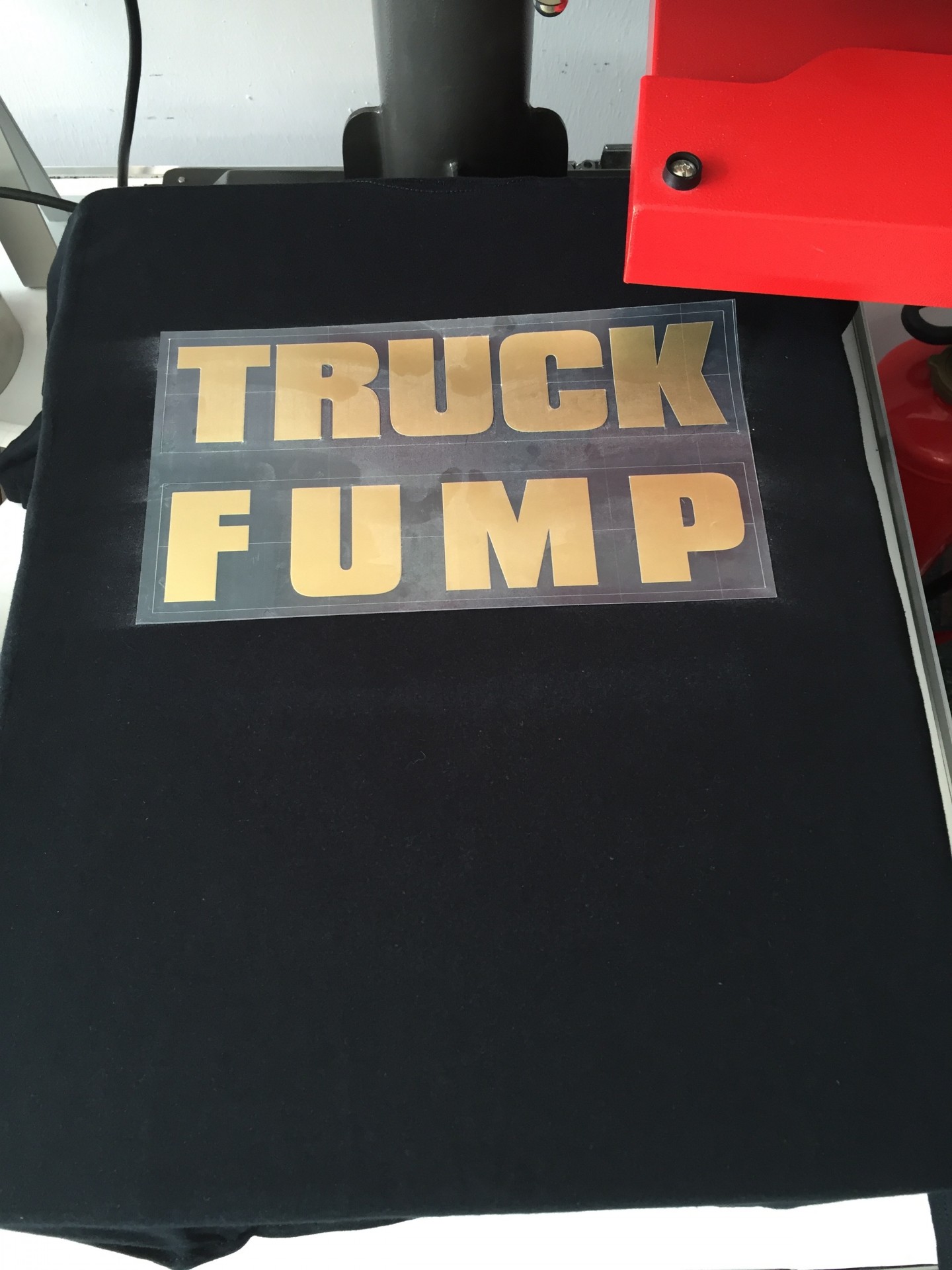
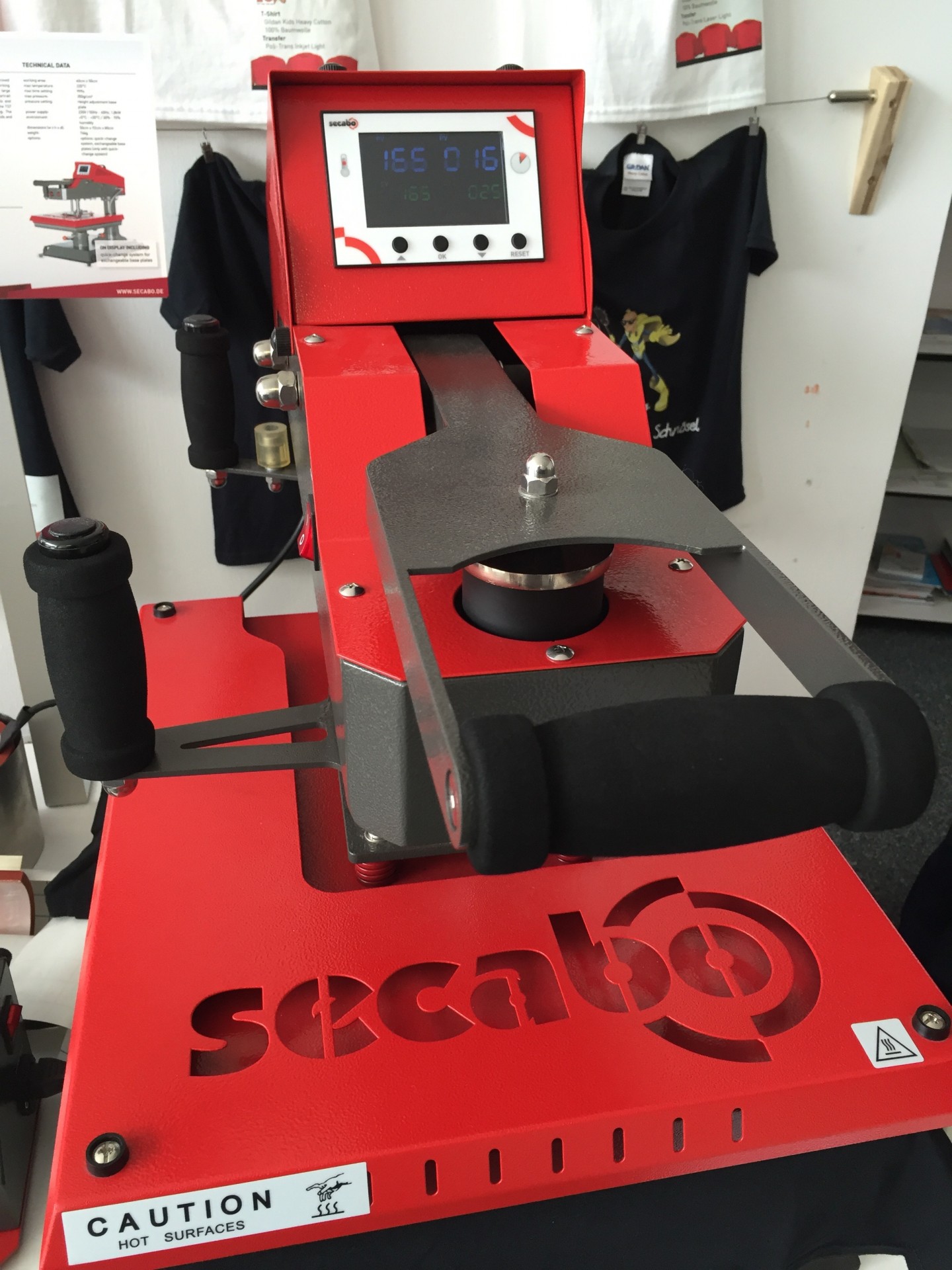
6. In our case, press at 165°C for 20 seconds, using a Secabo TS7 swing-away transfer press.
7. Peel off the transfer film as soon as the transfer and the T-shirt have cooled down.
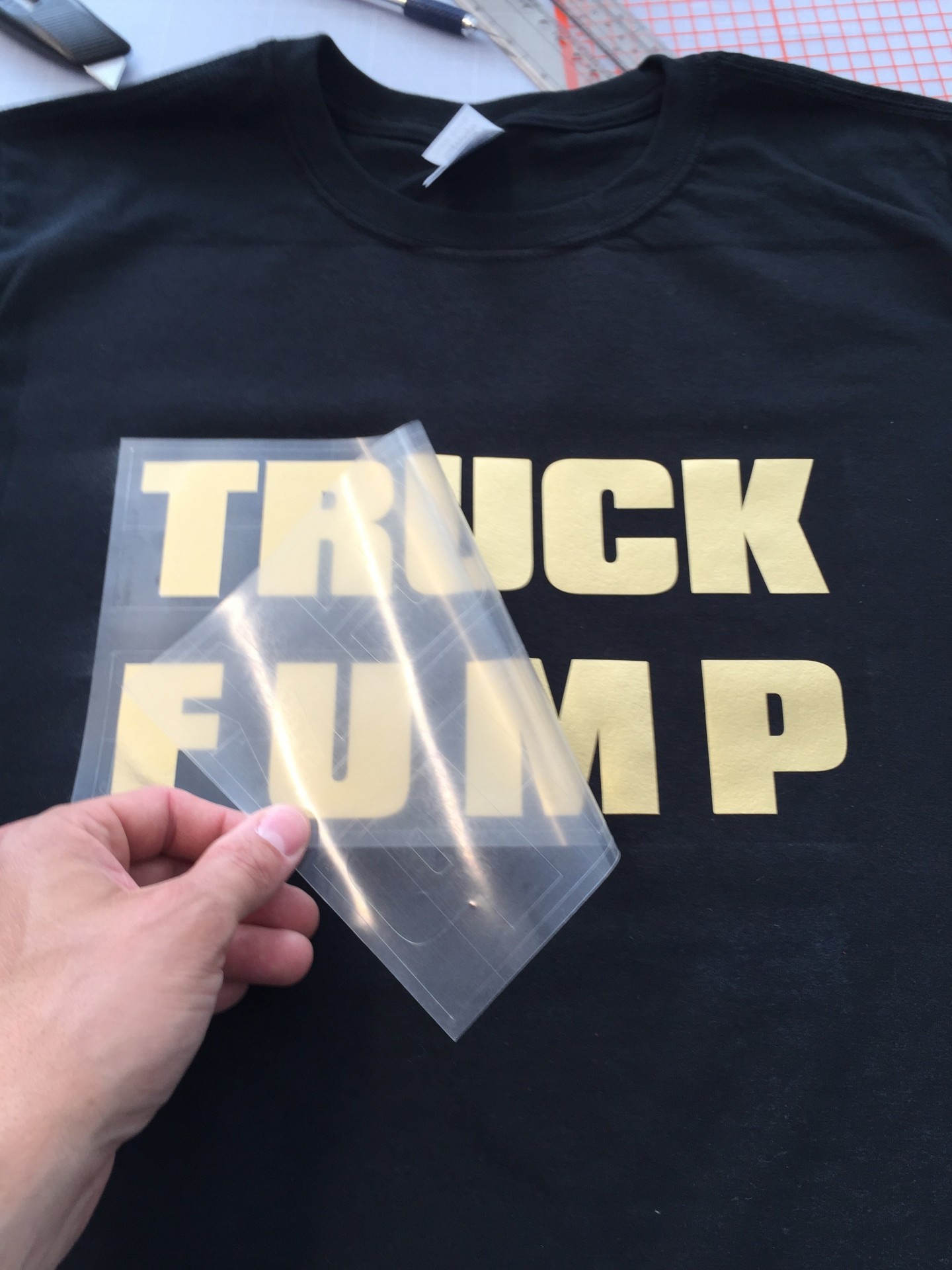
8. And there you have it – your printed T-shirt is ready. It’s turned out lovely, hasn’t it? For those who’ve had a go at it before, the whole process takes less than 10 minutes…