Button templates suitable for all Secabo button-making machines
Button templates for all current button-making machines and blank buttons from Secabo.
When producing buttons of all shapes and sizes, the first step is always to create the appropriate template. The correct format is crucial here – after all, the text and images you want should be fully visible and correctly positioned on the buttons.
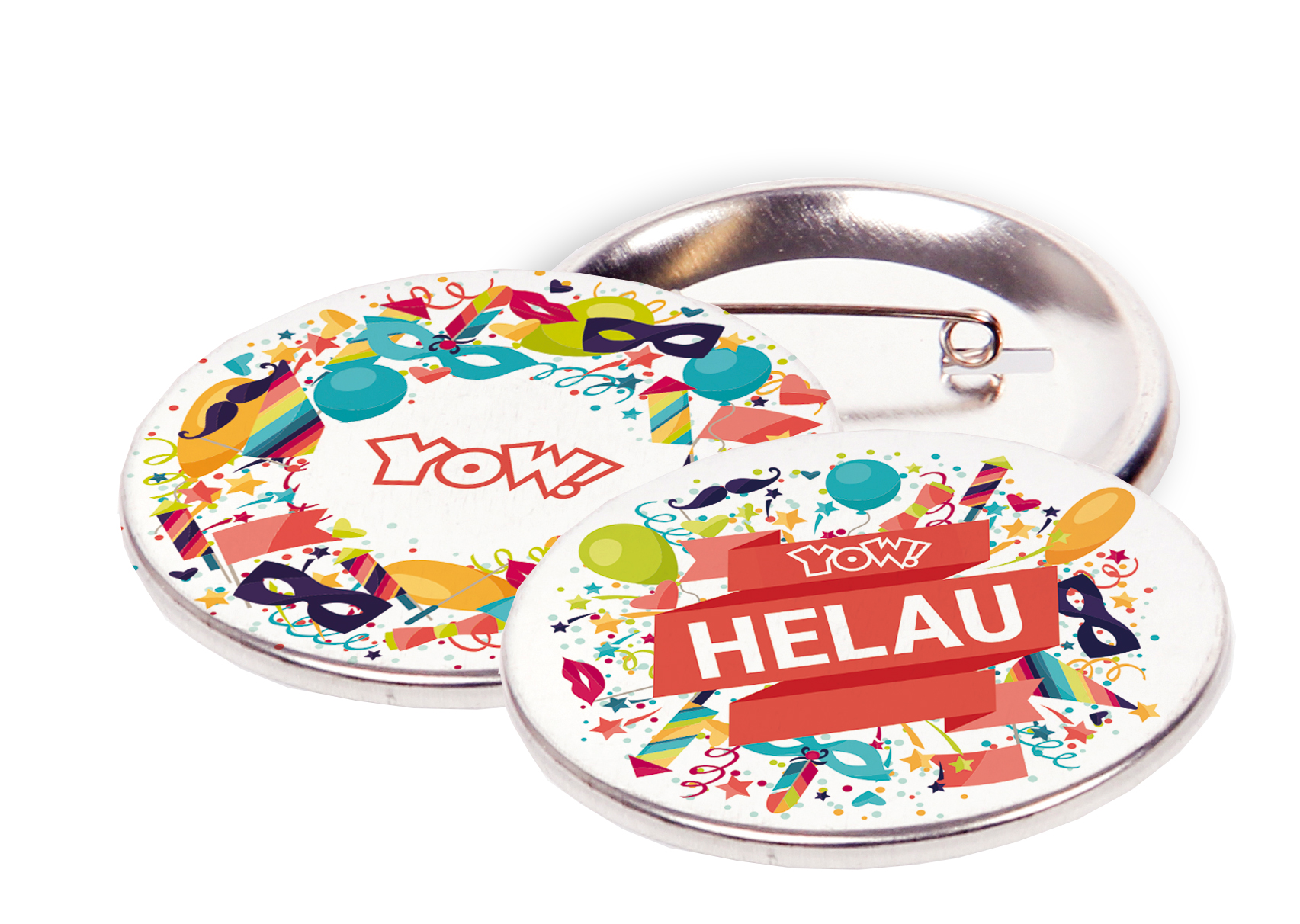
As the dies each produce a blank that is larger than the visible final size of the button, it is always difficult to allow for the correct margins and spacing. We are therefore publishing a complete collection of all Secabo button templates here. These are compatible with Secabo’s current range of buttons and button-making machines.
Button templates in EPS format:
http://de.y-o-w.com/downloads/button_vorlagen.eps
Button templates in CorelDraw X3 format:
http://de.y-o-w.com/downloads/button_vorlagen.cdr
Button templates in CorelDraw 10.0 format: