YOW! Graphics Training
At the YOW! Graphic Design Training Course, we’ll give you a practical and comprehensive overview of all aspects of graphic design for your advertising campaigns.
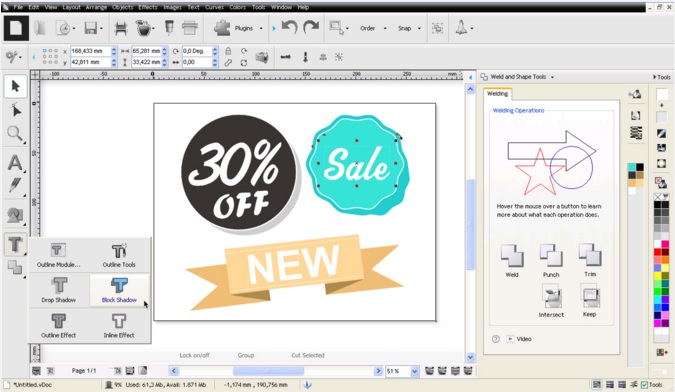
You have the ideas – YOW! provides you with the expertise, machinery and materials for all your projects! Take advantage of the YOW! graphics training course to familiarise yourself with the software’s capabilities.
All this and more awaits you
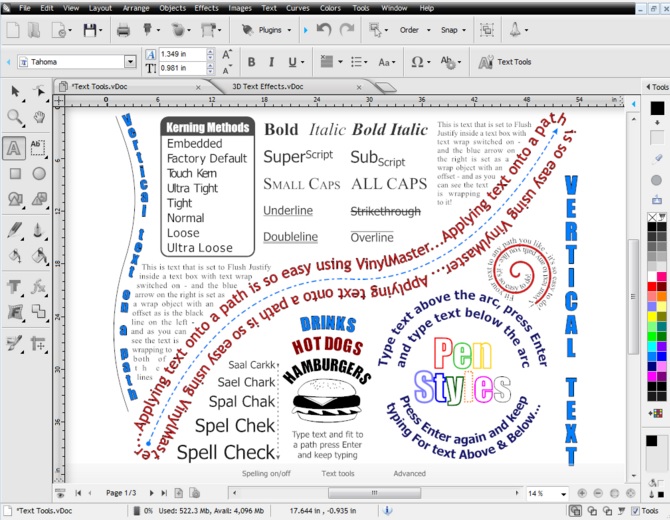
Signmakers, textile finishers and all other users of cutting plotters need cutting software to design and format their illustrations so that they can be cut by their cutting plotter. In our YOW! graphics training course, we present a comprehensive, practical overview of all aspects of graphics processing – specifically plot-ready designs – for your advertising campaigns. You’ll also receive tips and tricks from the specialists at YOW!. Thanks to the wide range of topics and practical explanations in YOW! Studio, you’re guaranteed to get your money’s worth.
Get a 10% discount
As a participant in a YOW! creative workshop, you’ll receive a one-off 10% discount on all products you order during the workshop (or in the week following it)!
Dates
Saturday, 14 May 2016 in Wolnzach

Saturday, 20 August 2016 in Wolnzach
Saturday, 19 November 2016 in Wolnzach
on each occasion from 2.30 pm to 5.30 pm
Registration
The registration fee is 99 EUR, including VAT. This naturally includes training materials, resources such as transparencies for plotting, and refreshments.
Please register via the following link
https://www.y-o-w.com/de/kreativ-workshops/
or call us on 0800 9697467!
We look forward to seeing you!
Workshop programme
The following programme awaits you at the graphics training course
- Vector graphics vs. bitmap graphics
- An overview of graphics applications
- Creating and editing vector graphics for plotting
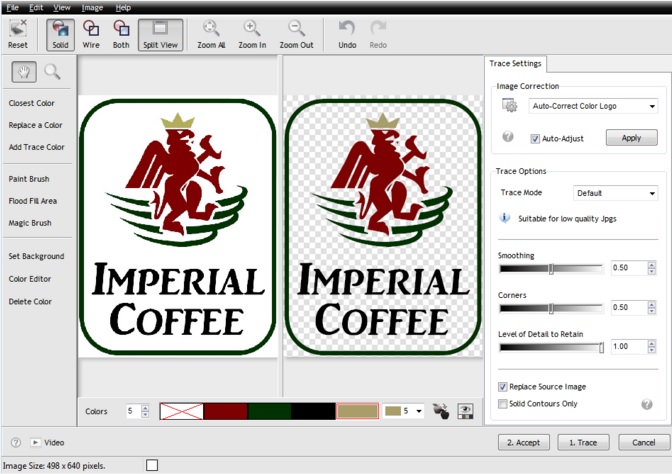
- Vectorising logos and graphics
- Tips for plotting with DrawCut LITE and PRO
- Creating an A3 sheet for READYTransfer