Vector graphics vs. bitmap graphics
When dealing with cutting plotters and similar technical devices, one very quickly and very frequently comes across so-called vector graphics or files containing curves (bitmap graphics). Many PC users are completely unaware of the fundamental difference between these two types of graphics. However, as this difference is by no means insignificant when it comes to using a file with a cutting plotter, we would like to clarify the matter here.
What is a vector graphic?
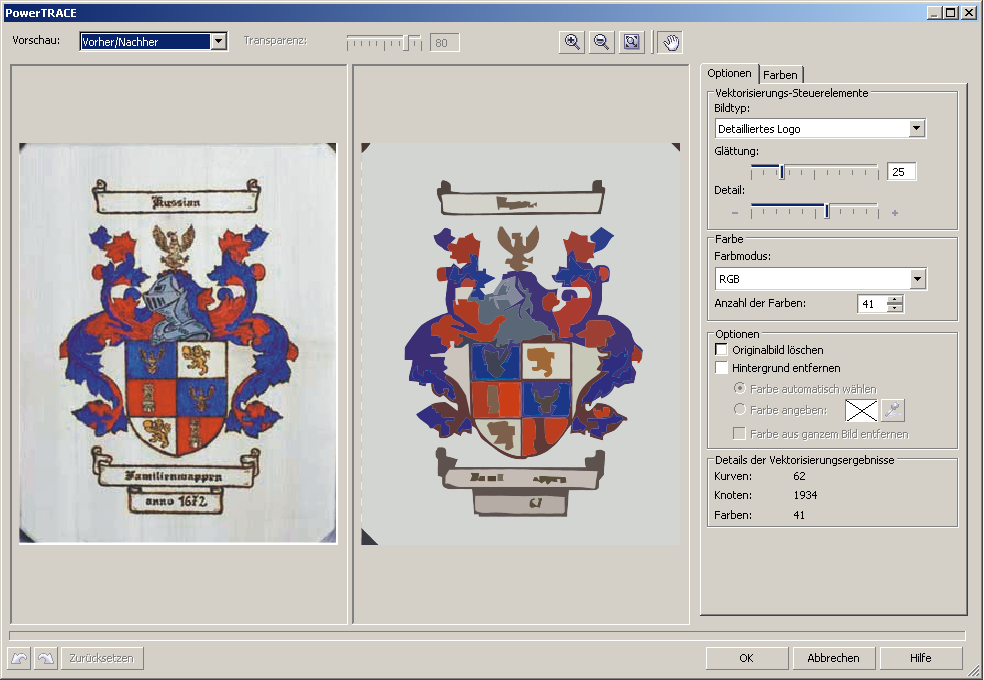
A vector graphic consists of a great deal of coordinate information relating to its individual objects, such as ‘Go to point XY and draw an arc to point YZ with a radius of 150’.
What is a bitmap image?
In contrast, a pixel or bitmap graphic only stores the colour values of individual pixels, in the sense that ‘pixel XY = red, pixel YZ = light red, pixel XZ = orange’, and so on. The following image illustrates this using a section of a sunset:

What are the distinctive features of each of these types of graphics?
Bitmap graphics
Bitmap graphics, or pixel graphics, can – provided they have a high resolution and colour depth – contain very complex and detailed images with colour gradients, shading, contrasts, etc. They are used in all applications within the fields of digital photography and digital image processing. As the colour value for each individual pixel is stored, bitmap graphics require a relatively large amount of storage space, ranging from a few to, in most cases, several hundred megabytes.
A major disadvantage of this type of graphic representation is that enlarging the image is only possible to a very limited extent. A postcard-sized photograph is not suitable for printing on a building façade. Typical file formats for pixel graphics are: JPG, BMP, GIF, TIF.
Vector graphics
Whilst vector graphics do have significant disadvantages compared to raster graphics when it comes to colour gradients and the level of detail in multi-coloured objects, they are far superior in terms of scalability. As the image information is stored in the form of coordinates, the image can be reduced or enlarged as required at any time without any loss of image quality. Typical file formats for vector graphics are: WMF, DXF and EPS, although EPS files may also contain bitmaps.
Creating the graphics
To create and edit vector graphics, you need suitable drawing software such as CorelDraw or Adobe Illustrator. Bitmap graphics are edited in image-editing applications such as Corel Photopaint or Adobe Photoshop.
What sort of graphics can be processed by a cutting plotter?
As cutting plotters rely on appropriate cutting paths, they can only process vector graphics; bitmap graphics cannot be cut by cutting plotters in their original form.
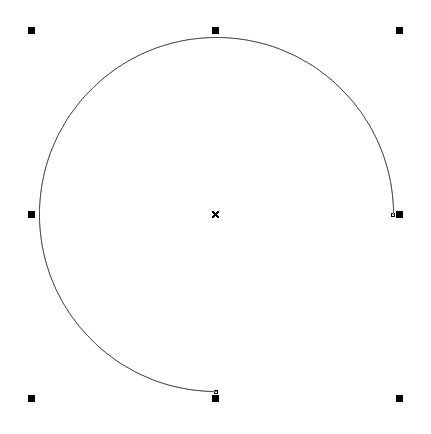
In order to process bitmap graphics with a cutting plotter nonetheless, they must first be vectorised, which – depending on the source material – is only possible to a limited extent. As a rule, the cutting applications of cutting plotters offer simple vectorisation algorithms. Applications such as CorelDraw now also feature very useful tools for converting pixel-based objects into usable vector graphics with minimal effort. The image below shows the vectorisation of a high-resolution logo using CorelDraw X3.
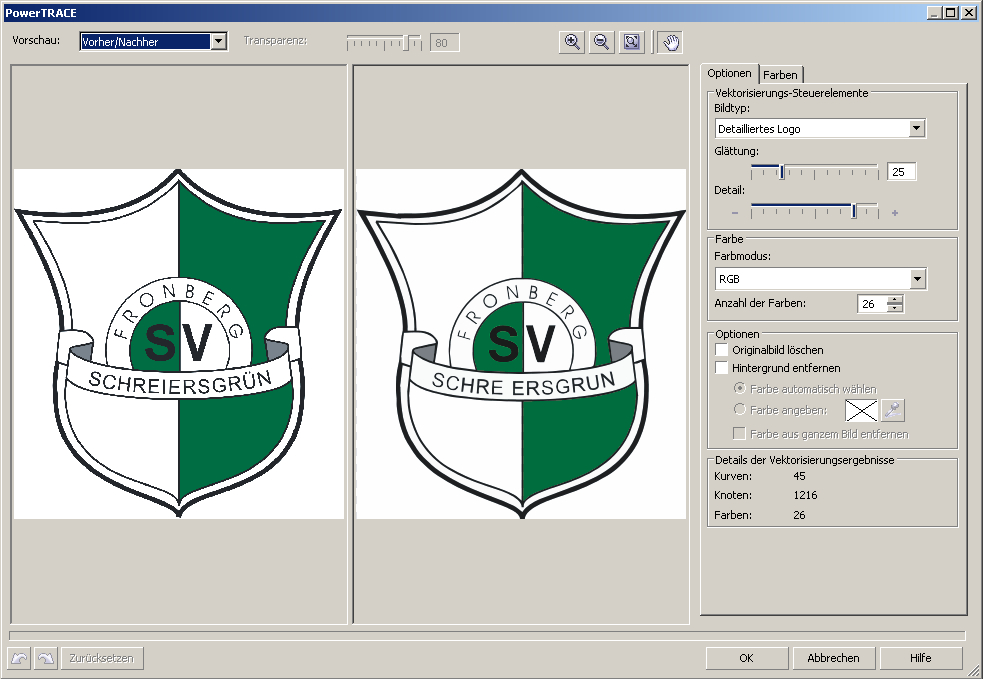
However, in the case of source material with low resolution, poor contrast or JPEG compression, the graphics file often still needs to be edited manually by redrawing the pixel art or, at the very least, refining the vectorisation results. The image below clearly shows that the source material alone is not sufficient for vectorisation.