Tips and tricks for textile finishing
Here, our applications engineer Ed shares his tips and tricks for textile finishing and answers your questions in more detail.
Ääd shares his tips and tricks for textile finishing with you
We often receive a lot of questions from you on the subject of textile finishing, and many of them are recurring. That is why we have asked our applications engineer, Ääd, to share his tips and tricks on textile finishing with us and to address the most important questions from our customers.
Simple finishing with Flex and Flock
General:
- Fashion, sport, leisure, the workplace: Which material is best suited to which use?
In principle,Flex and Flock are suitable for all applications. Whilst Flex is used everywhere, Flock is predominantly used for workwear and sportswear.
- What are the limitations of transfer printing?
- Material restrictions: Not all textiles are equally suitable for transfer printing. Particular care should be taken with materials that are sensitive to heat or pressure, such as delicate synthetic fibres or coated fabrics. Ensure that the chosen material is suitable for transfer printing and can withstand the heat and pressure involved in the process.
- Durability and wash resistance: The durability of transfer printing depends on various factors, such as the quality of the transfer films, the correct application of the print and the care of the printed textile. Please note that the durability of the print may be limited depending on the material, washing conditions and frequency of use. Find out about the recommended care instructions and pass these on to your customers.
- Complexity of the design: With transfer printing, complex designs featuring a lot of detail and colour gradients may be difficult to reproduce. This is because transfer films generally offer a limited number of colours and limited options for fine detail. Simpler designs with clear outlines and few colours generally produce the best results.
- Layering of films: Stacking several transfer films on top of one another can cause problems, as this may affect the durability and quality of the print. Make sure you do not layer too many films on top of one another, as this can result in a thick and potentially unattractive print. If you wish to use multiple layers of film, follow the manufacturer’s recommendations and test the results beforehand.
- Limited colour range: Transfer printing methods such as flex and flock films usually have a limited colour range. The selection of available colours may vary depending on the manufacturer and product range. Ensure that the chosen transfer film offers the colours and shades required for your design.
- Textural limitations: Transfer printing processes can affect the texture of the printed fabric. Particularly with very fine or textured fabrics, the print may not appear as smooth and even as it does on smooth surfaces. You should therefore always test the chosen fabric in advance to ensure that the end result meets your expectations.
- What should be borne in mind when pre-treating the materials to be printed?
Under no circumstances should the materials to be printed on be washed or otherwise pre-treated before pressing, so as not to roughen the fibres unnecessarily. Many textiles are already pre-treated by the manufacturer, which helps the transfer to bond better with the fabric.
Plotting:
- How should the print or cutting file be prepared?
- Choose the right file format: For most textile printing processes, vector-based file formats such as AI (Adobe Illustrator), EPS or PDF are preferred. These formats allow the design to be edited in a scalable and lossless manner.
- Vectorising pixel graphics: If you have a pixel graphic as a template that you wish to use for textile printing, you should convert it to a vector-based format. To do this, use suitable software such as DrawCut, Adobe Illustrator or CorelDRAW to vectorise the image and smooth the outlines.
- Colour mode and colour profiles: Ensure your file is created in the correct colour mode. The CMYK colour mode is usually used for textile printing. Also check that the colour profile is set correctly to avoid colour deviations.
- Consider print size and resolution: Ensure your file is the correct print size and meets the required resolution. For textile printing, a resolution of at least 300 dpi is recommended to ensure good print quality.
- Text conversion: Convert text to curves or paths to ensure that the fonts are displayed correctly and that no problems arise during printing.
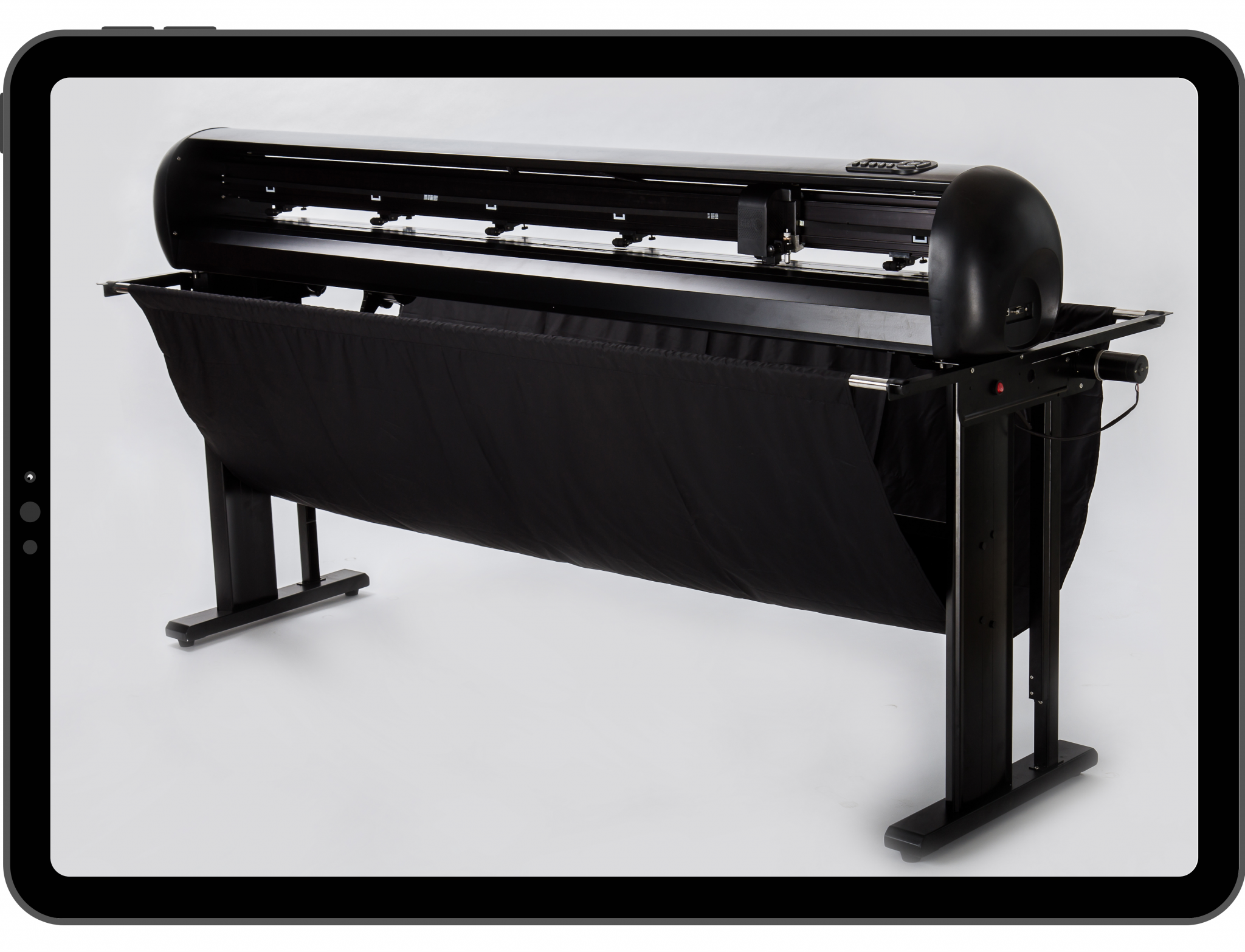
- What machine parameters are required for the cutting plotter?
The cutting plotter should have adjustable settings for cutting speed and down pressure. It is a nice-to-have feature if you can also adjust the blade offset directly on the plotter and save and recall these settings for different blade types.
- What is the correct way to use cutting plotters?
The machine (surface, cutting bar, pressure rollers) should be kept clean and positioned securely to prevent impacts or falls. Blades should be replaced regularly when the tips show significant wear to ensure a good cut quality. The cutting bar should not be damaged unnecessarily; otherwise, it will also need to be replaced. The material should be fed in properly to prevent unnecessary jams, which could damage the cutting head.
Grouting:
- What machine parameters are essential for transfer presses?
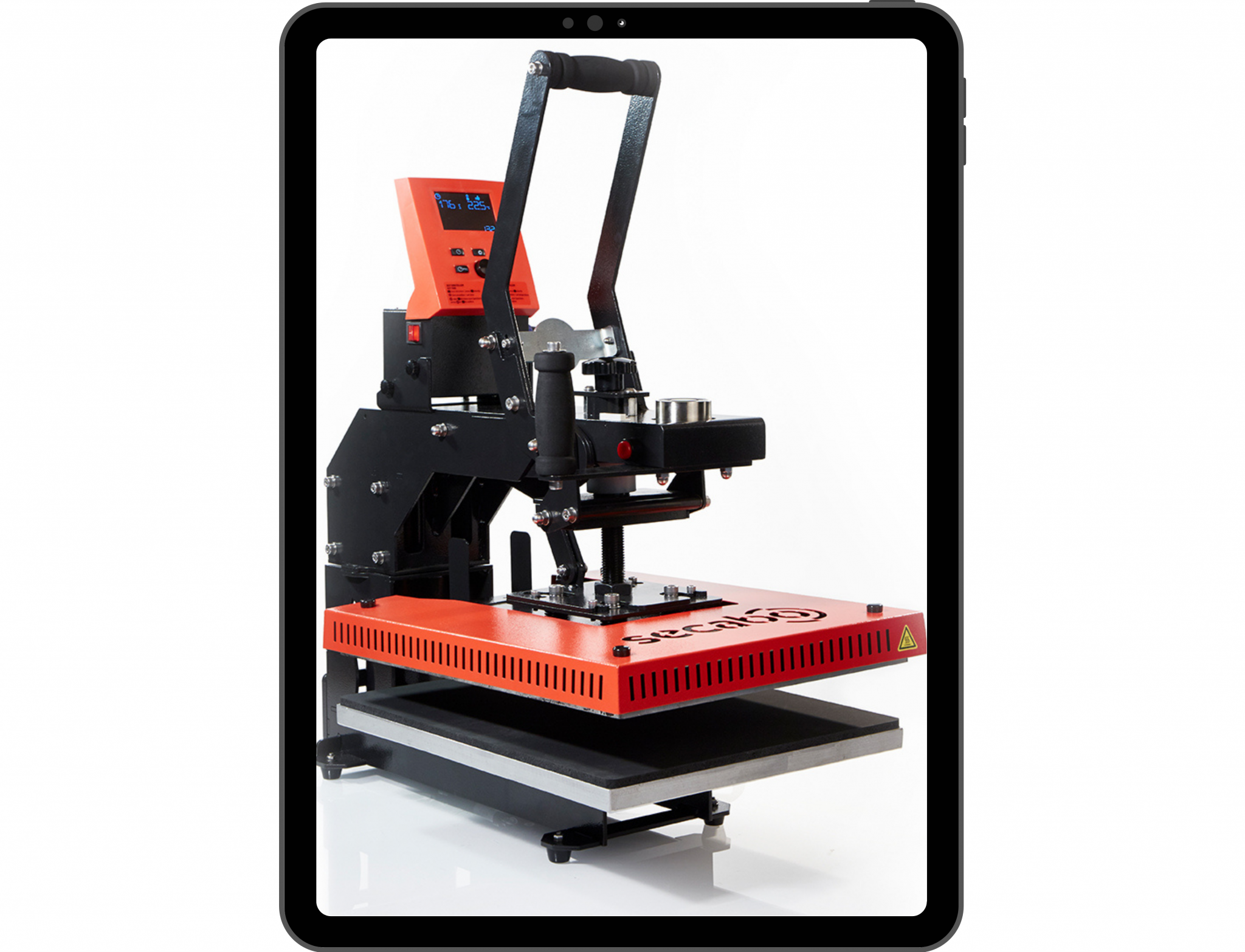
With transfer presses, it should be possible to set the parameters for time, temperature and contact pressure (manually or pneumatically).
- What is the correct way to use transfer presses?
The transfer presses should also be kept clean. You should not exceed the maximum contact pressure specified for the press in question. Once the set temperature (shown on the display) has been reached, you should wait a further 5–10 minutes to ensure the heating plate is fully heated through, in order to guarantee a good print result across the entire surface. The most important point, however, is to always place a protective layer (PTFE film, silicone film, etc.) between the heating plate and the transfer or fabric.
- How much pressure needs to be applied during pressing, and how long does the pressing process take?
The correct pressure and time always depend on the type of transfer press (toggle-leveror pneumatic press), the material being printed on, and the manufacturer of the flex and flock being used. As a general rule, however, standard flex or flock has the following parameters:
Flex = medium to high pressure, time 12–17 seconds + 2–5 seconds of post-pressing
Flock = High pressure, time 17–23 seconds + 2–5 seconds post-press
By the way, we also have a blog article listing all the common flex and flock films and their corresponding transfer temperatures!
- How much heat can flexor flock films withstand?
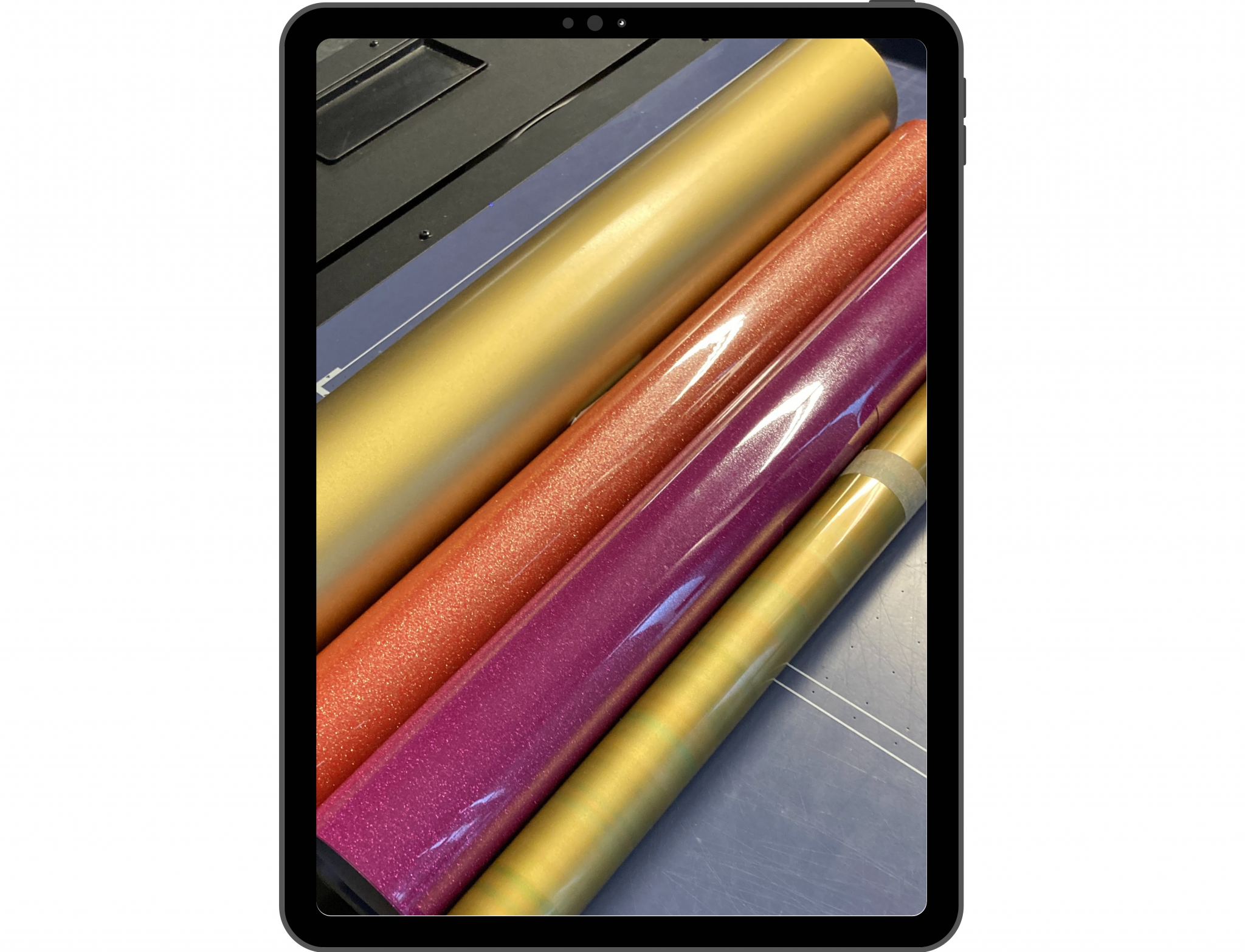
The heat required again depends on the type of flexor flock used, or the manufacturer. Depending on the adhesive layer used, the temperature range for flex is between 120° and 170° C, and for flock between 150° and 170° C. It is always best to follow the manufacturer’s instructions. However, you can deviate slightly from these by adjusting the other parameters. It is always advisable to carry out a few tests on atest piece of fabric.
By the way, we also have a blog article listing all common flex and flock films and their corresponding transfer temperatures!
- At what point (temperature) should the flexor flock film be removed?
With flex films, in most cases you can peel off the backing whilst hot (hot peel); if the film lifts up as you peel it off, then it is definitely a cold peel film. If the backing has so far only been peeled off from one corner of the design and has been removed slowly, you can reposition the backing and press the whole thing again. With flock film, on the other hand, it’s simpler: this film is always peeled off cold.
Further tips and tricks for installation:
Tip 1: Always order spare fabrics in case something goes wrong or for a test run, especially if you’re not yet familiar with the fabric and the film.
Tip 2: When plotting flexand flock films, always plot them mirror-inverted – this is very often forgotten!
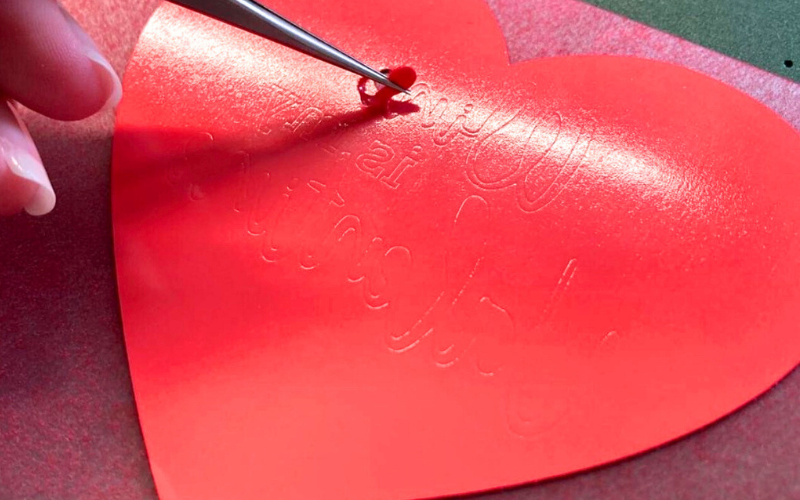
Tip 3: When weeding, use the remainder of the backing material (if it’s self-adhesive, or a piece of adhesive film) to remove small scraps and, for example, the dots on letters more quickly from your fingers or tweezers. This keeps your work area clean straight away and prevents you from accidentally pressing a dot or small scrap onto the fabric.
Tip 4: It’s advisable to secure transfers with heat tape after positioning them; this prevents crooked prints.
We hope this has been helpful. If your question isn’t listed above, please feel free to contact our sales team on 0800 – 9697467 or send an email to mail@y-o-w.com