Creative ideas for Easter – YOW!STER 2021!
Easter 2021 – We’ve been busy editing some footage with our SC30 again; naturally, white toner is a must, and there’s plenty more besides!
Spring is slowly on its way, the sun is shining again, so Easter isn’t far off. That’s why we’ve put together a few more Easter specials for you, which you’re welcome to recreate step by step. There’s something for everyone this time! We’ve been cutting things out again with the Secabo SC30 – and of course, white toner is a must, along with lots more!
It’s up to you which one you want to try first.
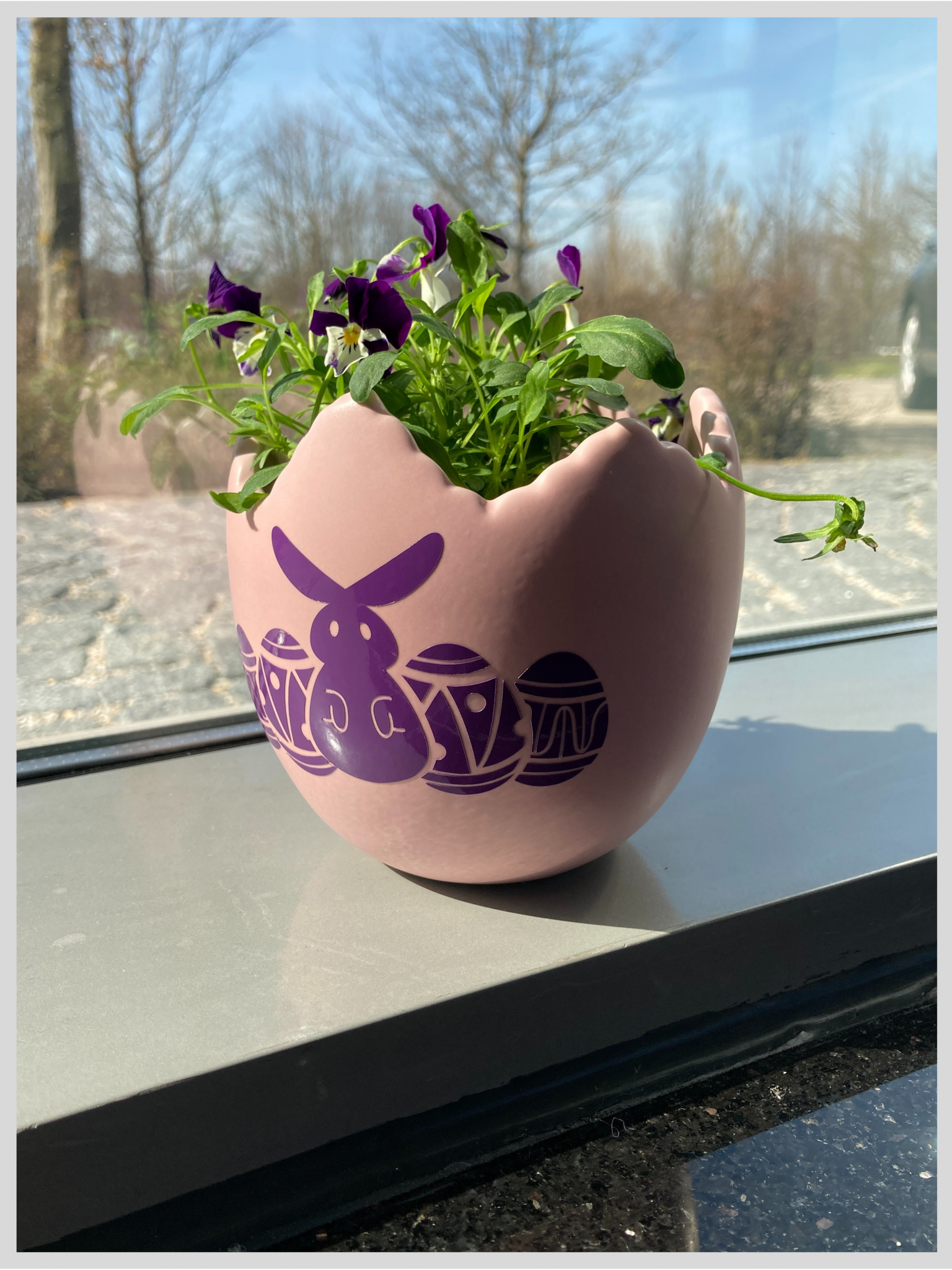
We’ll start by decorating an eggshell flowerpot.
There, we created our own design, which we vectorised, of course – that’s really important!
Cut out the pattern in DrawCut on self-adhesive film. We chose Ritrama 0400 pro in glossy purple because the colour matched the flower in the vase perfectly. You’re free to choose whichever cutting plotter you prefer. As professional users and hobbyists have different requirements when it comes to equipment, we offer a range of sizes to suit your needs. We prefer to cut using the Secabo T120 II cutting plotter.
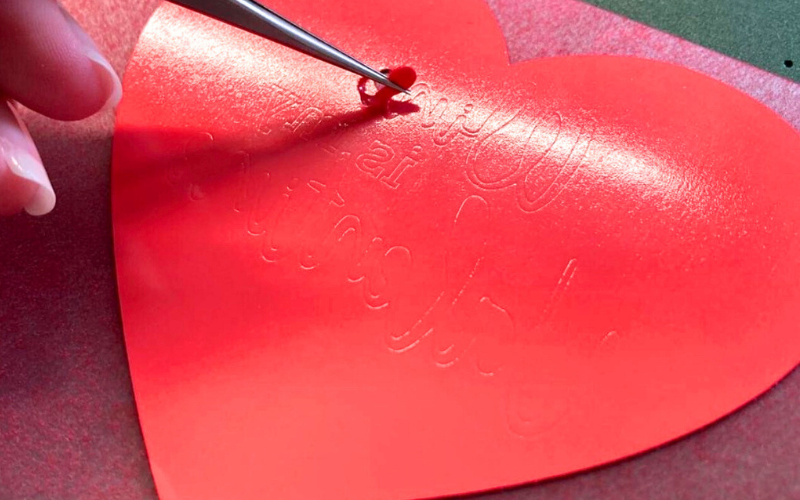
After weeding with our weeding tweezers or needle, you’ll need to cover the whole thing with a transfer film. Then use the squeegee to smooth the transfer film and peel it off. The plotted design should stick to the transfer film. If not, simply press down harder with the squeegee.
Now attach it to the flower pot for your Easter table. Use the squeegee again and peel off the transfer film. The design should now stick to the pot. So make sure you squeegee it as firmly as you can. Press the self-adhesive film down a little more with your fingers and voilà!
Let’s move on to the white toner process.
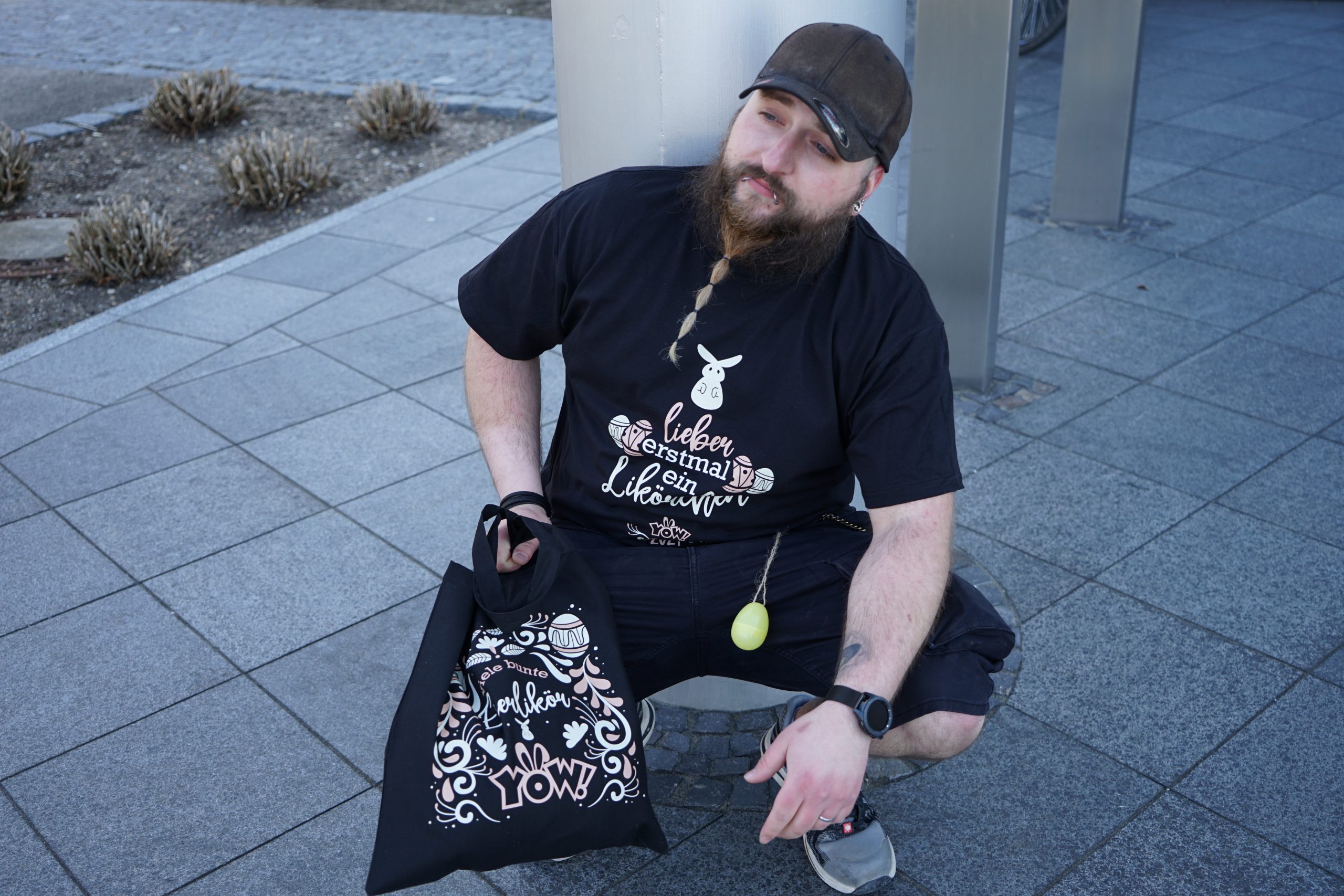
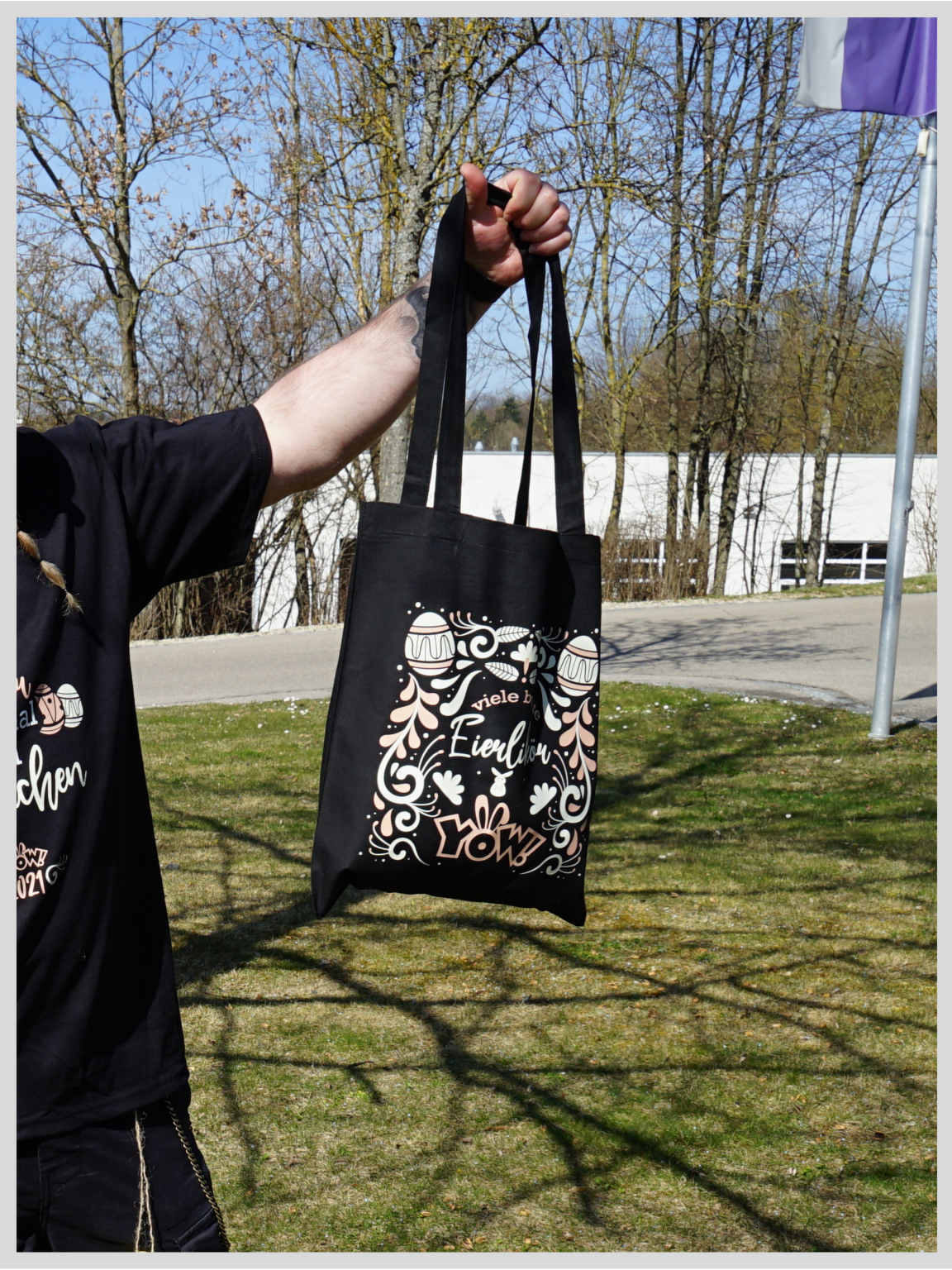
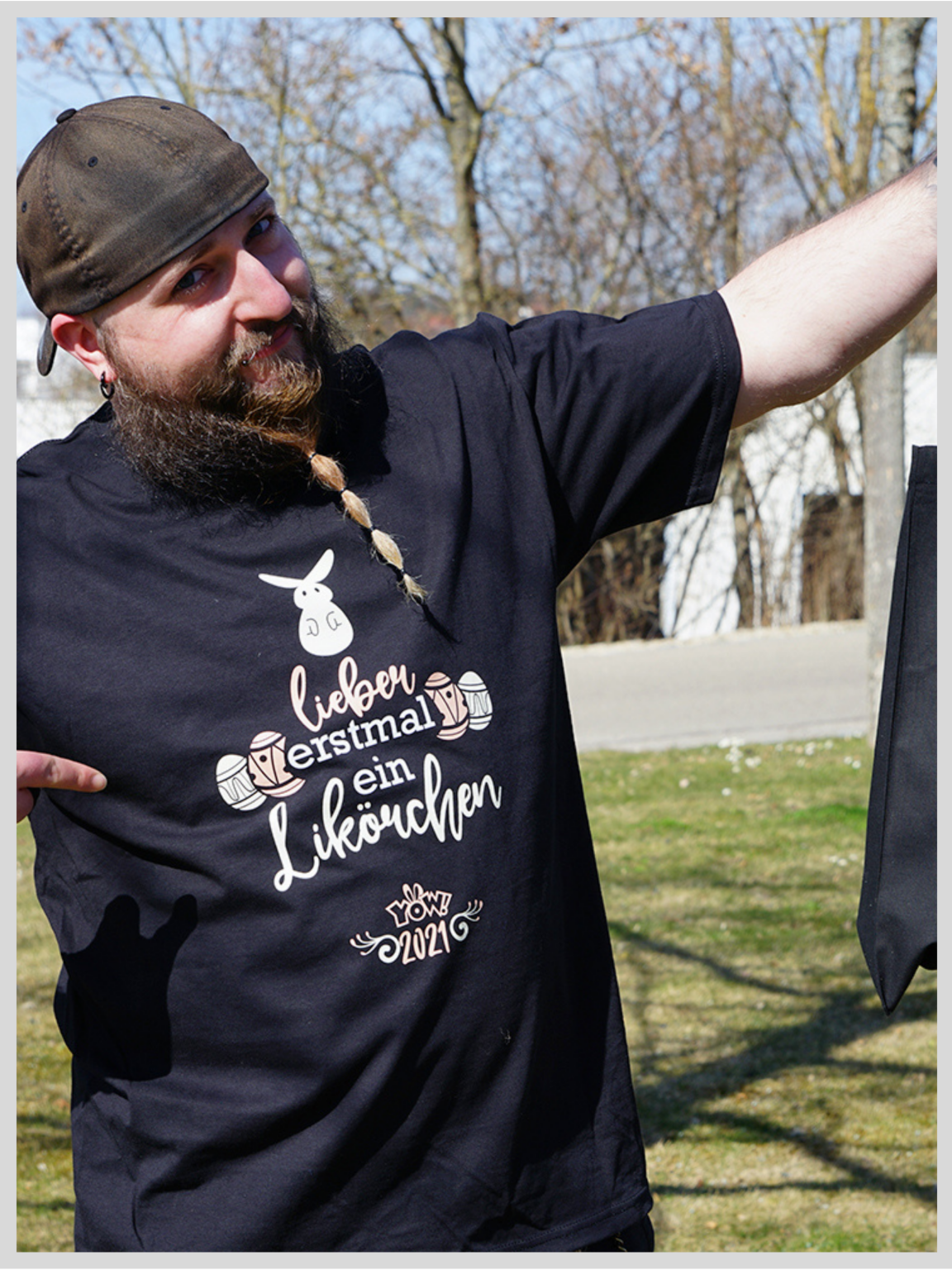
We wanted to customise a T-shirt again for the first time in ages, and to complete the Easter look, we’ve included a fabric bag as well. Choose a design or create your own. You’ll need DrawCut and the OKI printer again. Print the design onto an A-foil. You can order this directly as part of a pack with the corresponding B-paper. The matt side should face upwards when loaded into the OKI printer.
Press the A and B paper together – to transfer the adhesive – for 120 seconds at 165°C, with the printed side facing upwards. Once pressed, the paper must be peeled off immediately, slowly and evenly.
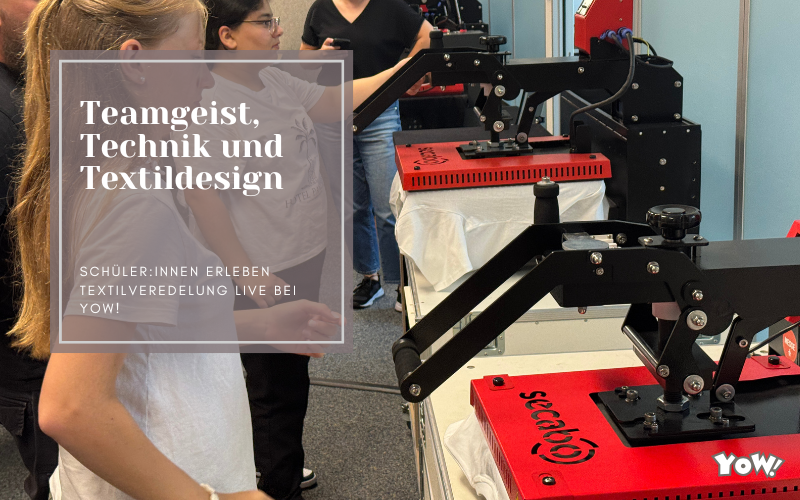
The foil can now be pressed onto the fabric for 30 seconds at 165°C. When it comes to transfer presses, it all depends on your preferences. Are you looking for something straightforward, or would you prefer a professional-grade machine? Do pop into our shop. We really enjoy working with the TC7 Smart Transfer Press from Secabo.
Very important: once the press has opened, the whole thing must be allowed to cool down completely before it can be peeled off.
Then simply re-press for 10 seconds.
The process is exactly the same for the fabric bag and the T-shirt!
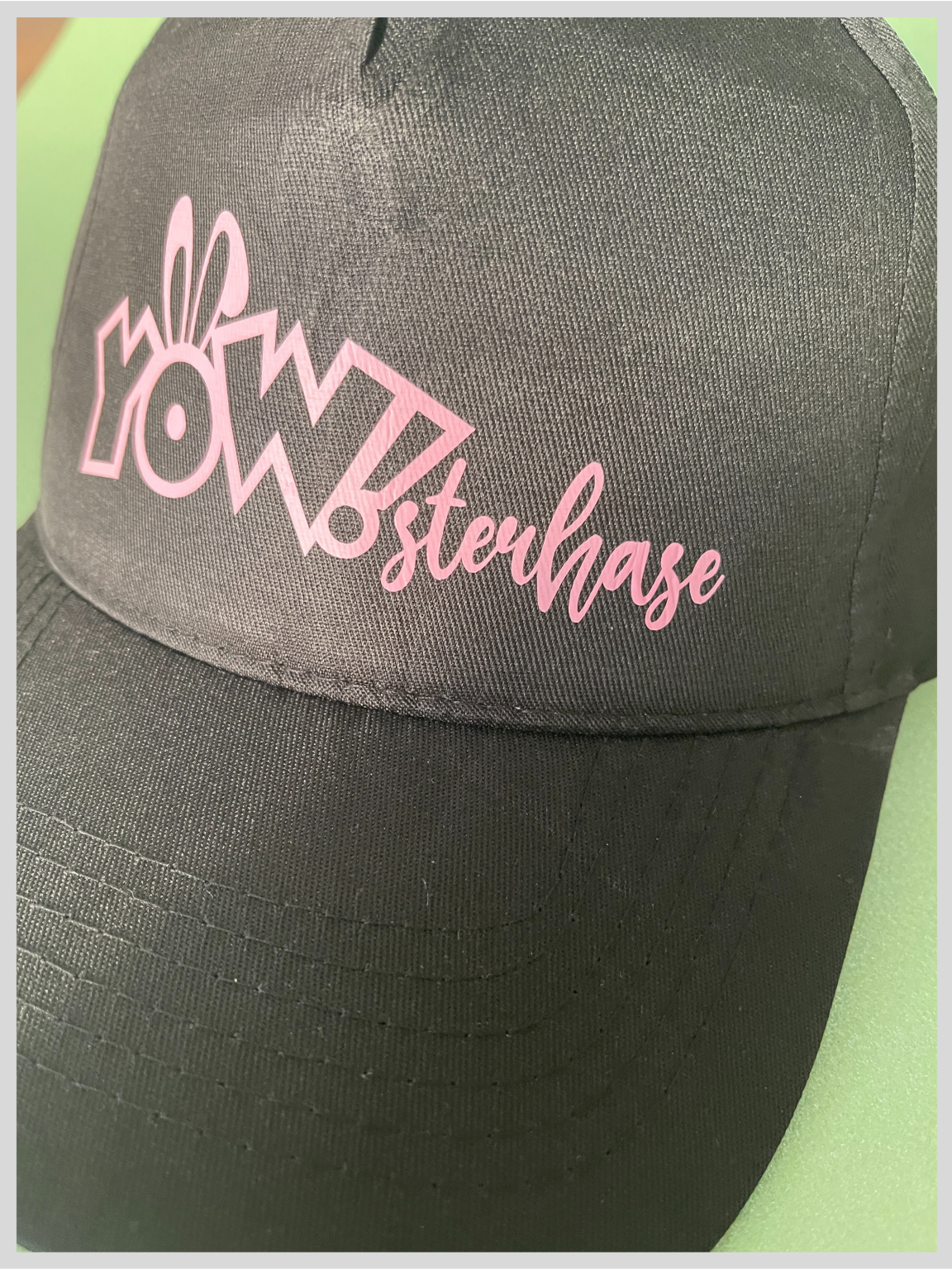
For a change, we’d like to show you that you can also customise caps using flex foil.
Import your design into DrawCut and use a standard cutting plotter again to cut out the flex or flock foil. Always ensure that the blade does not protrude too far – just a little bit. Once you have adjusted the speed and cutting pressure, you can start cutting. The design must then be fully weeded and placed on the cap in the cap press. To customise a cap, you’ll need what’s known as a cap press. This has several interchangeable plates, each adapted to the respective cap sizes. Find out more about our cap press here.
Flex foil can usually be peeled off immediately after pressing. So just remove the foil, press it again for a few seconds, and in no time at all you’ll have your very own cap with a logo for Easter!
It’s been a long time, so let’s have a go at making some labels again.
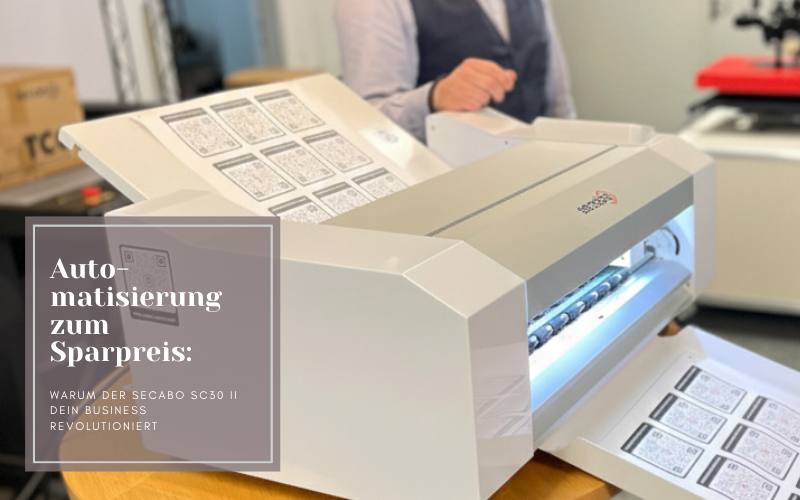
This works brilliantly with the Secabo SC30. As you’ll want to familiarise yourselves with the device first, have a look at this YouTube video. You’ll also find more detailed instructions there.
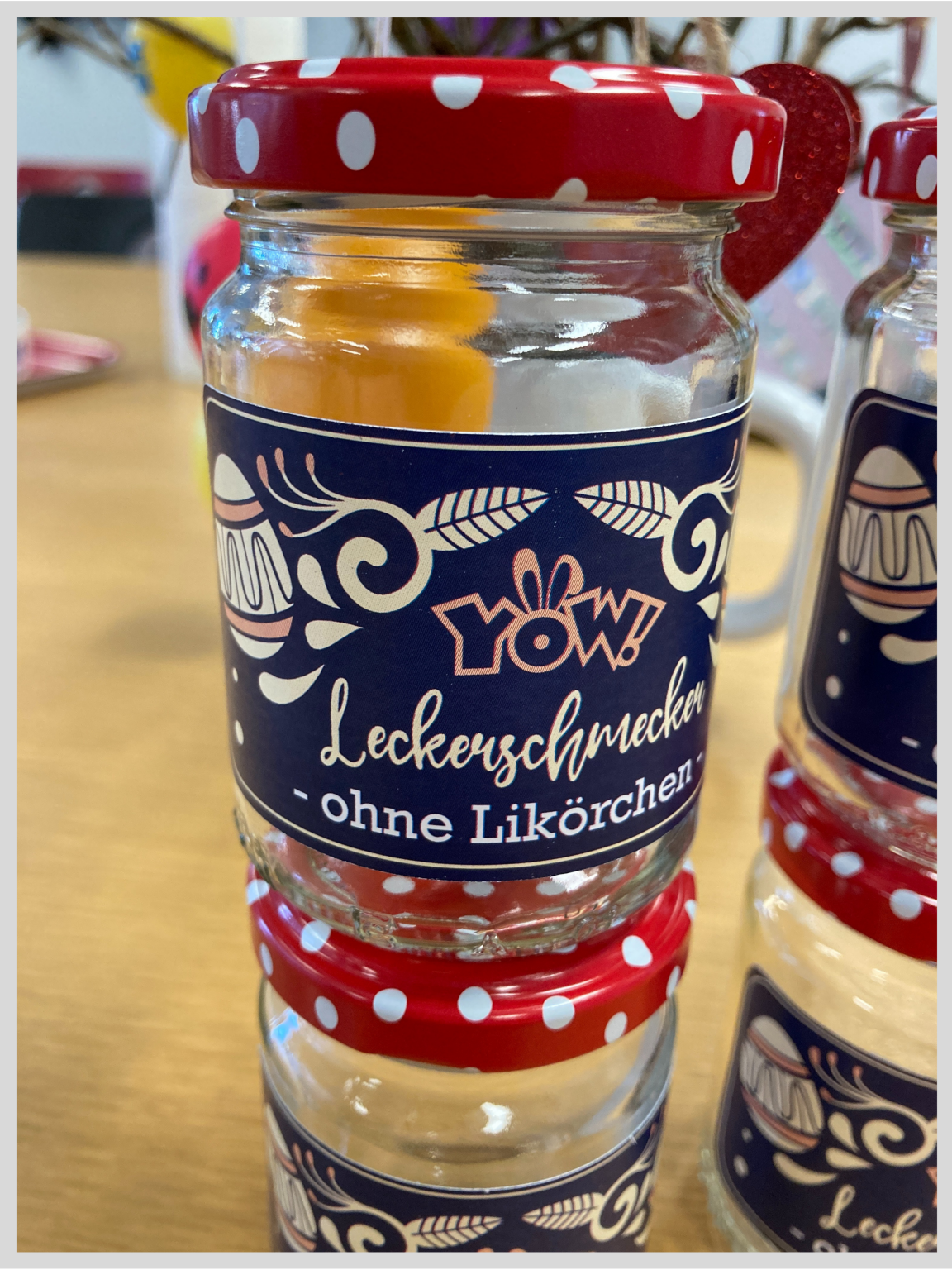
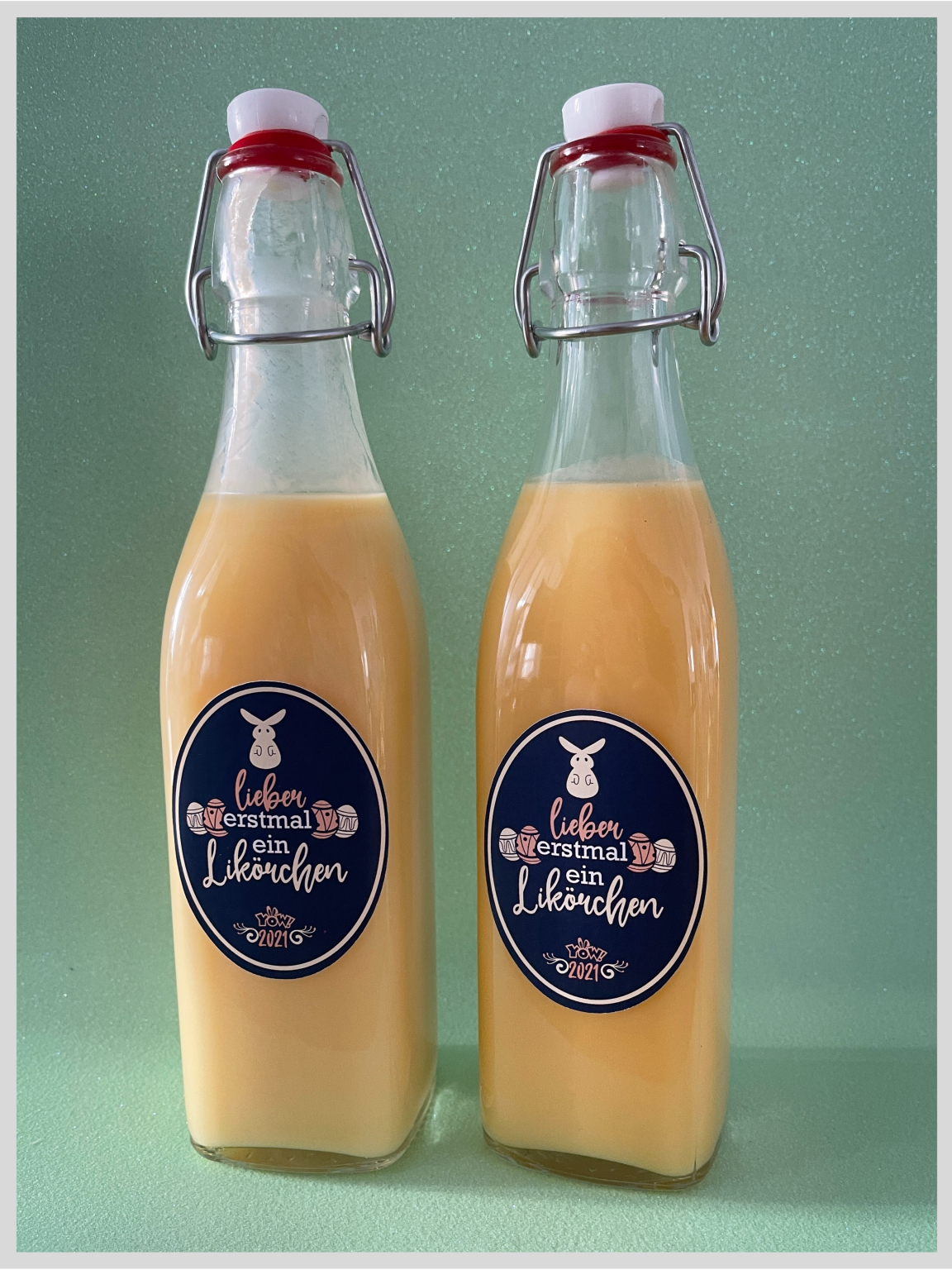
First, the labels need to be printed using the OKI printer with the white toner method. But not on A-Foil – use label paper instead. This is then cut out to the exact shape using registration marks – which, by the way, always need to be created on the SC30.
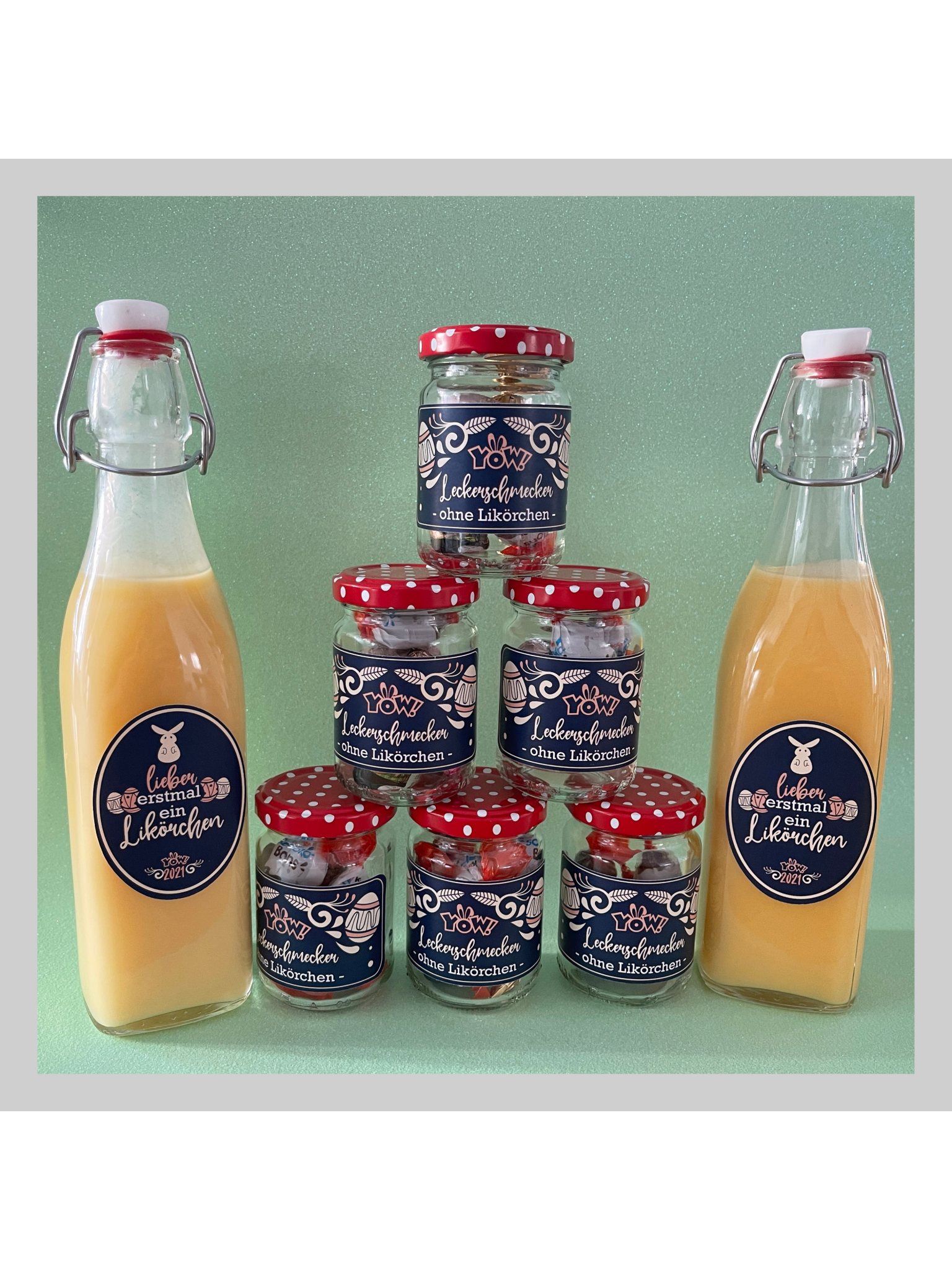
Finally, all you have to do is stick the labels onto the object. We thought it was a really cool idea to label our jam jars and egg liqueur bottles. We’re absolutely delighted with the result. What about you?
We often discuss the topic of sublimation.
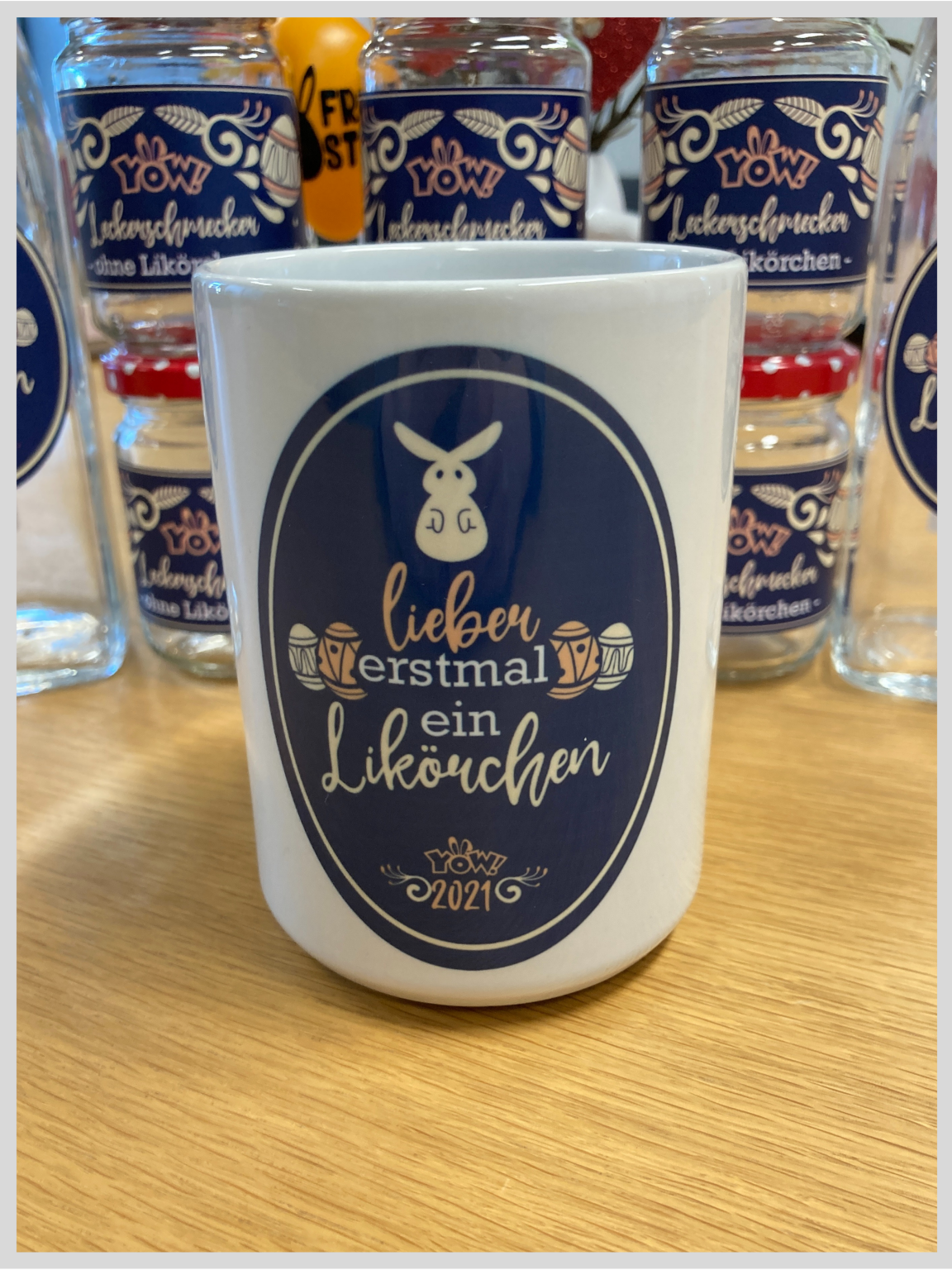
So why not simply sublimate a mug with a cute design for Easter? Drinking your coffee from your Easter mug on Easter Sunday morning… lovely! As always, we’ll need the Sawgrass printer and sublimation paper. You can use the Virtuoso Print Manager to print the design onto the paper.
There are various types of mug presses available. With the TM2, for example, two mugs can be pressed side by side at the same time, which can save a lot of time.
Stick the printed sublimation paper onto your mug using heat-resistant tape. Please do not use ordinary tape when applying heat – always use heat-resistant tape. The mug can then be pressed in the mug press at 200°C for 180 seconds.
For more detailed information, take a look at our blog post on how to sublimate mugs.
And last but not least, our beautiful Easter decorations.
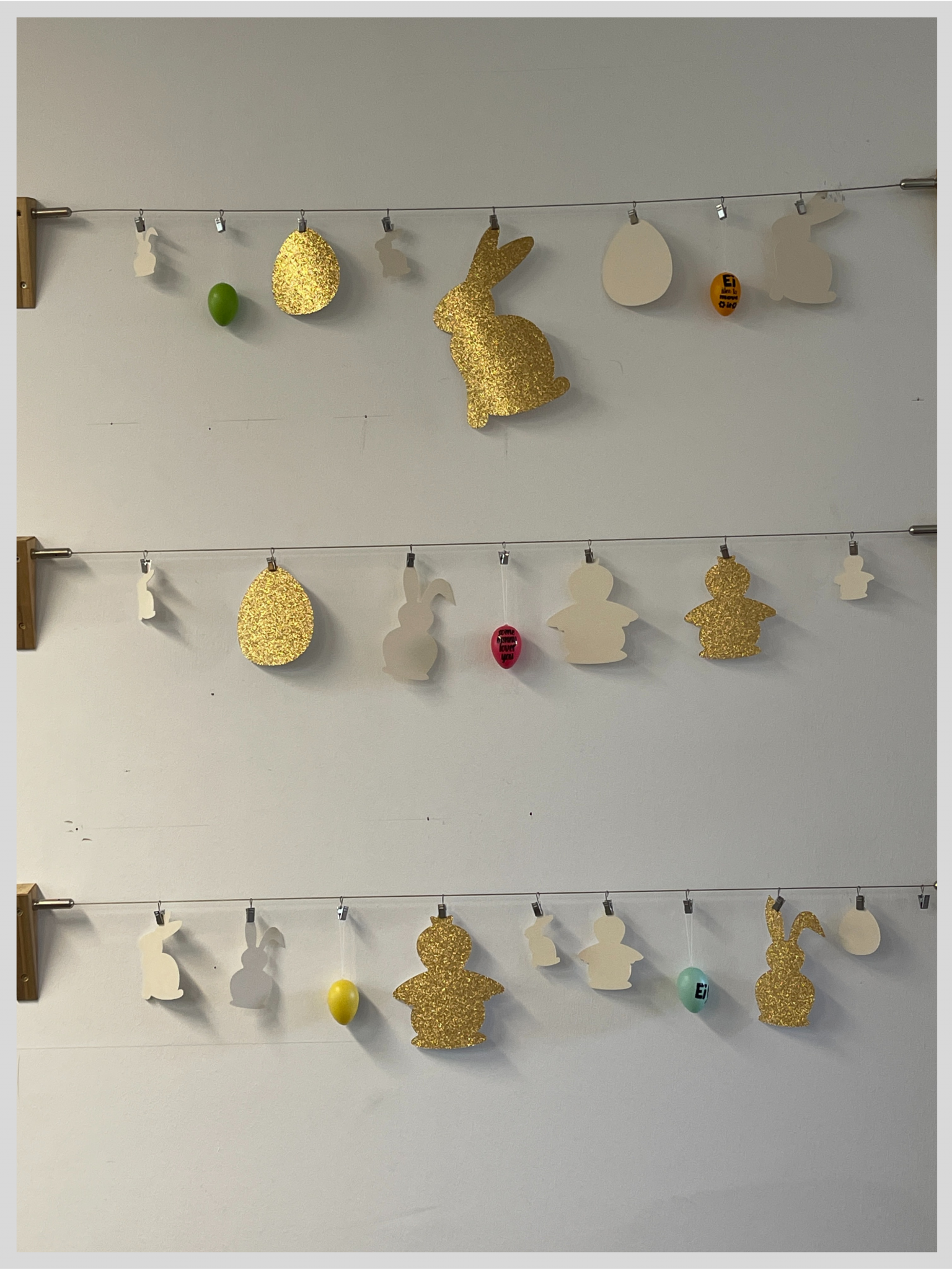
We’ve hung these bunnies and eggs up in our office, and you can’t help but get into the Easter spirit every time you walk past them.
We cut the glitter paper and the white paper using the new Vulcan FC500 flatbed cutting plotter, which features the latest technology. The machine delivers fast and precise cutting with a touchpad and much more. You can cut out the shapes quickly and easily using CorelDRAW software. It’s easy for anyone to use. So just cut them out, remove the shapes from the paper and hang them up!
If you’d like to find out more about the new Vulcan machine, do pop into our shop or visit https://www.vulcantecpro.eu/.
The whole YOW! team wishes you a happy Easter!