Digital Finishing: Design your own packaging!
For packaging, you will need a cutting plotter that cuts right through the materials – in other words, a flatbed cutting plotter.
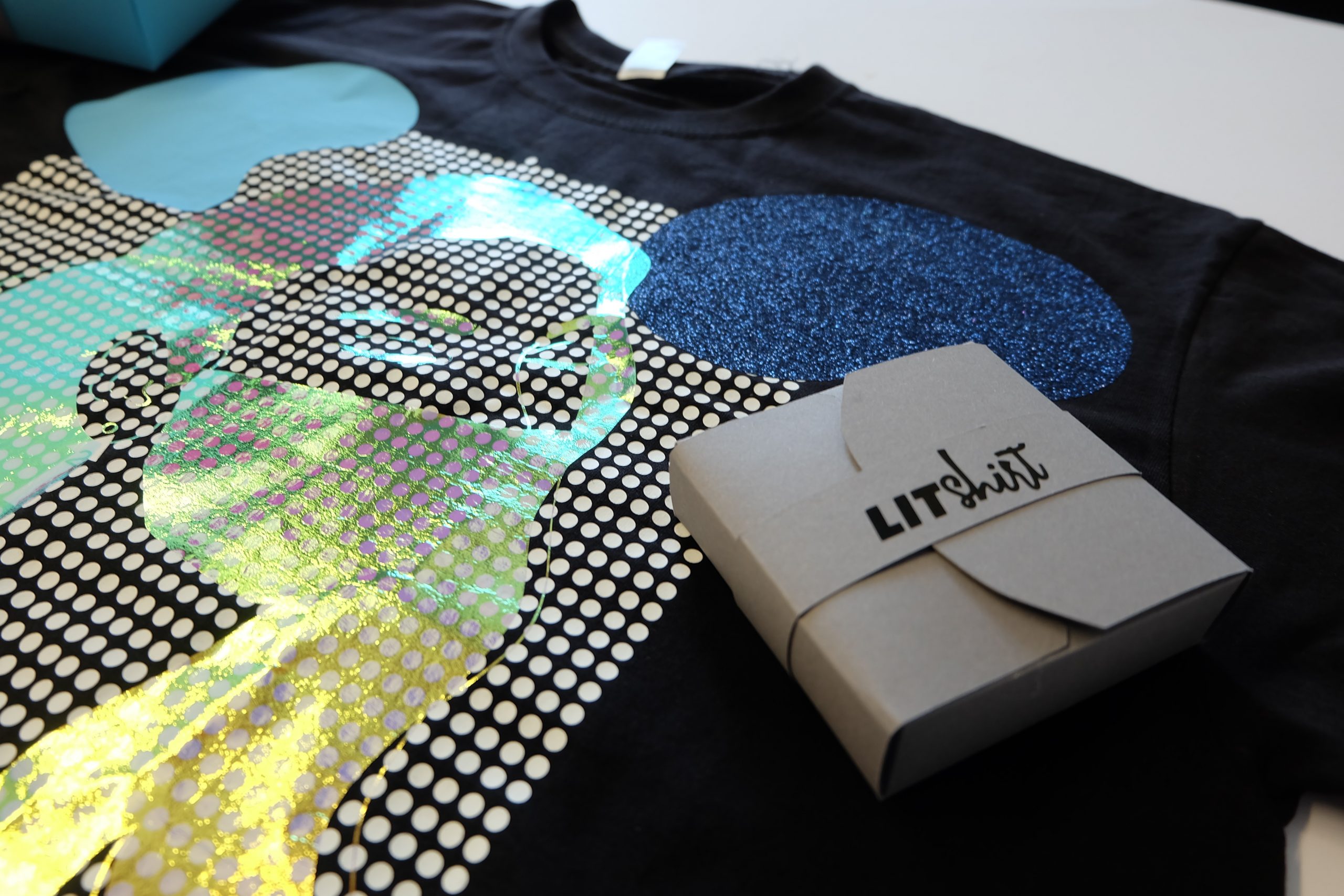
We’re back with the topic of T-shirt customisation once again. But today, there’s a little something extra. We’ll also explain how you can create matching packaging using the FC100 flatbed cutting plotter.
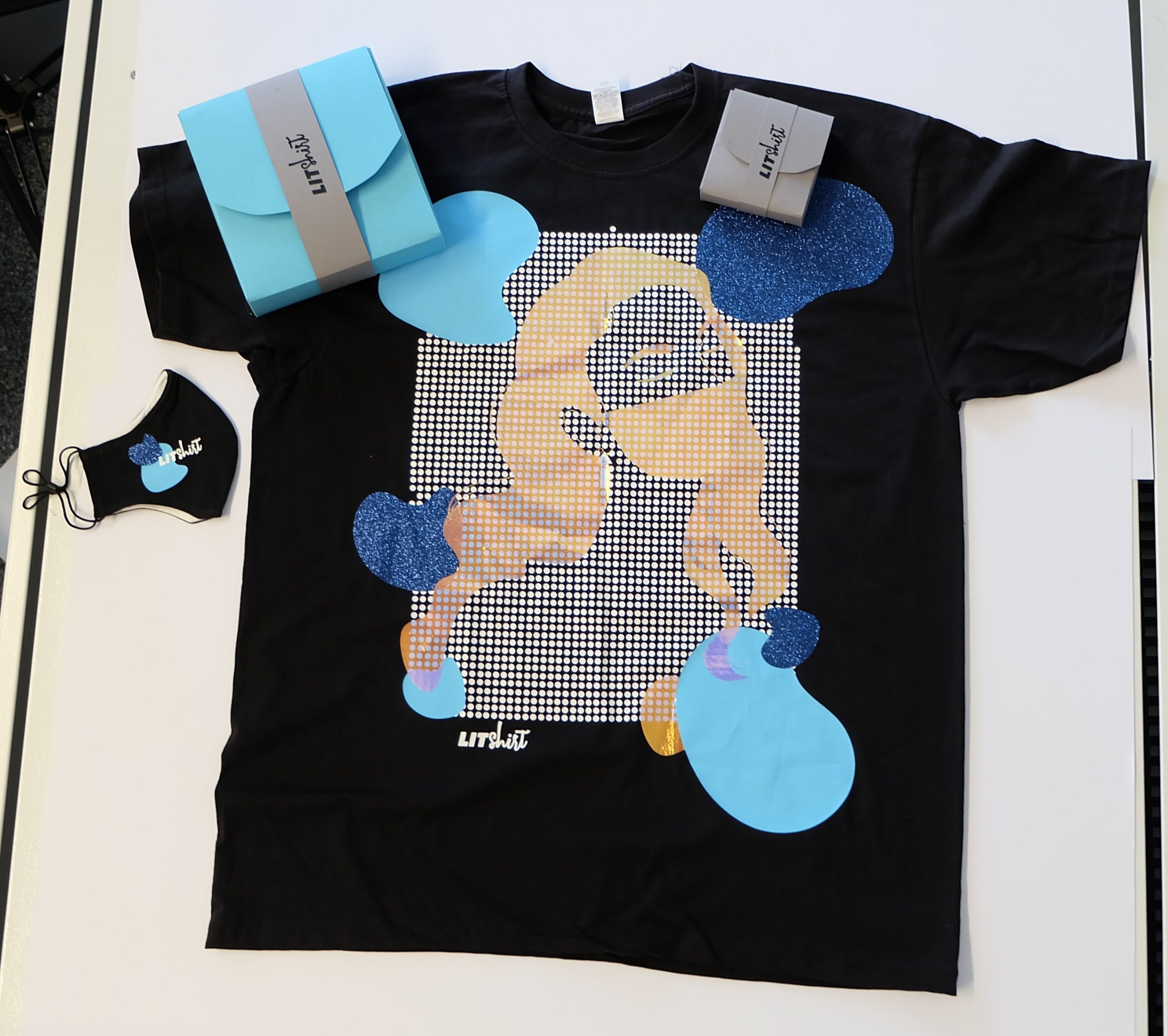
Let’s start with the T-shirt!
As always, you’ll need a high-quality heat press for this. We can certainly help you with that! We offer a wide variety of models at different prices, all of the highest quality. Not sure which heat press is best suited to your needs? Then why not let our YOW! team advise you?
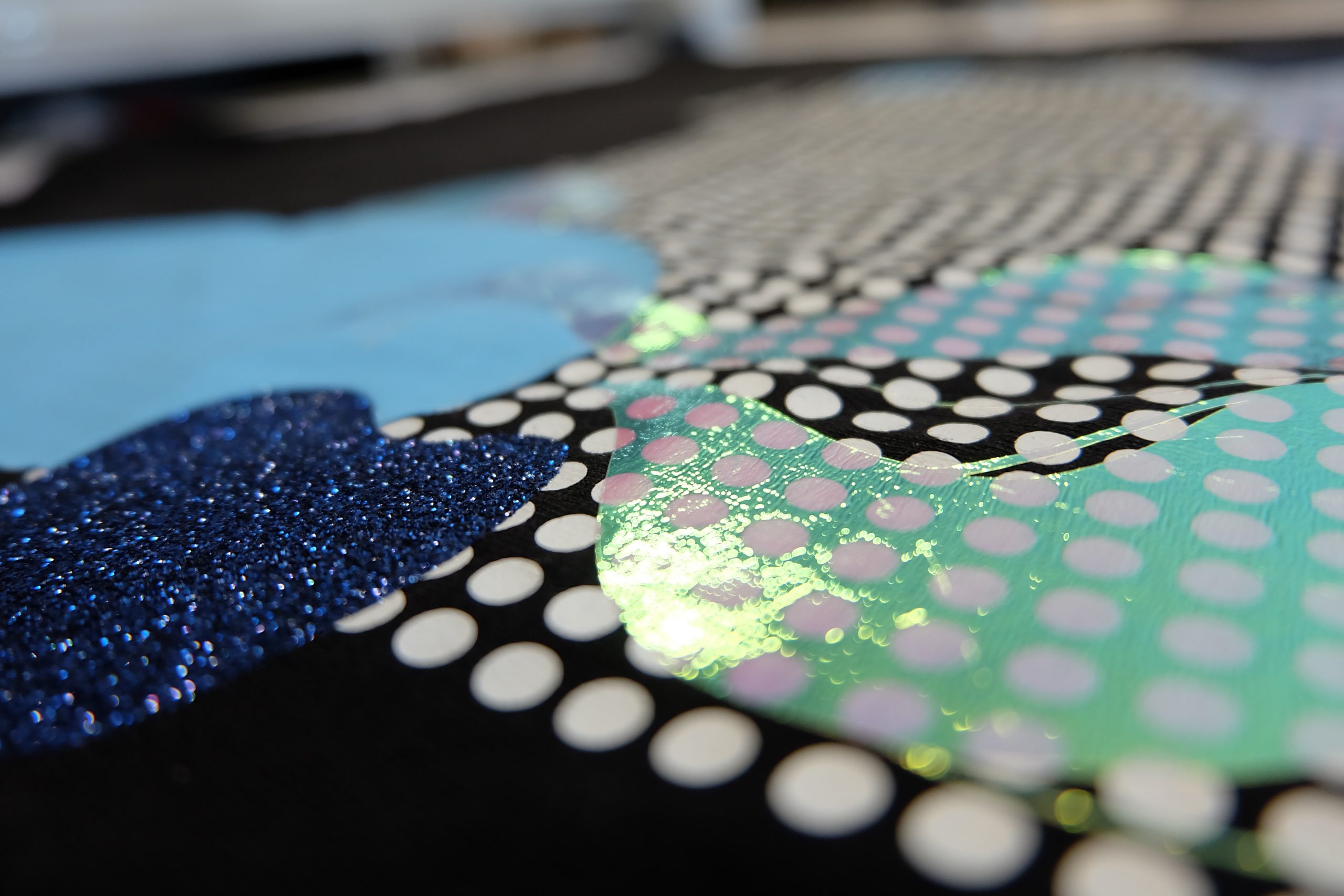
Choose your own completely unique design. Let your creativity run wild. Once you’ve chosen the film you want, find out about the correct application method. Make sure you use the correct temperatures and the recommended pressure. Do you need to peel the film off whilst it’s still warm or once it’s cooled down? It’s essential that you bear all this in mind. Give it a few seconds’ extra pressing afterwards, and your customised T-shirt is ready.
Let’s move on to the packaging!
For packaging, you’ll need a cutting plotter that cuts right through the materials. So this will only work with a flatbed cutting plotter. We have two ranges on offer here. Would you prefer something a bit smaller? Or perhaps you’d like to start your own business with it and need a slightly larger model? No problem! We’ve got both to offer!
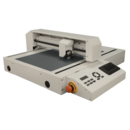
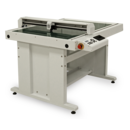
For example, create the outlines of your packaging in DrawCut. Once all the settings have been finalised – that is, the speed, the pressure and the blade settings – you can position your paper correctly on the flatbed cutting plotter. Set the zero point, activate the vacuum and off you go!
Now all you need to do is fold along the score lines and, if necessary, stick the edges together.
A quick extra tip: you can also stick your own logo onto your packaging using YOW!’s self-adhesive films. Choose the right colour and plot it out. Then come the weeding, applying the transfer film and transferring it onto the paper. Done!
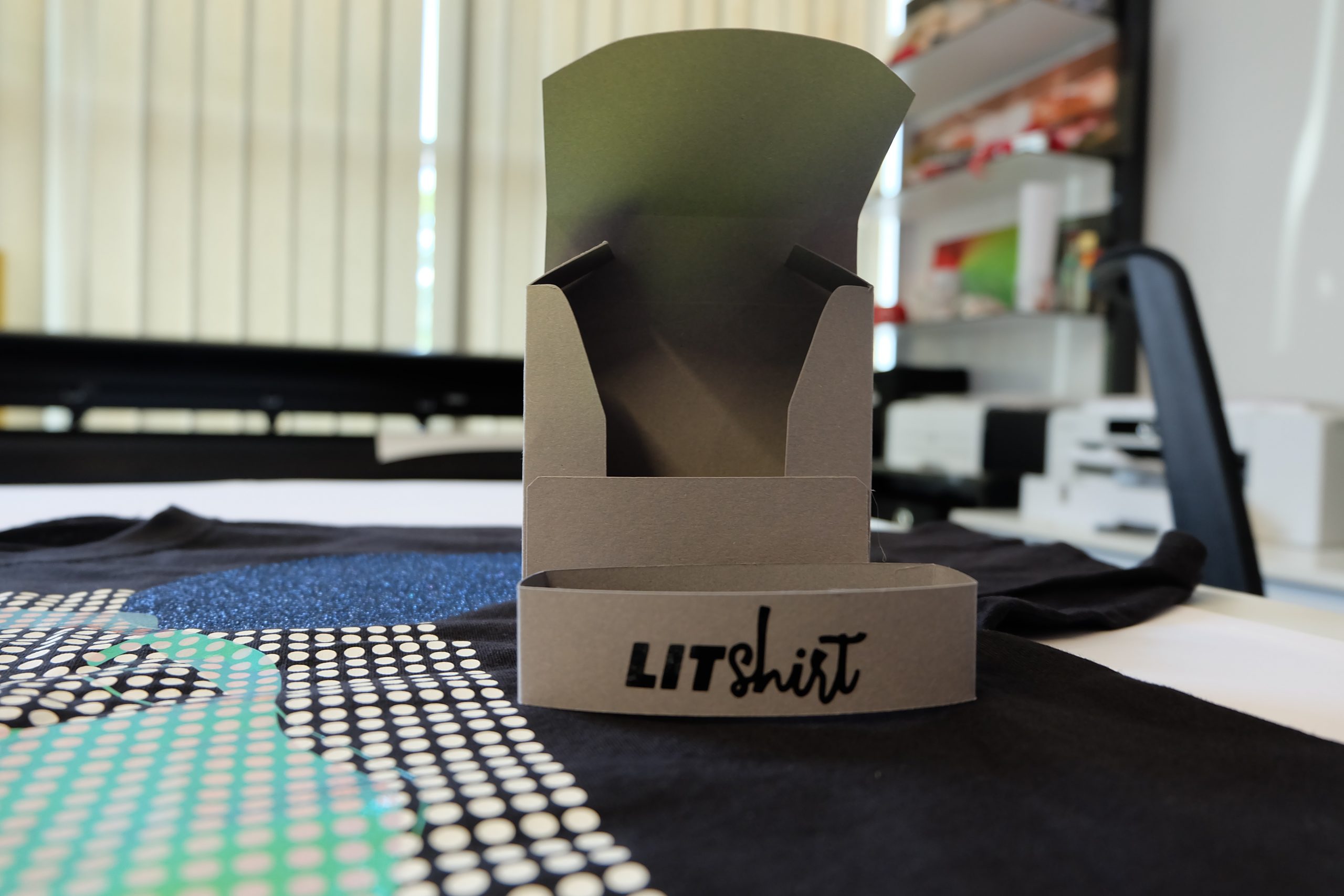
The result looks absolutely brilliant! You’ve now designed your very own packaging, complete with your own logo and unique design. All this is available from as little as one item and without the need for a die-cut template. Get creative – with Secabo’s digital finishing products, almost anything is possible!