COFFEE TO GO – practical stainless-steel thermos mugs with customised printing
With a personalised print using sublimation transfer, these thermal mugs become real eye-catchers and are also kind to the environment. We’ll show you how it’s done.
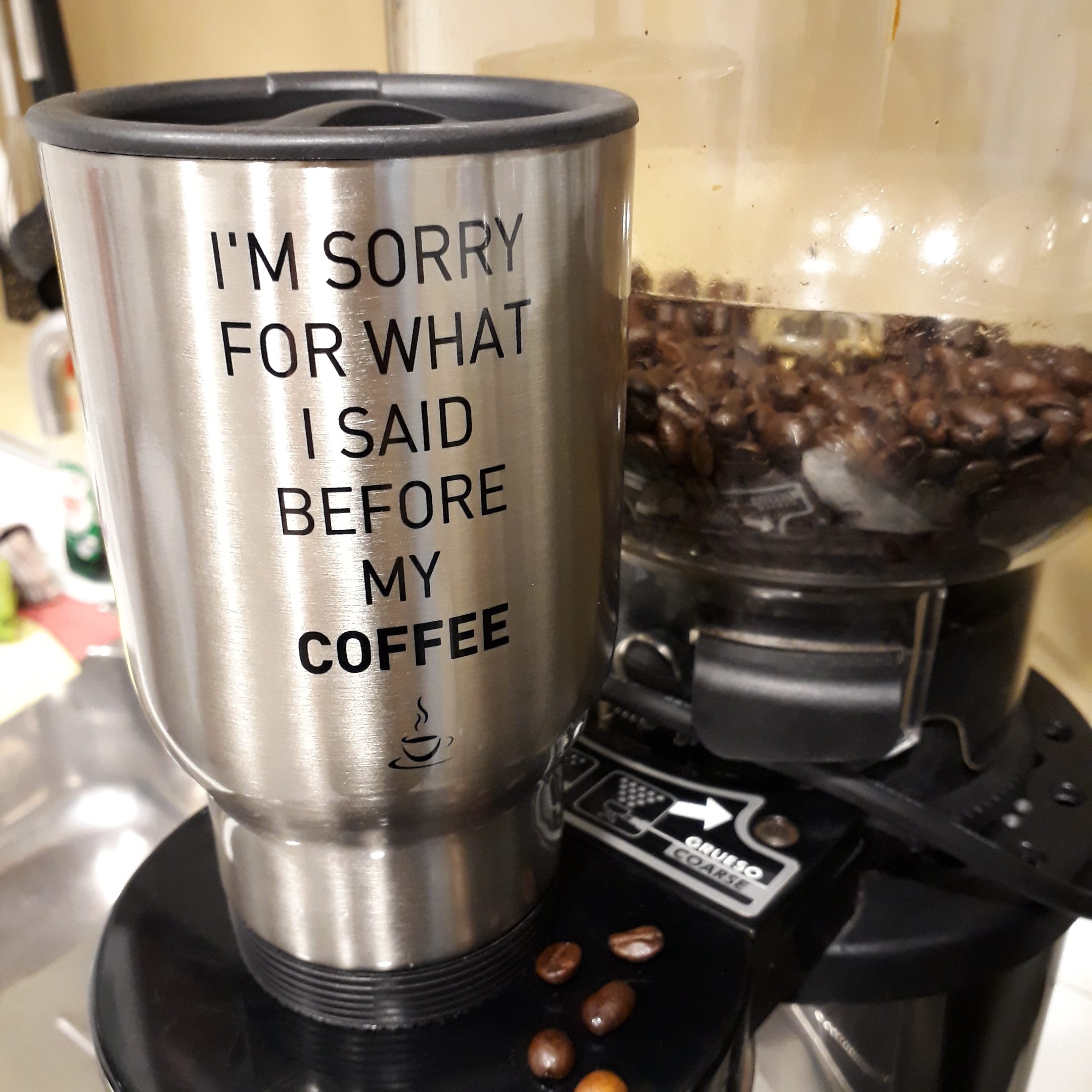
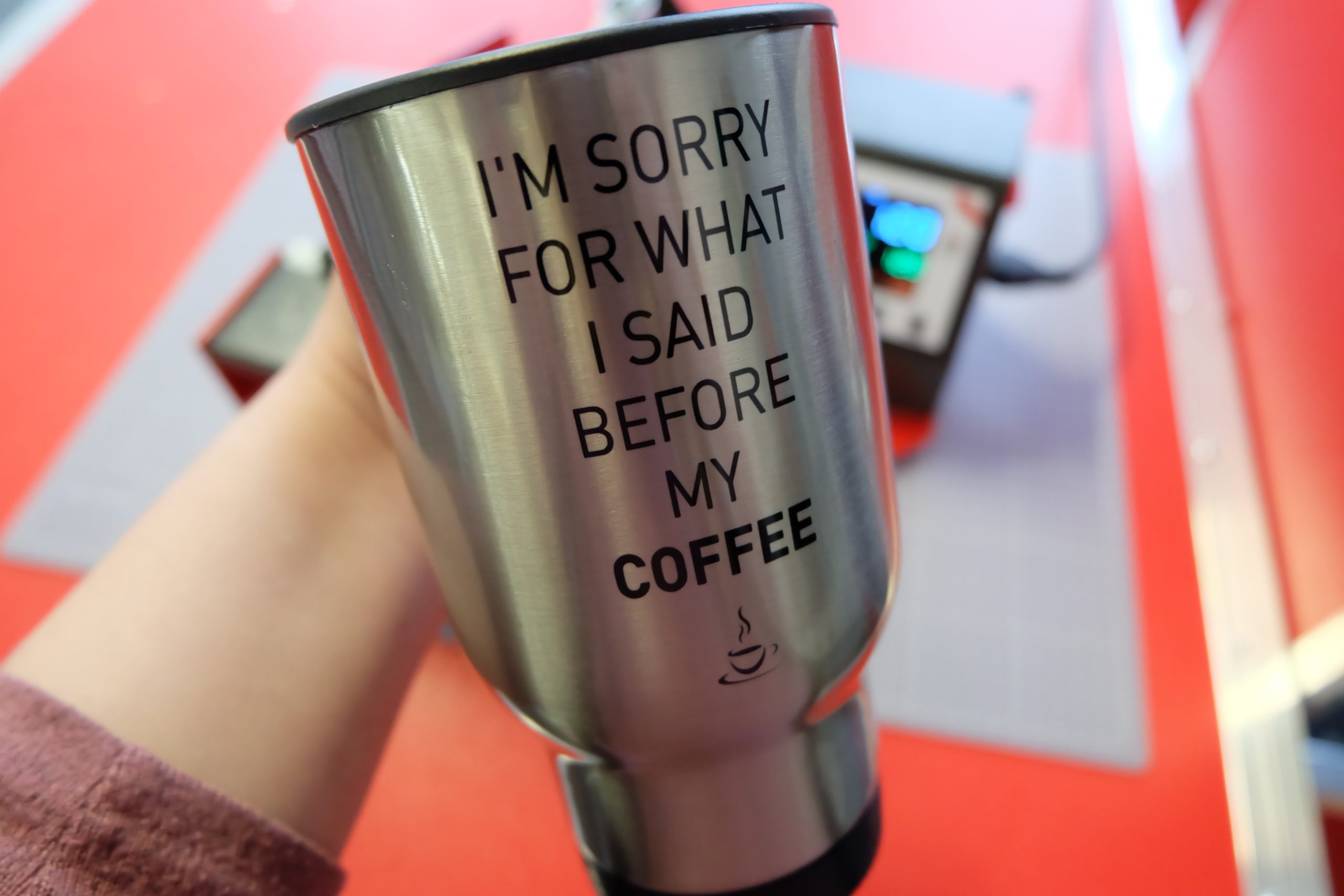
A lovely gift idea or a handy item for yourself: printable stainless-steel thermal mugs, perfect for taking your morning coffee or other hot drinks with you on the go – for example, to work or university. With a personalised design applied using sublimation transfer, these thermos mugs become real eye-catchers and are also kind to the environment.
In this blog post, we’d like to show you how easy it is to print on these stainless steel mugs and what you’ll need to do so.
1. Create and print designs
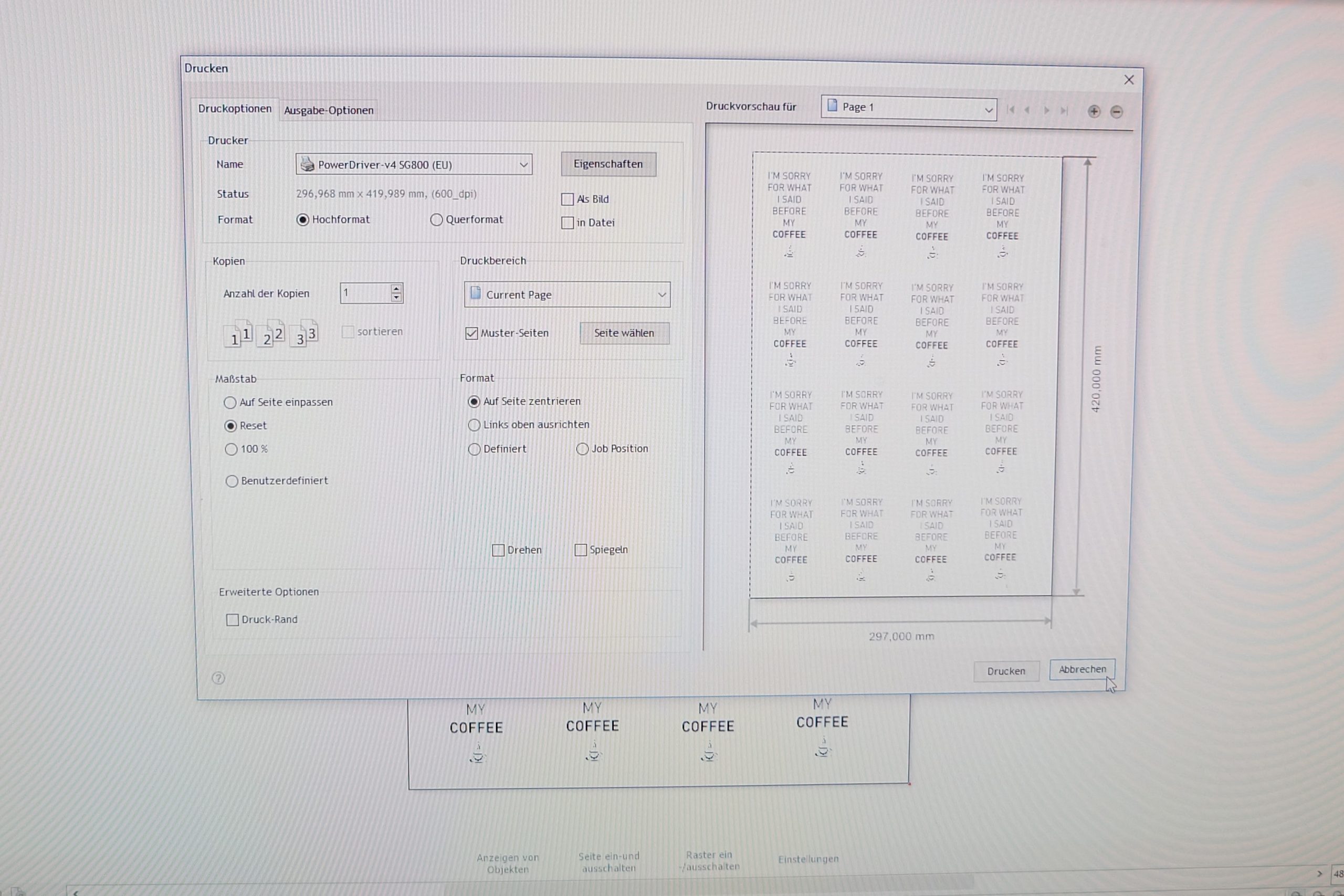
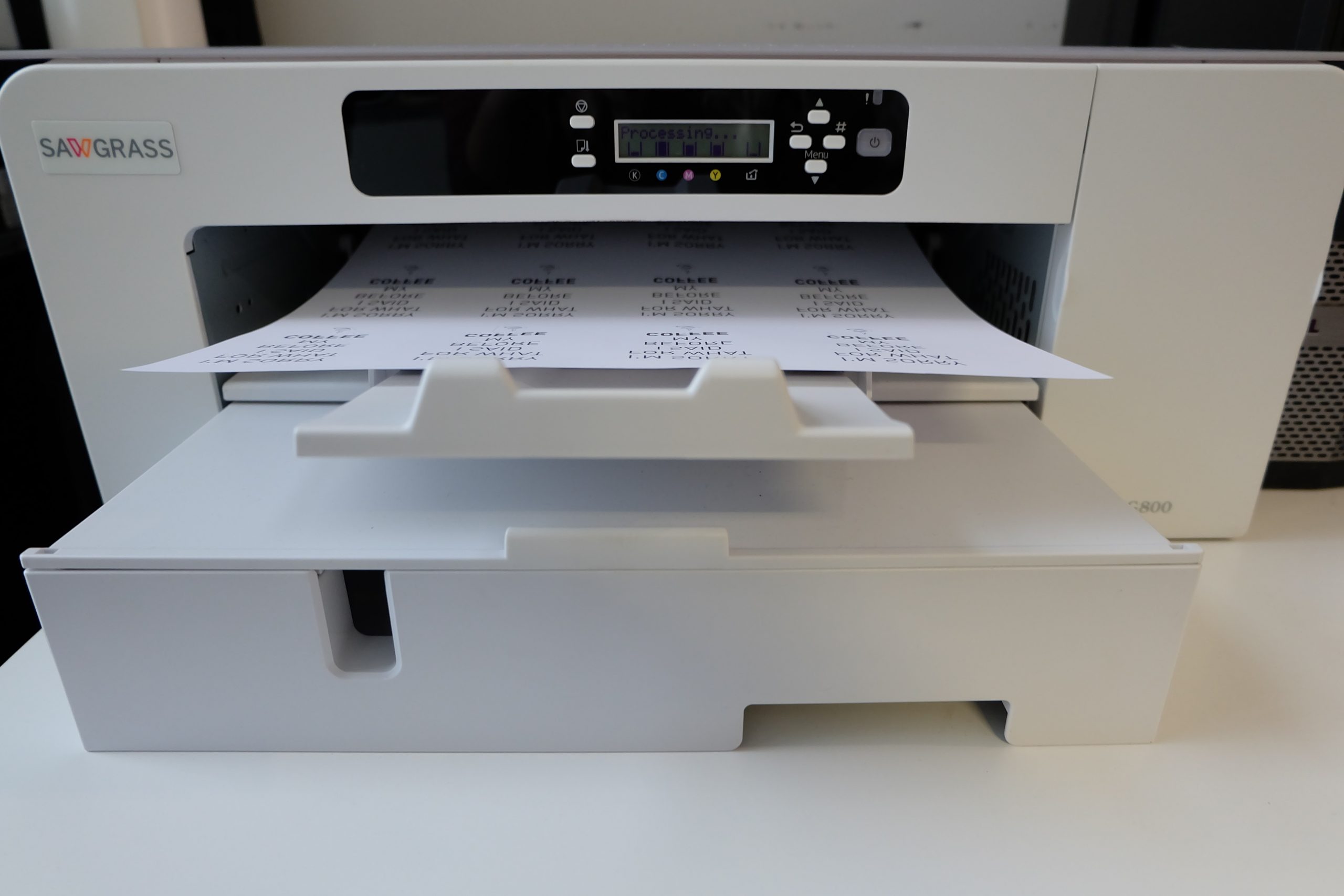
First, we created the design inDrawCut Pro, laid it out on A3 paper and printed it using the Sawgrass Powerdriver on our Sawgrass Virtuoso SG800. The advantage of the Powerdriver is that you can select the type of sublimation paper and the transfer object (mousepad, ceramic, jigsaw puzzle, etc.), and the colours are optimised accordingly. This is the only way to achieve true-to-life colour reproduction in sublimation quickly and easily.
2. Cut out the designs and stick them on
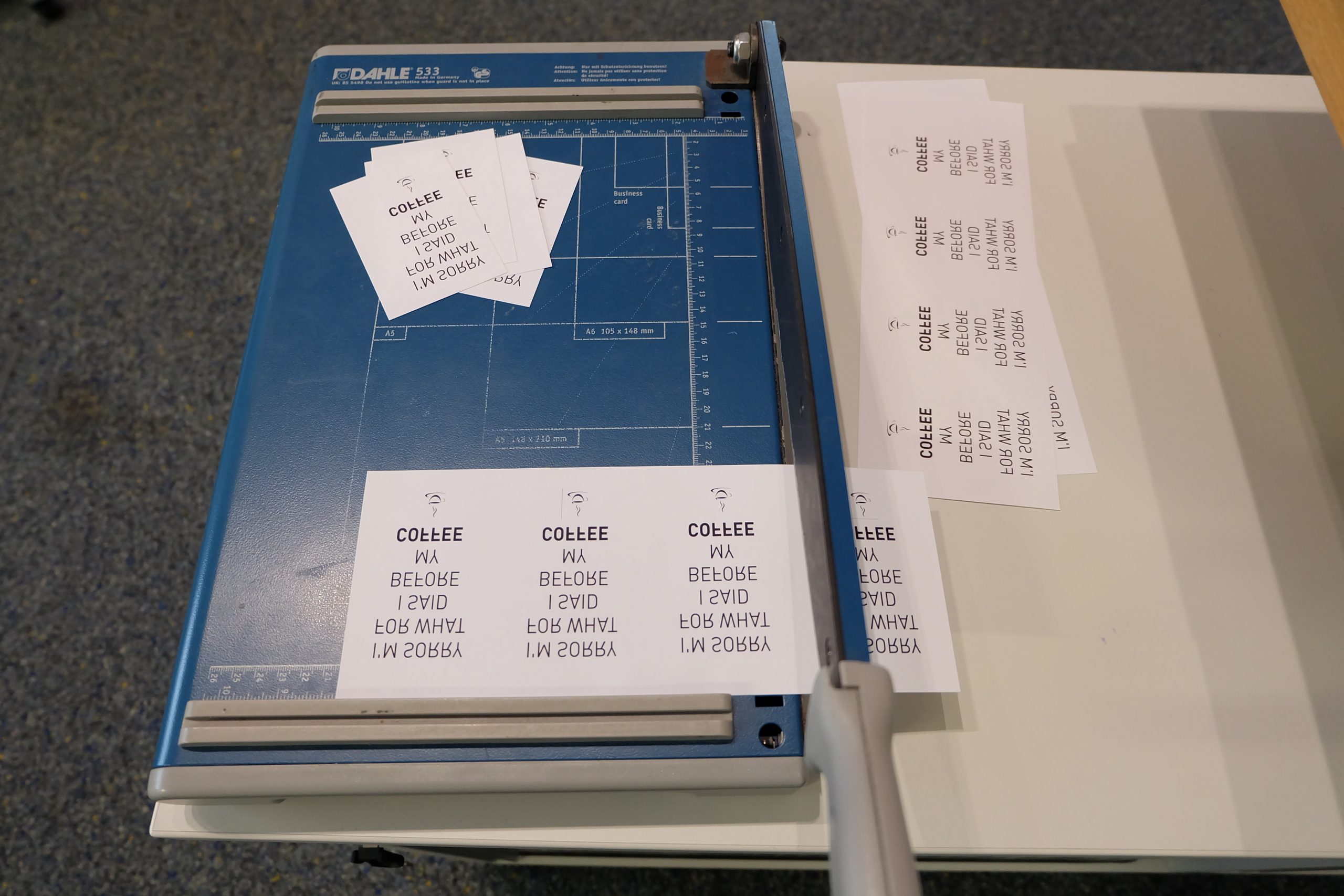
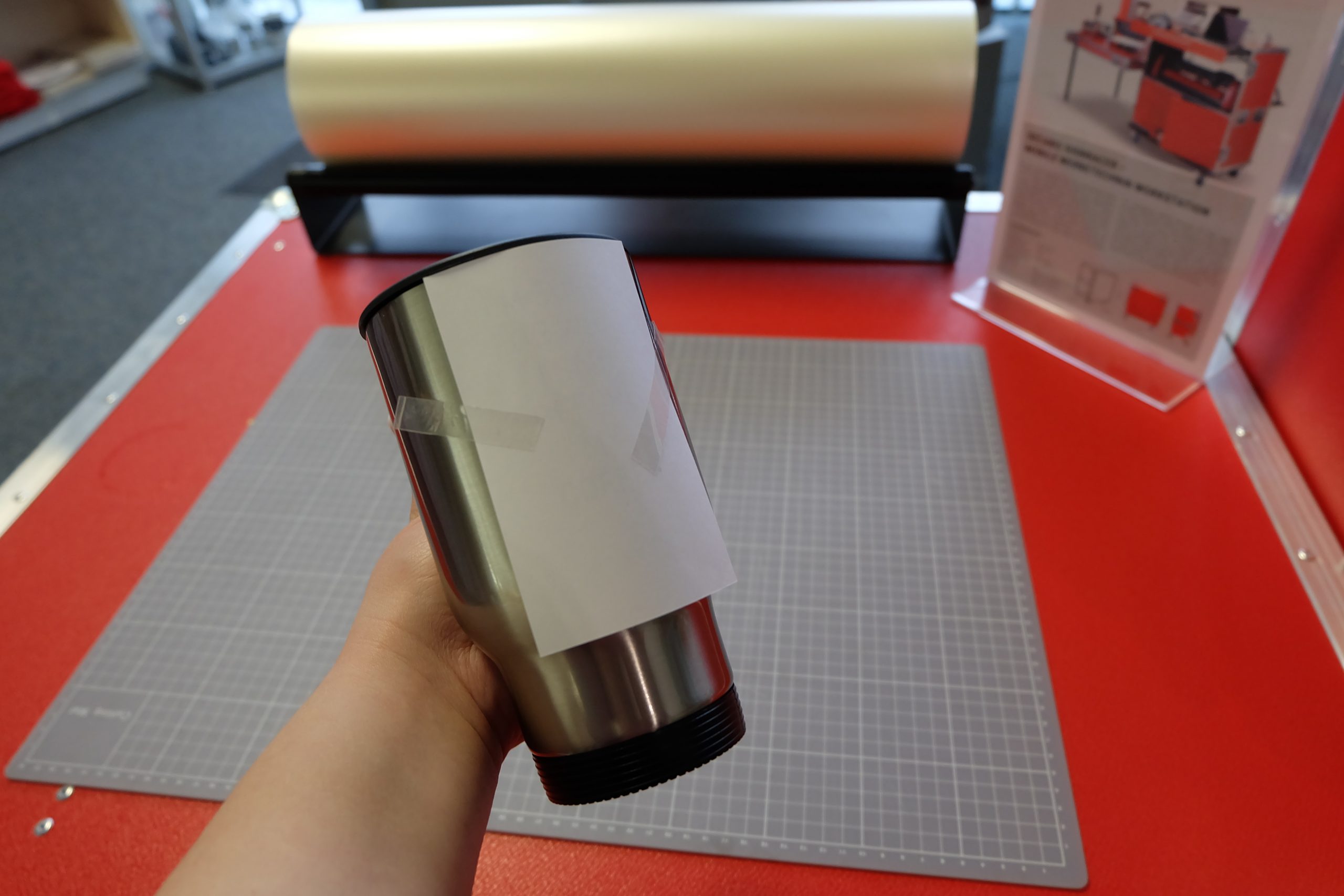
The printed designs are cut out as close to right angles as possible (to retain a reference edge for alignment) and stuck onto the prepared mugs – usingheat-resistant adhesive tape. A handy tip: if you fold back one edge of each strip of heat-resistant adhesive tape, you’ll be able to peel it off the mug more easily and without scratching it once the design has been transferred.
3. Pressing thermal mugs
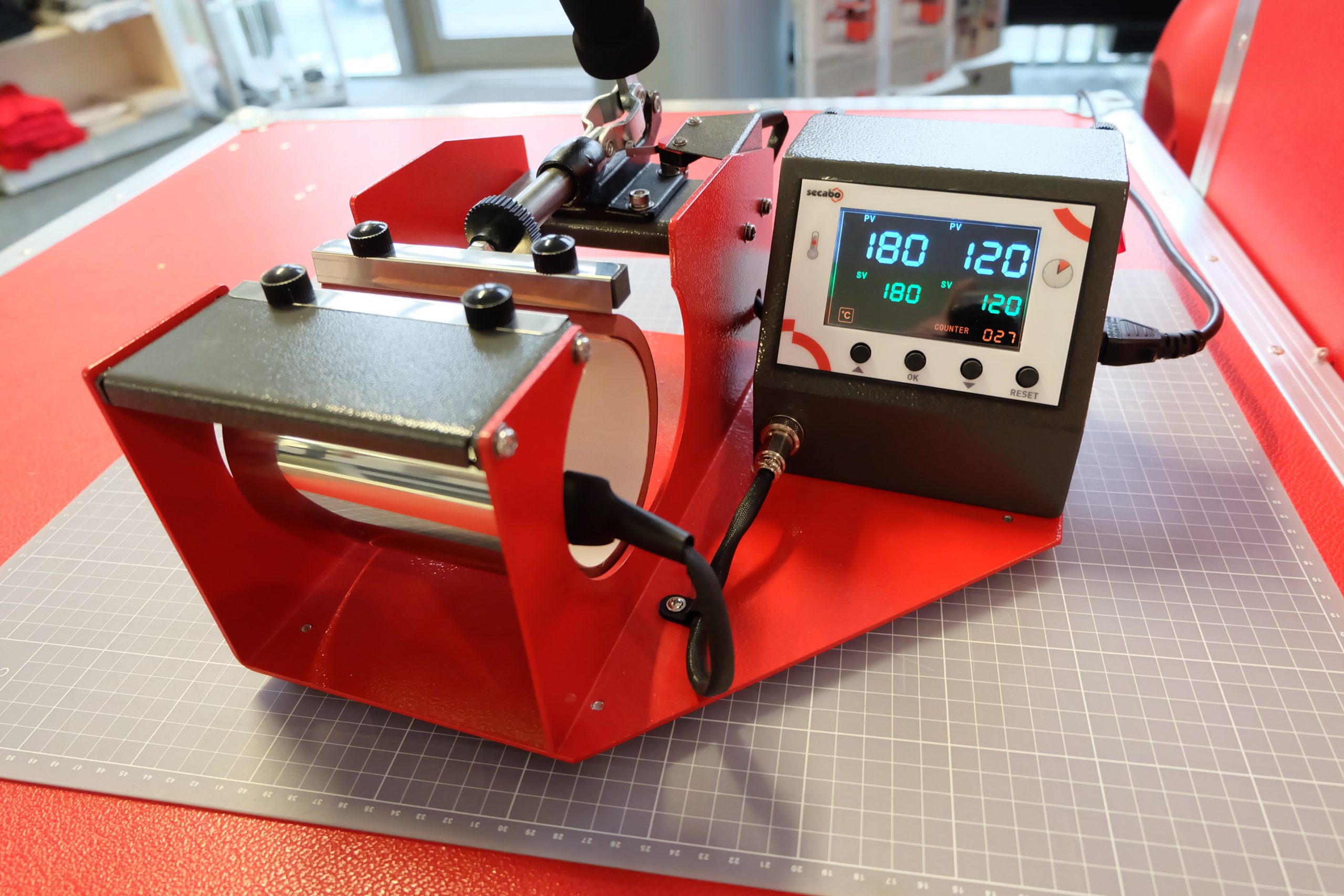
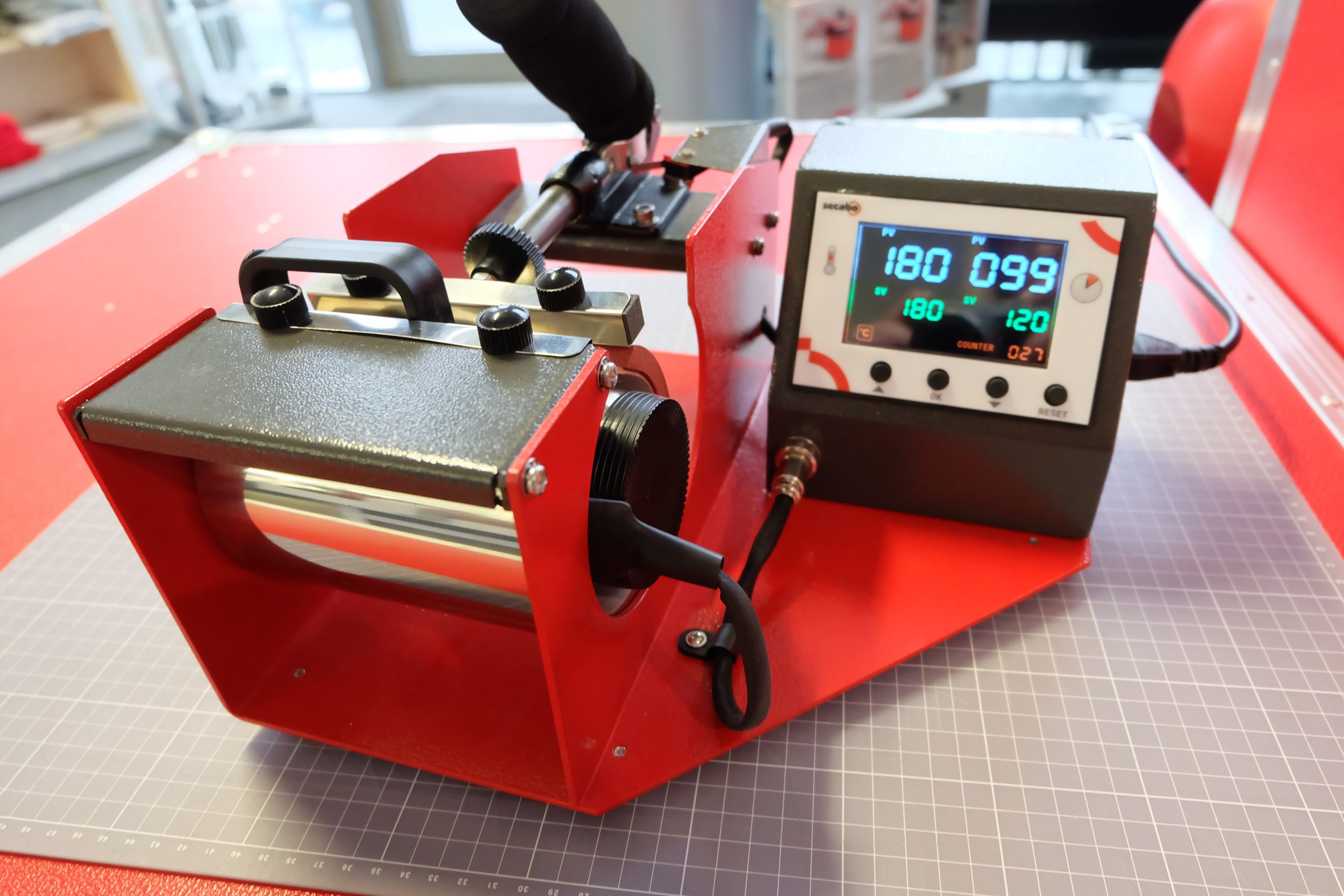
The stainless steel mugs were pressed in aSecabo TM1 mug pressat high pressure for 120 seconds at 180°C. As the mugs have a moderate heat capacity, it is entirely normal for the temperature of the press to drop slightly at first, in some cases to below 160°C. This explains the long transfer time – the crucial period is the final 20–30 seconds, during which the temperature has reached 180°C again.
4. Peel off the transfer paper
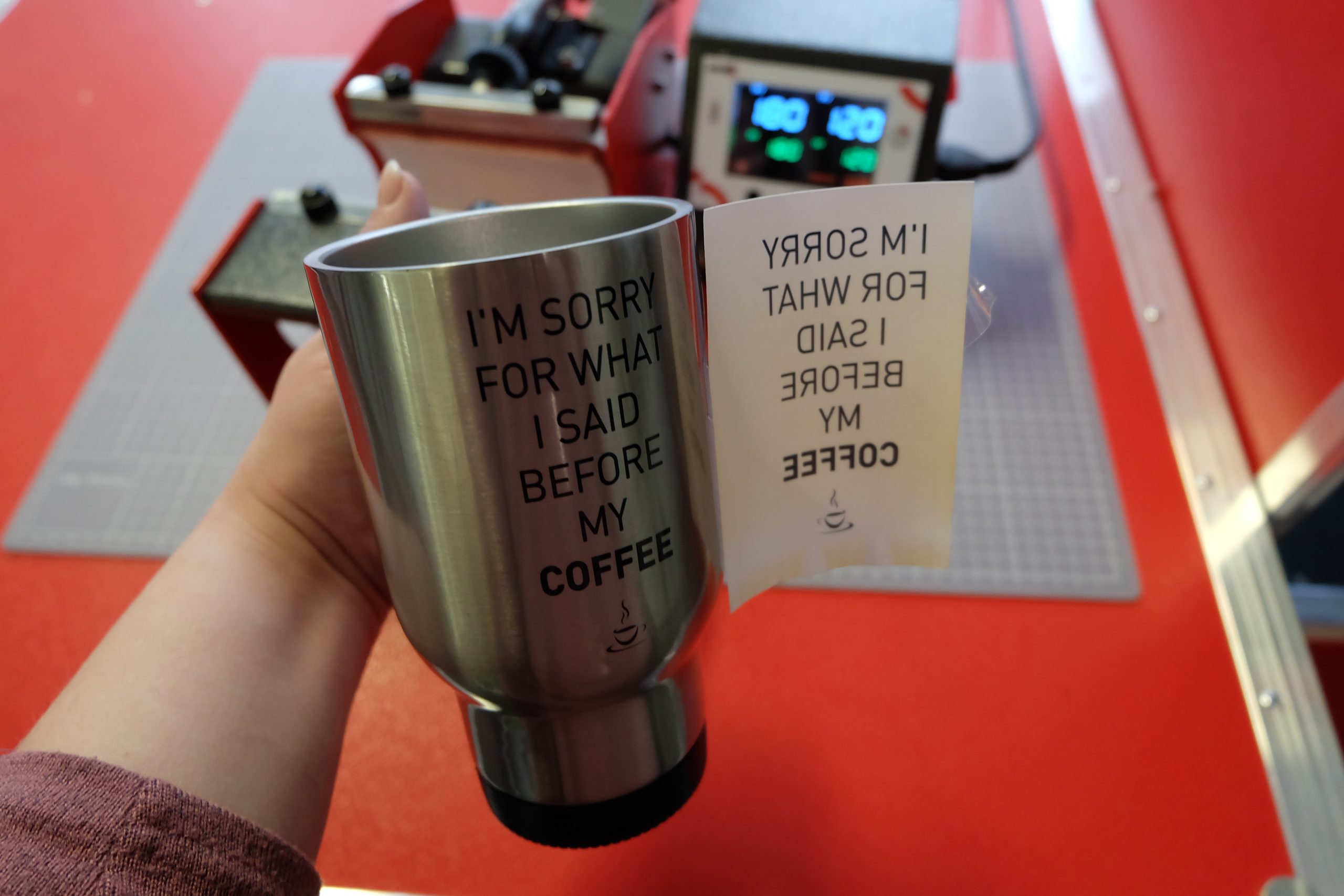
Immediately after removing the thermal mug from the mug press, the transfer paper must be peeled off – ideally in one go – to avoid ghost images on the mug, which is still at 180°C. Thanks to the tab that was attached earlier, the printed paper and the adhesive tape can be removed very quickly.
5. Cool the thermos mug (optional, but highly recommended when using the cup transfer method)
Immediately after removing the transfer paper, it is advisable to plunge the stainless steel mug into hot water. This cools the mug down sufficiently to stop the sublimation process and prevent the ink particles from evaporating. This ensures that the images remain beautifully clear and the edges sharp.
6. Polish the mug and – that’s it!
Now we can wipe off any dust and leftover adhesive from the thermal tape, and we’ve got these brilliant thermal mugs!