Production of small boxes as promotional items or gifts for guests
Folding boxes are ideal for small gifts and promotional items. With the Secabo FC50, you can easily make your own boxes.
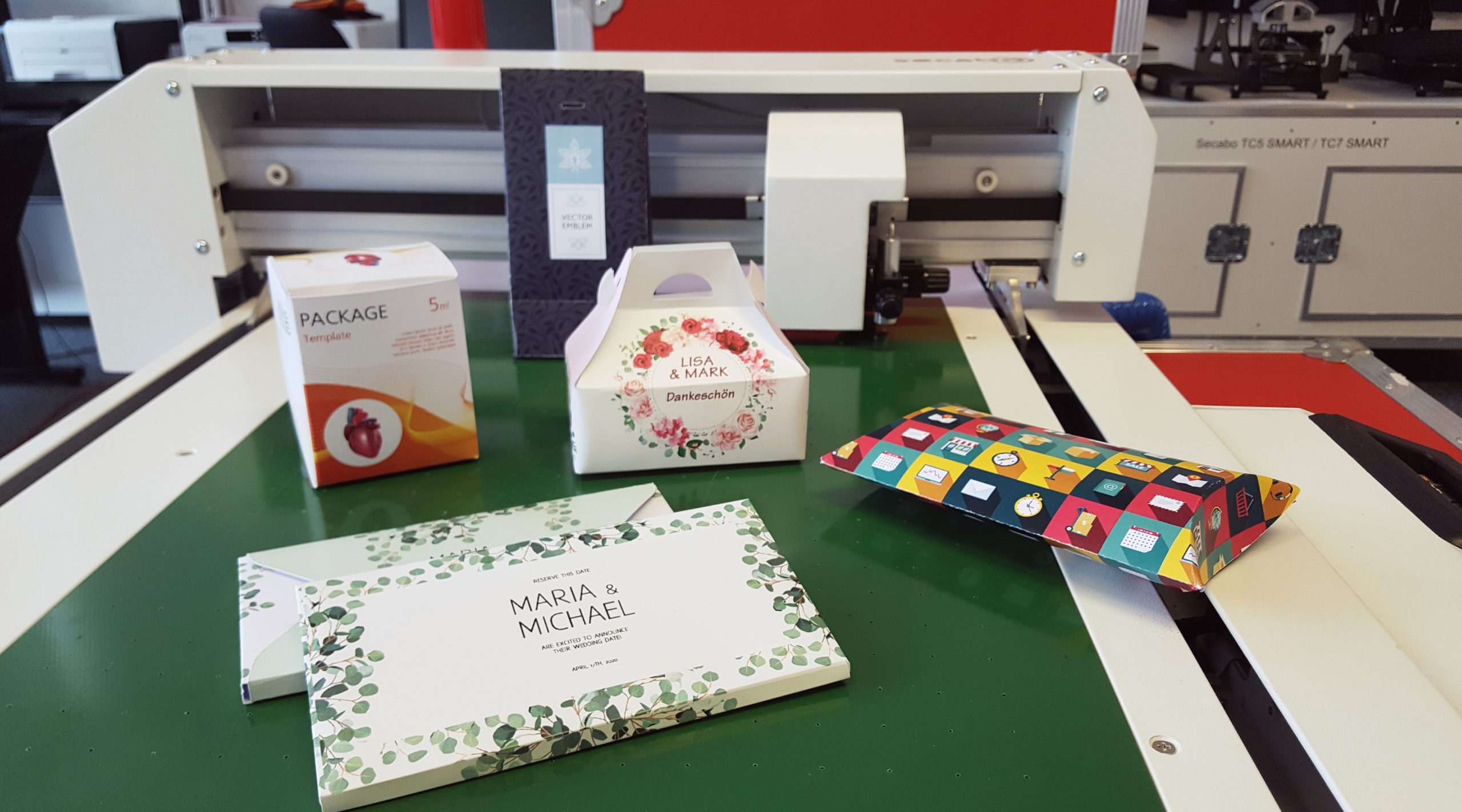
Folding boxes are extremely popular these days. They are used in a wide variety of contexts, such as gifts for guests at weddings, christenings or birthdays. Small gift boxes are also ideal for promotional purposes. Available in a range of sizes, they can accommodate all sorts of promotional items, whilst the company logo is shown off to its best advantage on the eco-friendly packaging. With the Secabo FC50 flatbed cutting plotter, you can easily make small boxes yourself – quickly, simply and tailored to your specific needs. On the YOW! blog, we’ll reveal what makes folding boxes so appealing for both personal and commercial use, and how you can design them yourself using your cutting plotter in future.
Small boxes for party favours
Have you thought of a very special gift for someone close to you, but feel that simply wrapping it in paper seems uncreative and thoughtless? Small, personalised boxes are a great alternative here, providing the perfect setting for your gift. Small boxes also look great for special occasions. Would you like to give your guests a little something to take home so they can remember the lovely day for a long time to come? A pretty little box, featuring a completely personalised print, is guaranteed to delight your loved ones! If you personalise the boxes with names, they also make wonderful place cards. Not only is this practical, but it also makes for a lovely keepsake later on. As well as a small homemade gift, sweets such as chocolates, cupcakes or biscuits are also perfectly at home in a folding box; after all, cardboard and thin paperboard are the ideal packaging materials, particularly for products that are sensitive to odours and flavours.
Folding boxes as advertising space
Folding boxes are also popular for promotional purposes. This is partly due to their versatility. Whether large or small, simple or elaborately designed – small boxes are the ideal packaging for all small to medium-sized products. Whether they contain gifts, food or everyday essentials – folding boxes are the perfect way to present giveaways to your customers. Small boxes impress with their low material costs, sturdiness and practicality. Particularly at a time when plastic packaging is coming under increasing scrutiny, by offering your customers this eco-friendly cardboard alternative, you can show them that you, too, take climate and environmental protection very seriously. At the same time, you can make perfect use of the entire packaging surface as an advertising medium by adding your company logo – quickly, affordably and extremely effectively.
Make your own folding boxes – with the Secabo FC50
Cutting plotters help both hobbyists and professional designers to cut out various patterns and designs with precise contours. The FC50 flatbed cutting plotter from Secabo is particularly well-suited to making small boxes, as, in addition to the cutting blade, it also features a creasing tool designed specifically for creating fold lines. This means that, whilst plotting, not only are the outlines cut, but lines are also drawn where you will need to fold the cardboard later, so that a box can be created in no time at all. The FC50 is a compact desktop machine which, with a working area of 35 cm x 52 cm, is ideally suited to the production of small boxes.
If you require a cutting plotter for applications that demand a larger working area, we recommend the FC50’s ‘big brother’, the Secabo FC100; this is a floor-standing model. Compared to traditional roll-fed plotters, flatbed cutting plotters offer the advantage that they can also process very thick and inflexible materials. This is particularly useful when producing gift boxes, as it allows you to work with thicker cardboard, which offers even greater stability and durability.
How to plot small boxes yourself – here’s how
Step 1: Create a template in DrawCut PRO
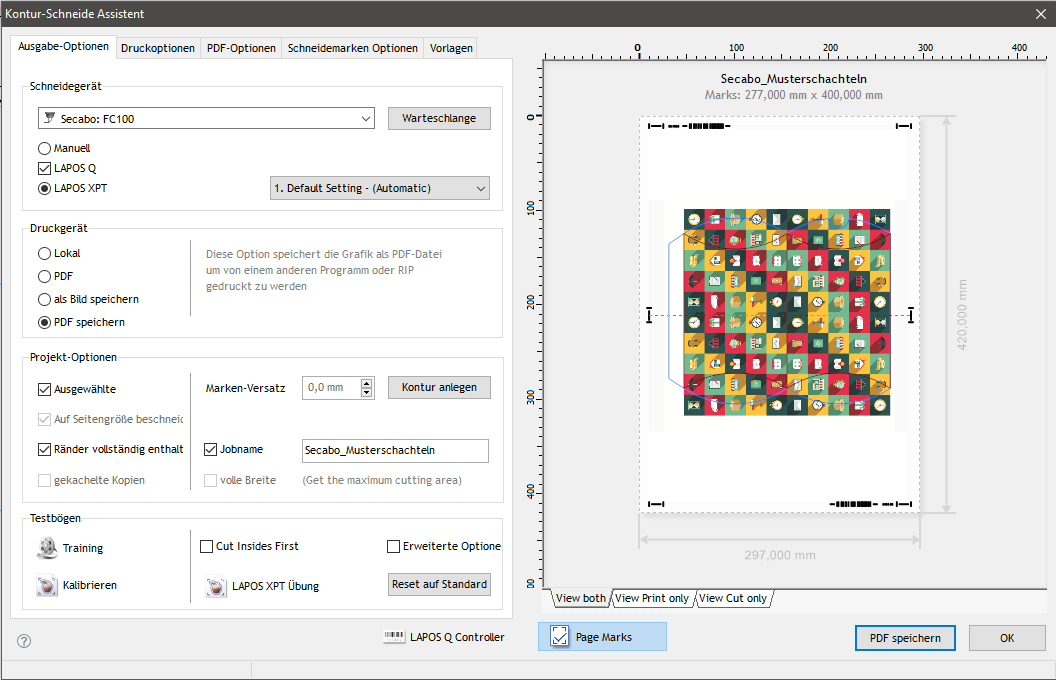
When you purchase a cutting plotter from the YOW! online shop, you’ll receive the multilingual cutting software DrawCut PRO included as standard. This makes producing small boxes a breeze. First, launch DrawCut PRO and, if you wish, import your own custom design. This could be, for example, the outline of a folding box. Now specify within the graphic which parts are to be cut and which are to be creased. You can mark these very easily and clearly using different colours. Also check the cutting pressure, speed and blade offset.
Step 2: Plotting
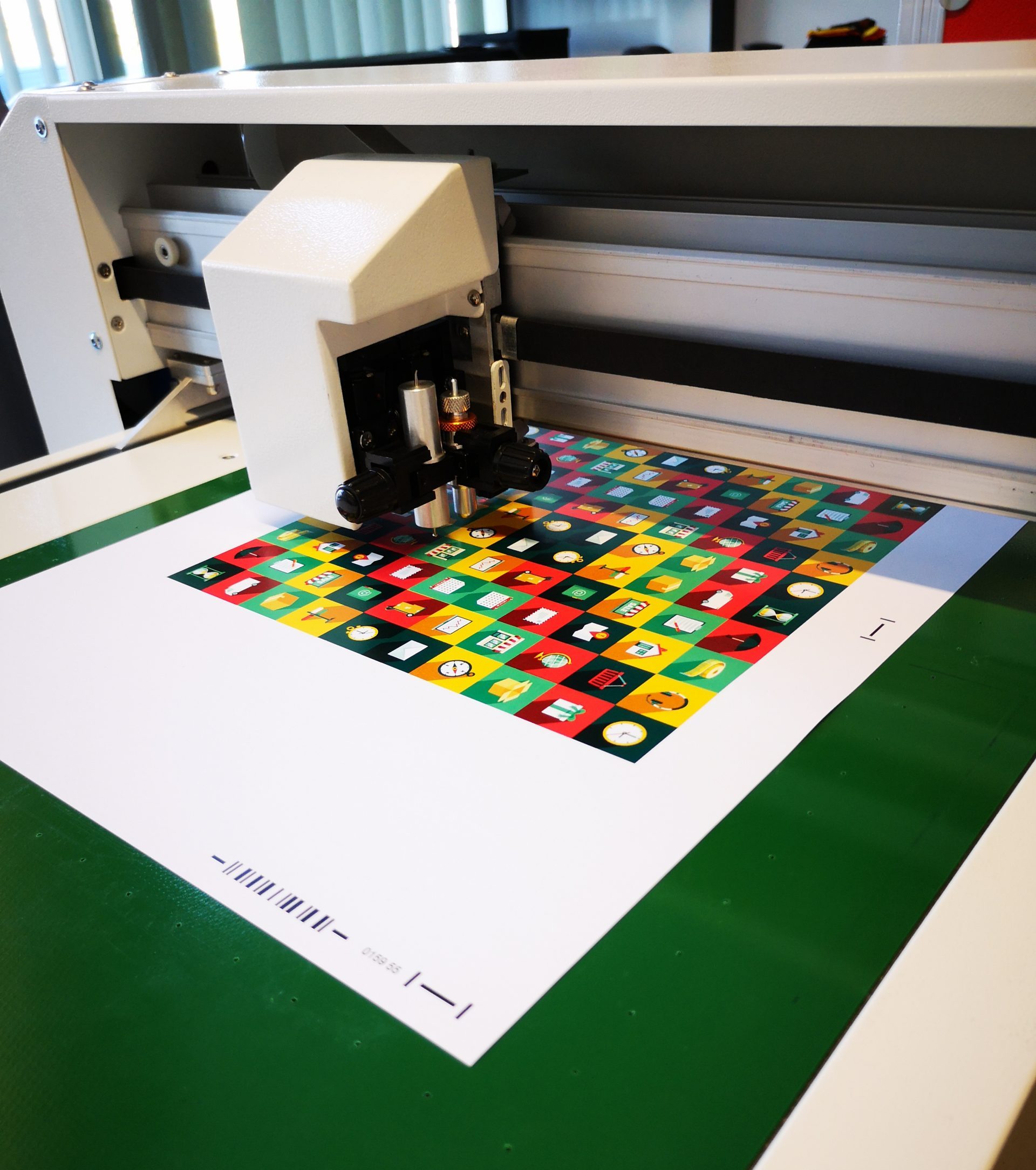
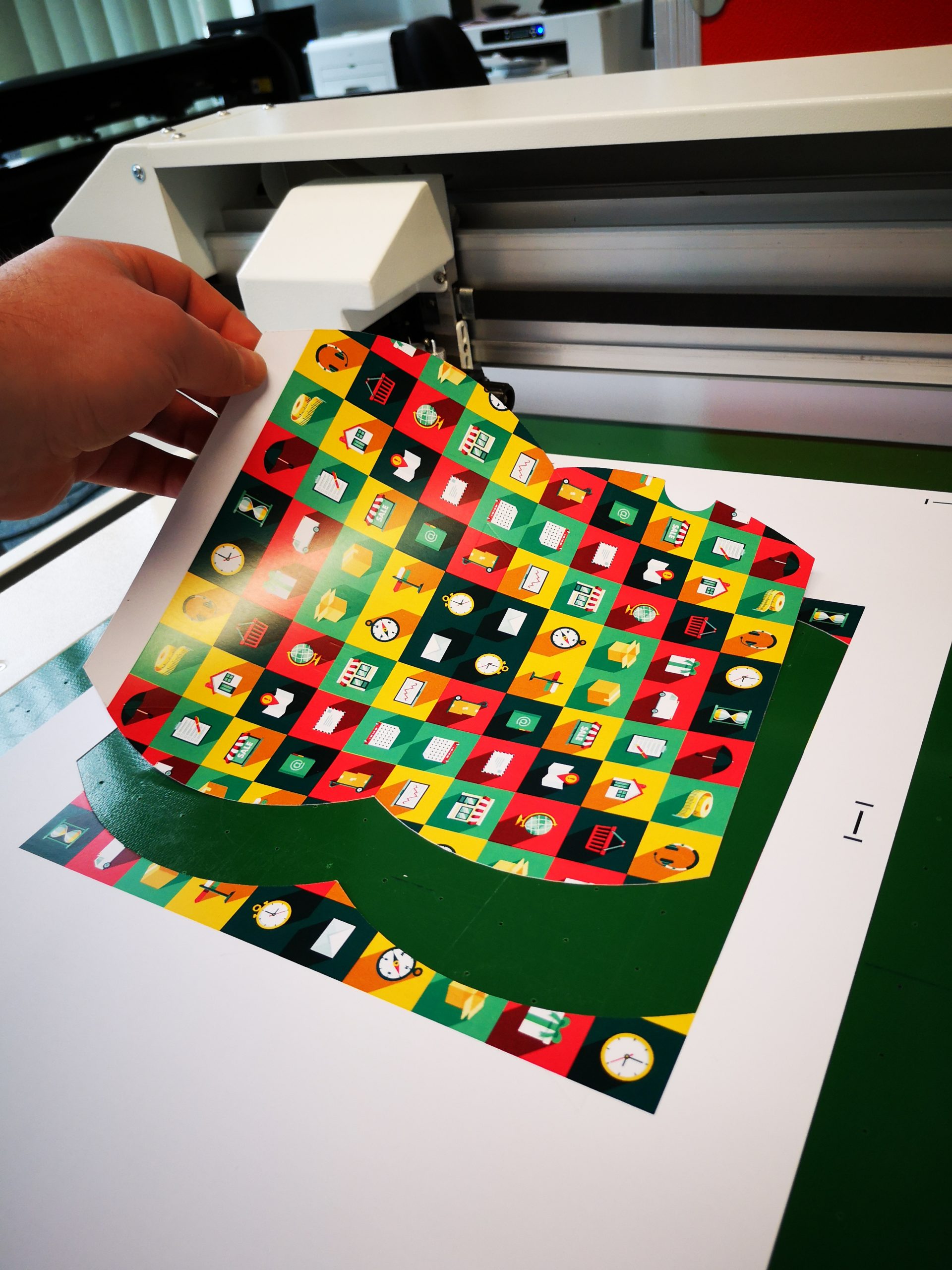
Now position the card or cardboard you wish to print on top of the FC 50’s work surface. Switch on the vacuum pump and position the blade at the desired point where you wish to define the origin. Now click on ‘Cut’ in your cutting software – the process will start automatically.
Step 3: Folding the box
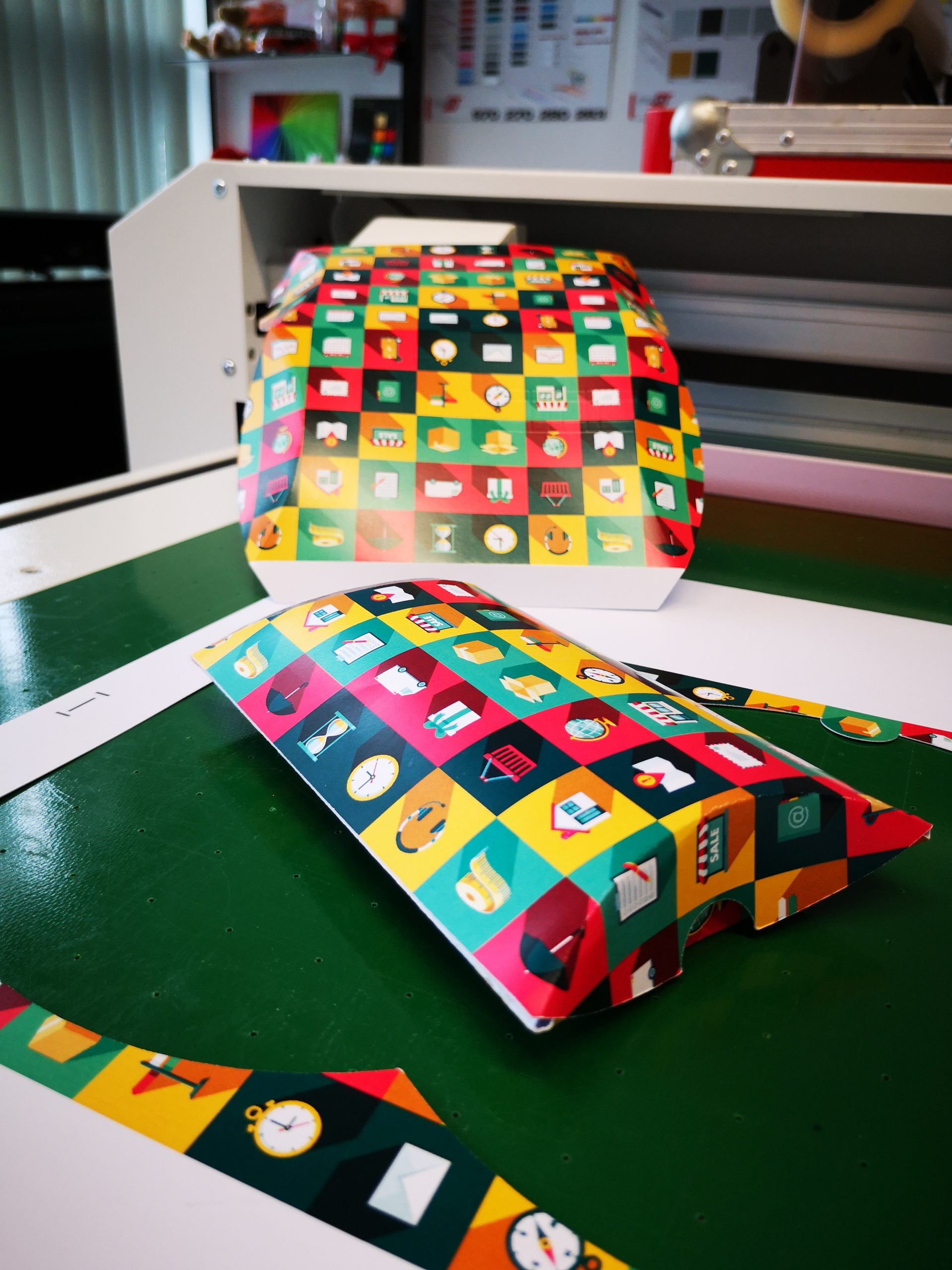
All you need to do now is fold the cut-out shape along the score lines, which were clearly marked during the plotting process. And there you have it – your very own little gift box is ready – without the need for scissors or glue.