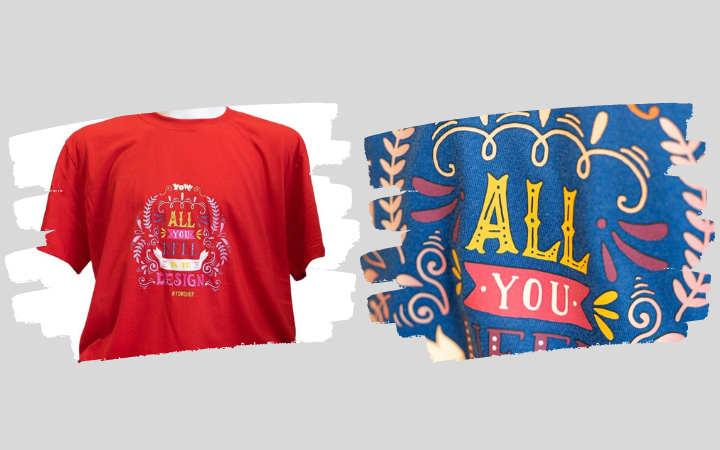
DIY: Make a statement with your own T-shirt designs
If you want to personalise your clothes with your own designs, a heat transfer press is the way to go. We’ll show you how to design your own T-shirt using one.
Your wardrobe is packed to the brim, and yet you still can’t find the right outfit for the day. Everything seems a bit dull and monotonous. Do you want to stand out from the crowd and wear unique T-shirts? Why not simply design your own clothes? With a heat transfer press, you can create professional-quality designs on T-shirts, jumpers and more. Entry-level models are available for very little money. They’re as easy to use as they are practical. We’ll show you how to print your own T-shirt.
How transfer presses work
Transfer presses apply custom logos and designs to various materials using pressure and heat. The machines essentially work like a large iron. The key advantage, however, is that the temperature and contact pressure can be precisely adjusted. This ensures professional, accurate results. Different transfer presses are particularly well suited to the material being printed on. For thin materials such as T-shirts and cotton bags, a simple clamshell press is sufficient. Swing presses and pneumatic presses deliver even higher-quality results, even on thicker materials. If you wish to print on ceramics, we recommend a specialised mug press. The way these machines work is very similar. They press the film so deeply into the material to be printed that the ink particles in the film bond firmly with the fabric. This makes the designs heat-resistant and washable up to 30°C.
T-shirt printing for signmakers and hobbyists
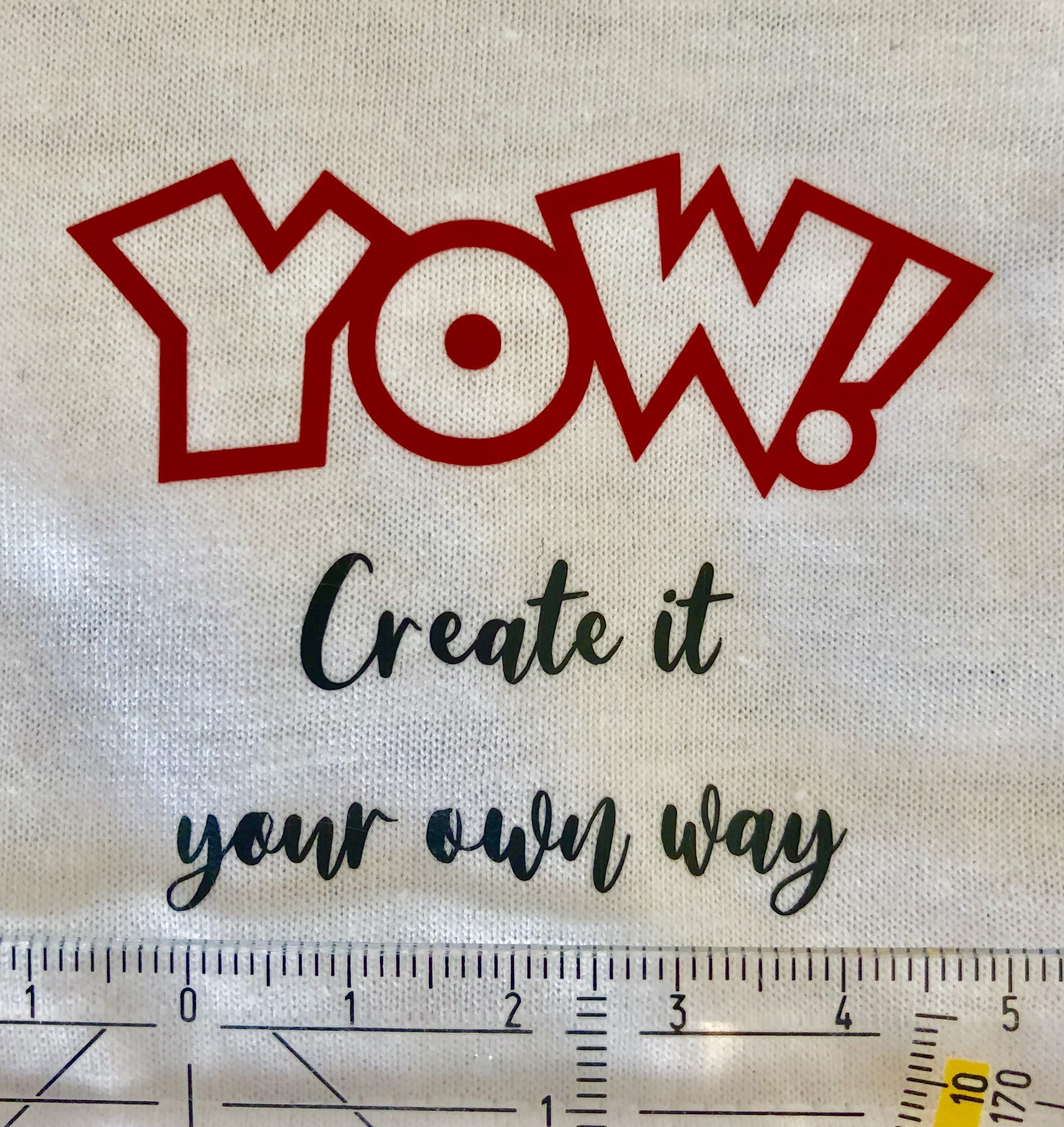
Heat transfer presses are ideal for anyone who wants to create high-quality, personalised T-shirts with minimal effort. Hobbyists will therefore get just as much enjoyment out of these machines as professional signmakers. Whether it’s public events, stag or hen parties, holiday get-togethers or graduation celebrations – there are countless occasions for personalised T-shirts, and they crop up time and again in everyday life. But sports clubs, bands and carnival groups also rely on uniform, personalised clothing. Commissioning this from a professional advertising agency is often time-consuming and expensive. We’ll show you how you can easily take care of the textile printing yourself instead.
Design your own T-shirt – Here’s how
Materials
- Textile film, e.g. SEF Flexfolie Advance
- Cutting plotter, e.g. Secabo C60 V
- Weeding aid, e.g. foil tweezers
- Transfer press, e.g. Secabo TC5 SMART
- Plain cotton T-shirt, available here
Step 1: Choose your design
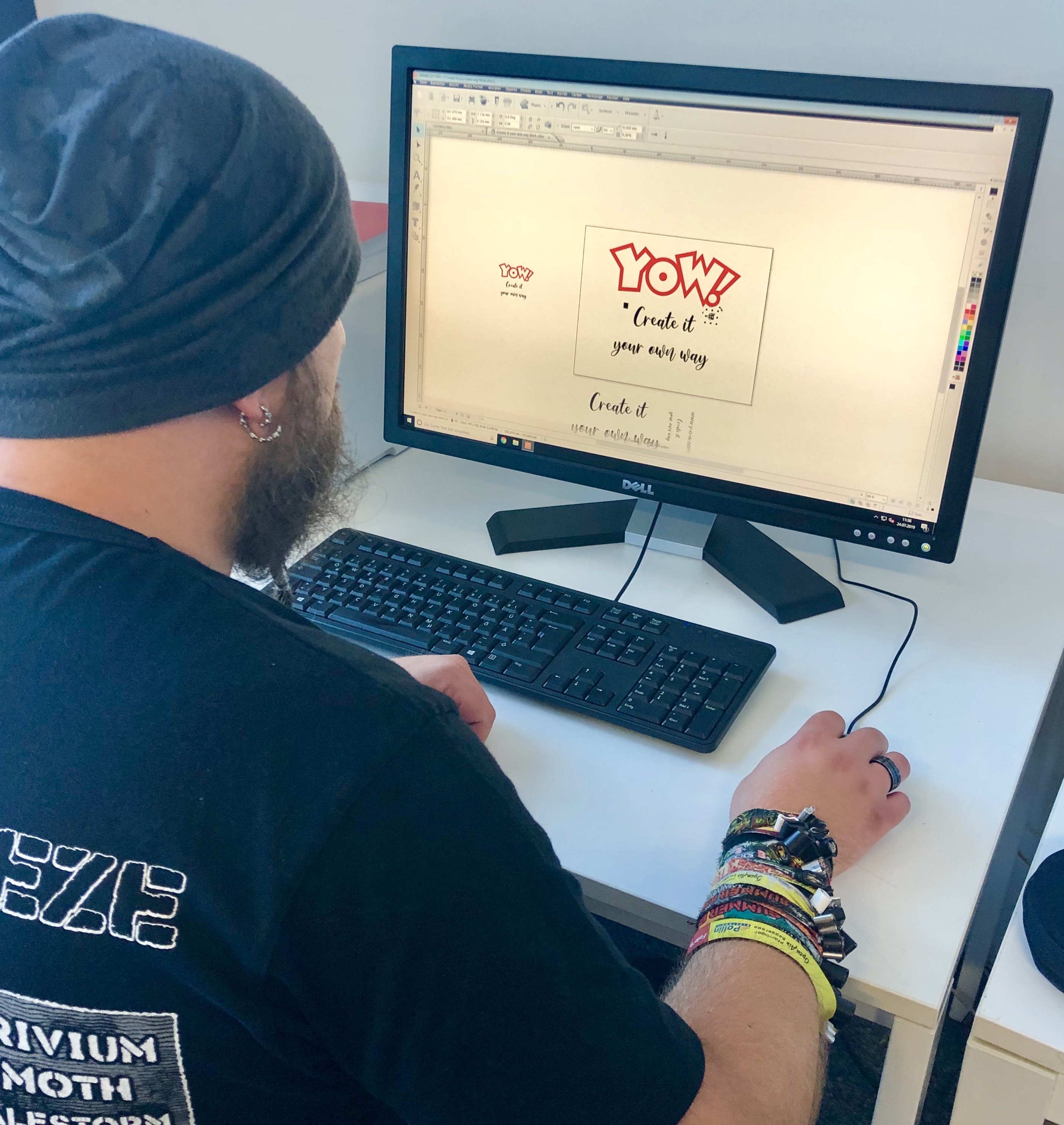
If you want to design your own T-shirt, the first step is to find a suitable design. You can either download one from the internet or create your own using specialist graphics software. If you purchase a cutting plotter from YOW!, the DrawCut cutting software is included as standard. This allows you to create your desired design directly on your PC. Don’t forget to mirror the design for textile application before plotting it from the flex film.
Step 2: Plotting
The next step is to transfer the chosen design onto a transfer film. Make sure that the backing material is facing downwards. You can then adjust your plotter’s cutting settings to suit the specific cutting job. You’ll find detailed information on cutting speed and pressure in your cutting plotter’s user manual. Now load your chosen design into the plotter and start the plotting process. The machine will now carry out the cutting process automatically.
Step 3: Weeding
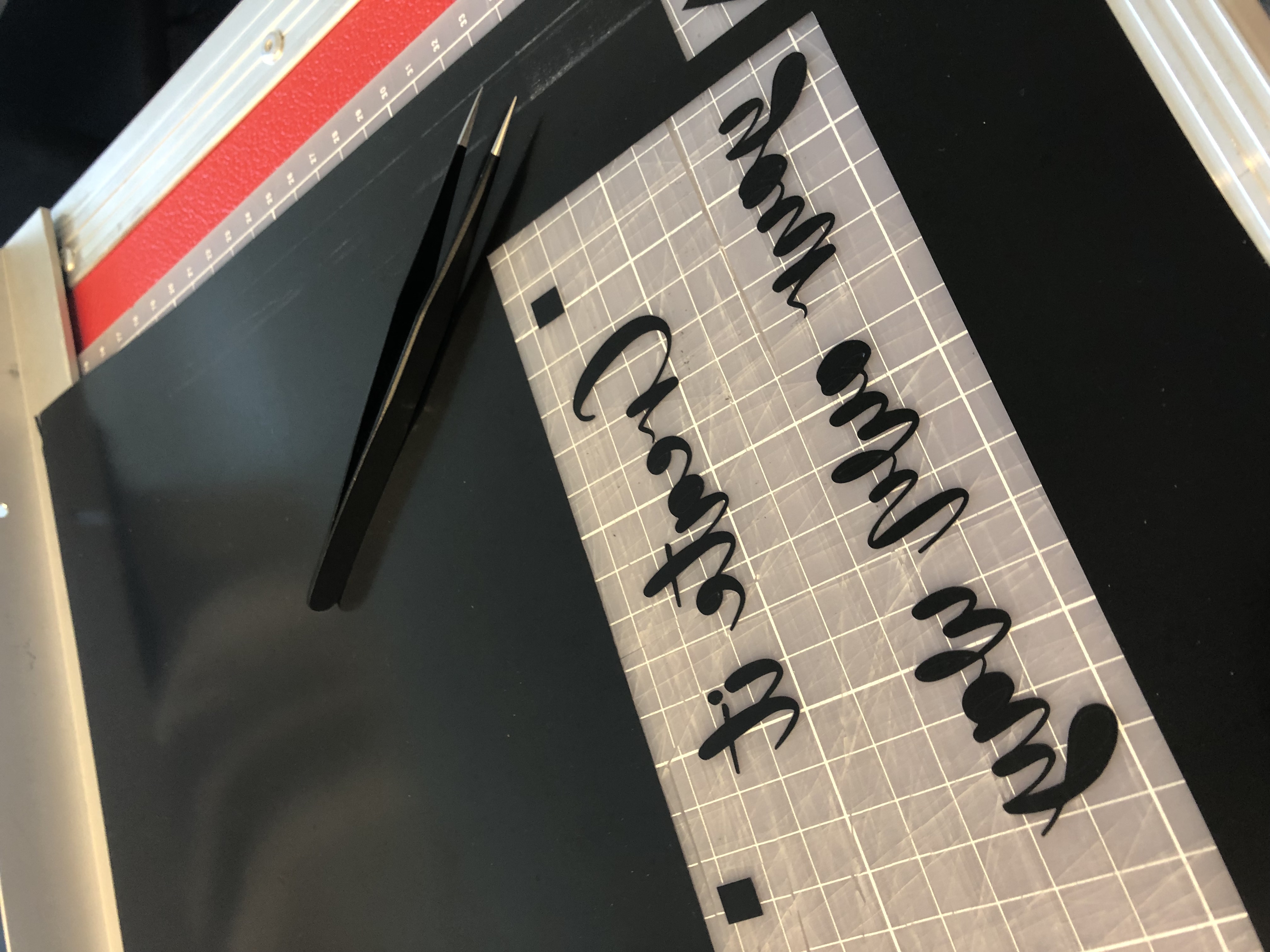
Once your plotter has finished cutting, it’s time to weed the design. It’s best to use a weeding tool for this, such as tweezers or a weeder. Weeding hooks help you to carefully separate the excess film from the actual plot. Take particular care with intricate patterns so as not to accidentally damage the design.
Step 4: Printing the T-shirt
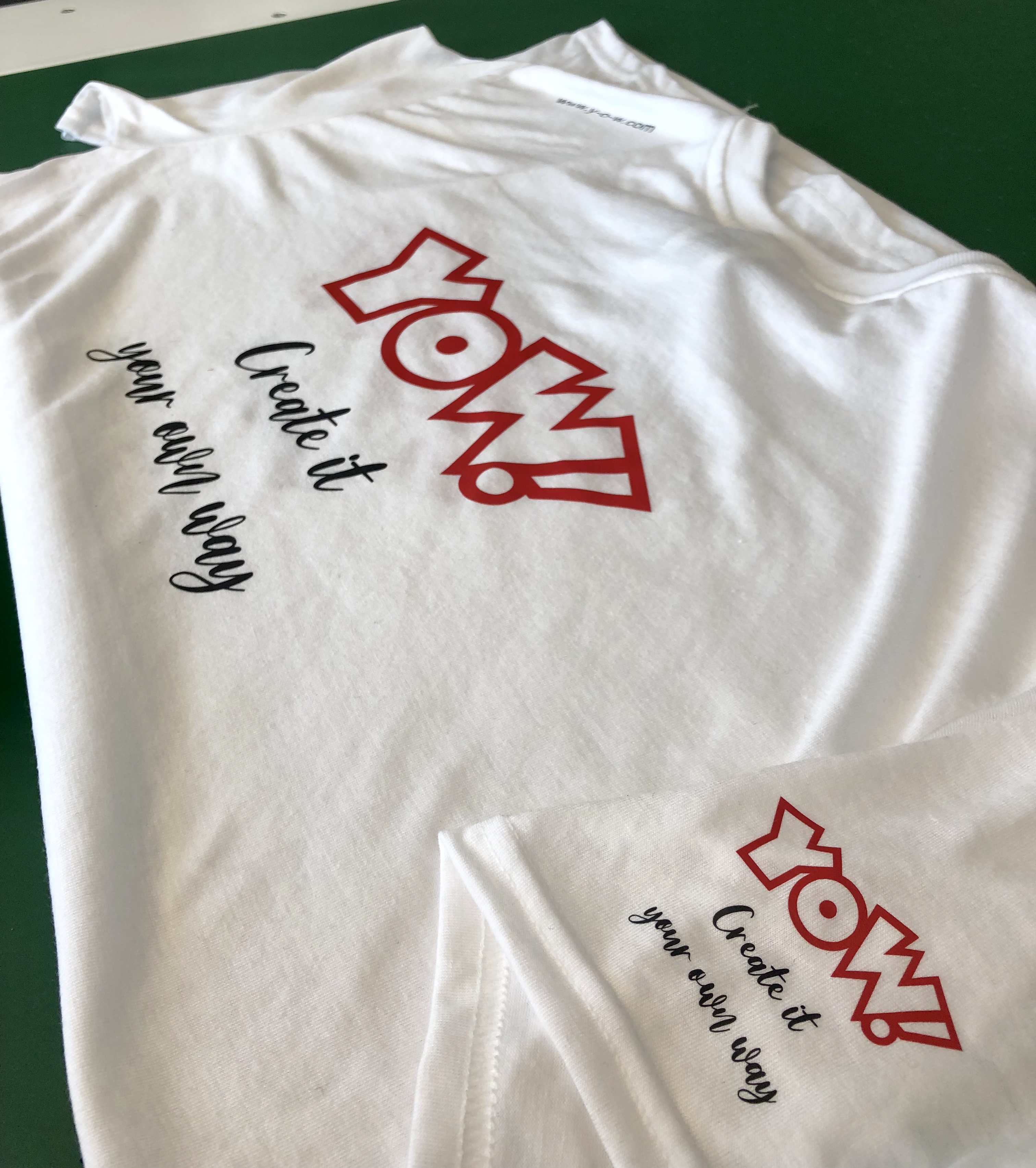
The weeded design is now transferred onto the T-shirt using a heat transfer press. To do this, place the film with the adhesive side facing down exactly where on the shirt you want the image to appear. Then place both into the press. Before you start the actual printing process, it is essential that you check the pressing temperature and duration and, ideally, carry out one or more test prints. This is particularly recommended when printing large quantities. Textiles are usually pressed with flex film at 160°C for 20 seconds. However, this may vary. Once you are satisfied with your settings, close the transfer press. Once the set time has elapsed, the Secabo SMART press opens automatically. Now all you need to do is peel off the carrier film whilst it is still lukewarm.
YOW! hopes you enjoy experimenting!
___________________________________________________________________________________________________________________________
T-shirt Recycling Idea
There are so many great ways to reuse old T-shirts and turn them into something new and useful. From upcycling projects to creative gift ideas, there are countless ways to make the most of these garments. You can find one idea on spreadshirt.de in the following blog post: https://www.spreadshirt.de/gestalten/blog/korb-aus-t-shirt-garn-flechten/
We hope you enjoy making these and giving them as gifts!
____________________________________________________________________________________________________________________________