Skip to main content Skip to search Skip to main navigation
YOW! Advent Calendar

YOW! Advent Calendar – Door 14

Today we’re bringing a touch of Christmas cheer to the fridge!

With magnetic buttons that speak their own language:

  1. Create your own festive button designs on your computer. Use our templates to ensure you stick to the correct dimensions. Print the design using a laser printer.
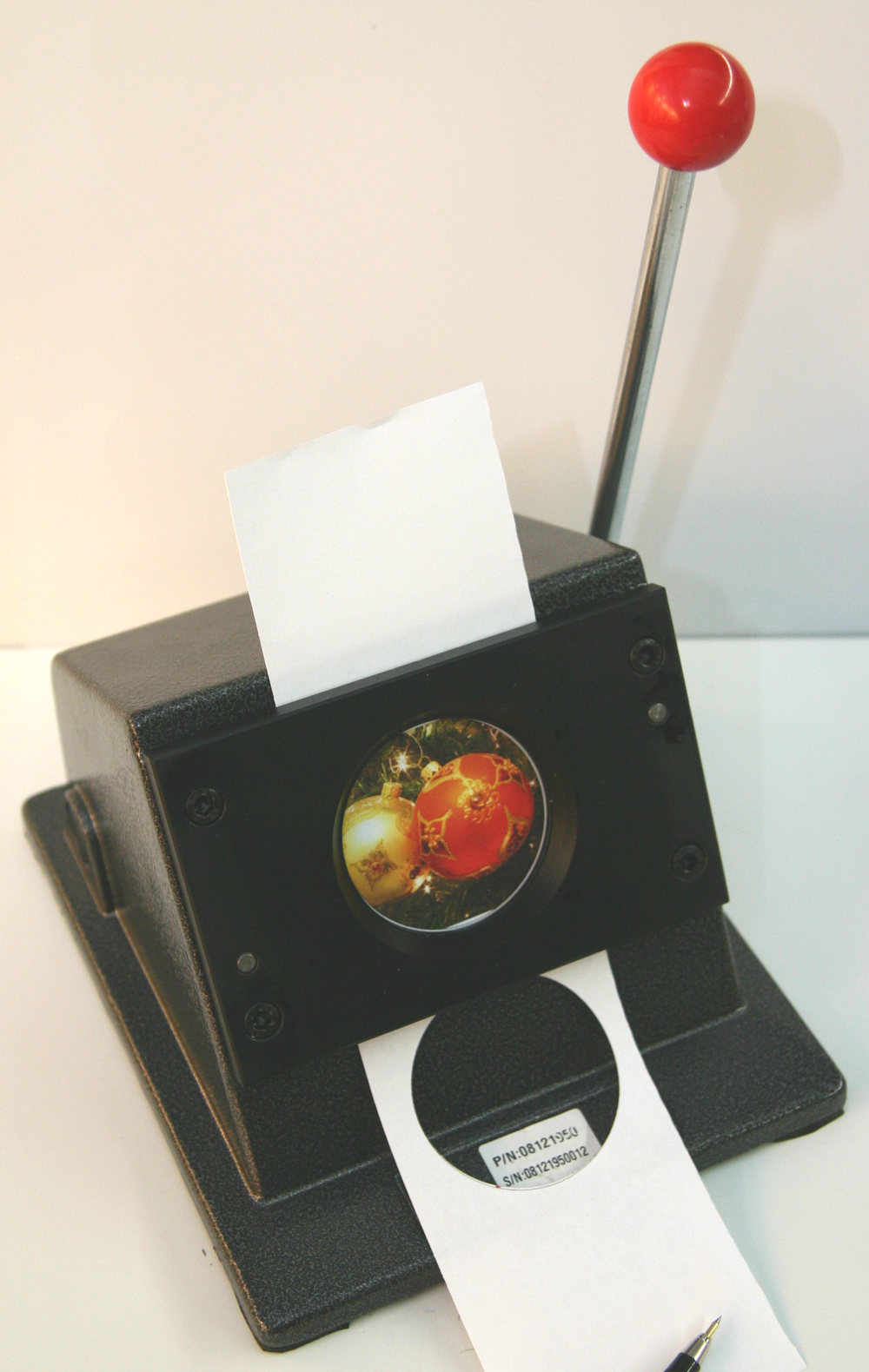
  2. Cut out the printed design to the correct button size using a paper cutter.
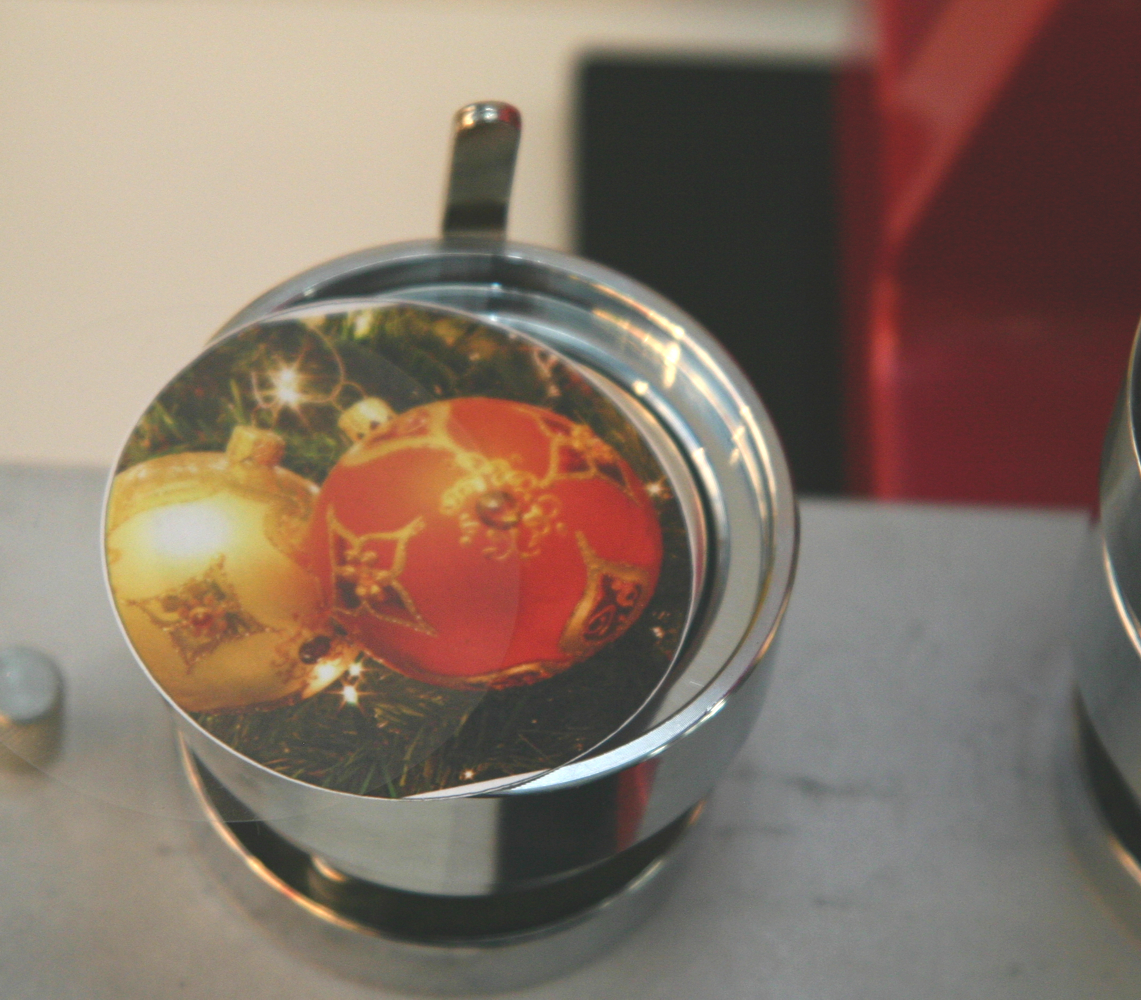
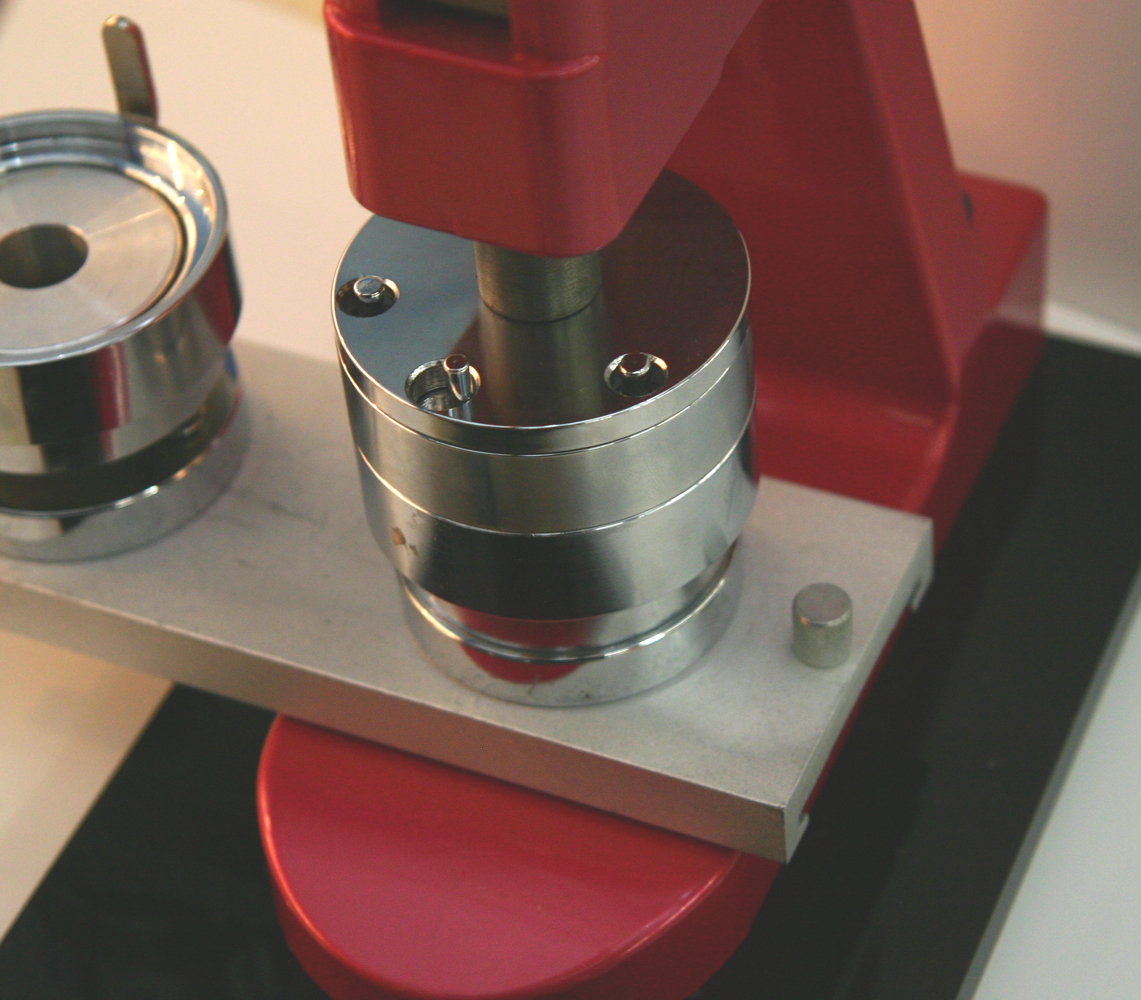
  3. Place a blank button with the punched-out design and a suitable clear film into a button-making machine, then press the top and bottom halves of the button together.
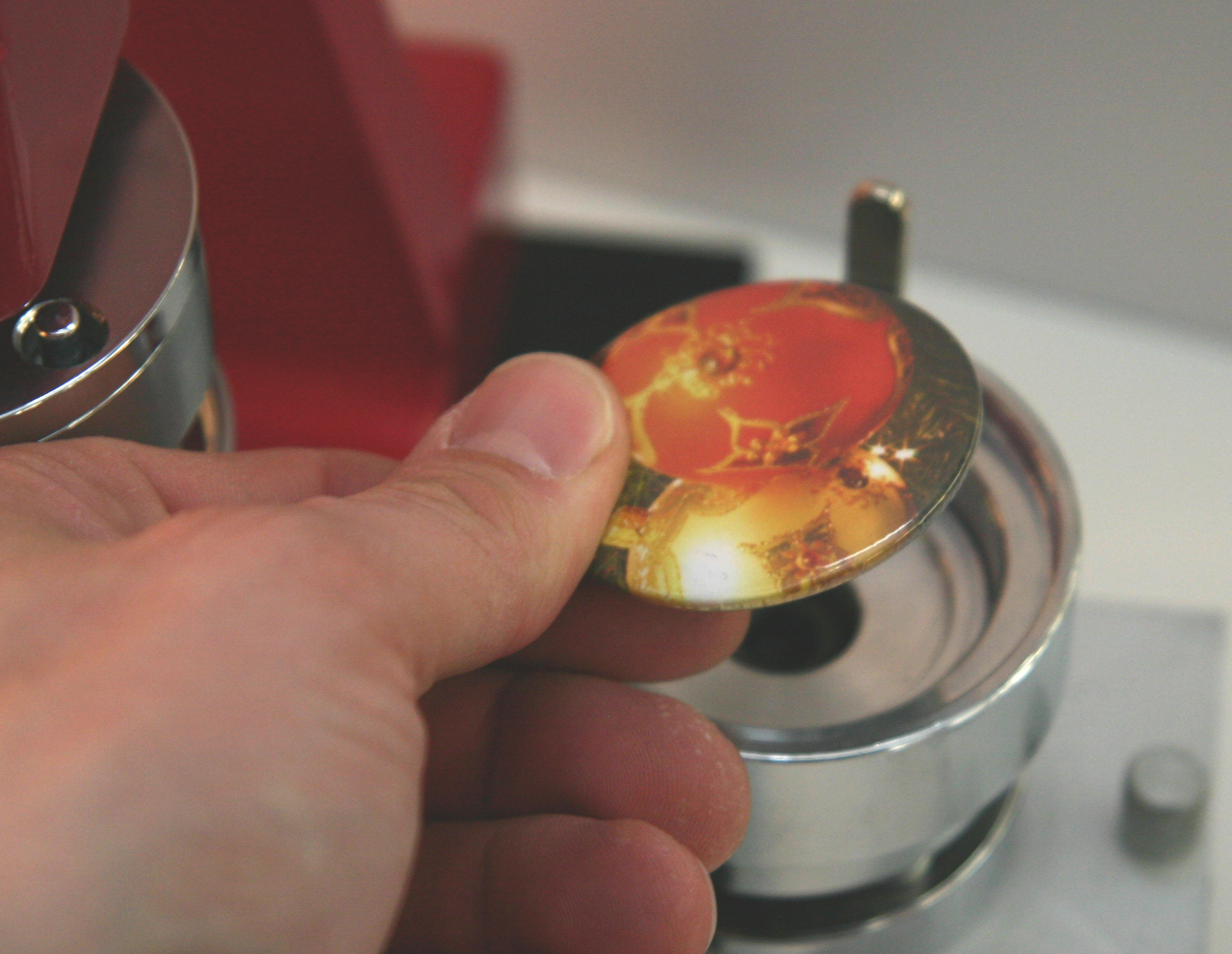
  4. Stick the finished magnets to the fridge or magnetic board and look forward to Christmas!
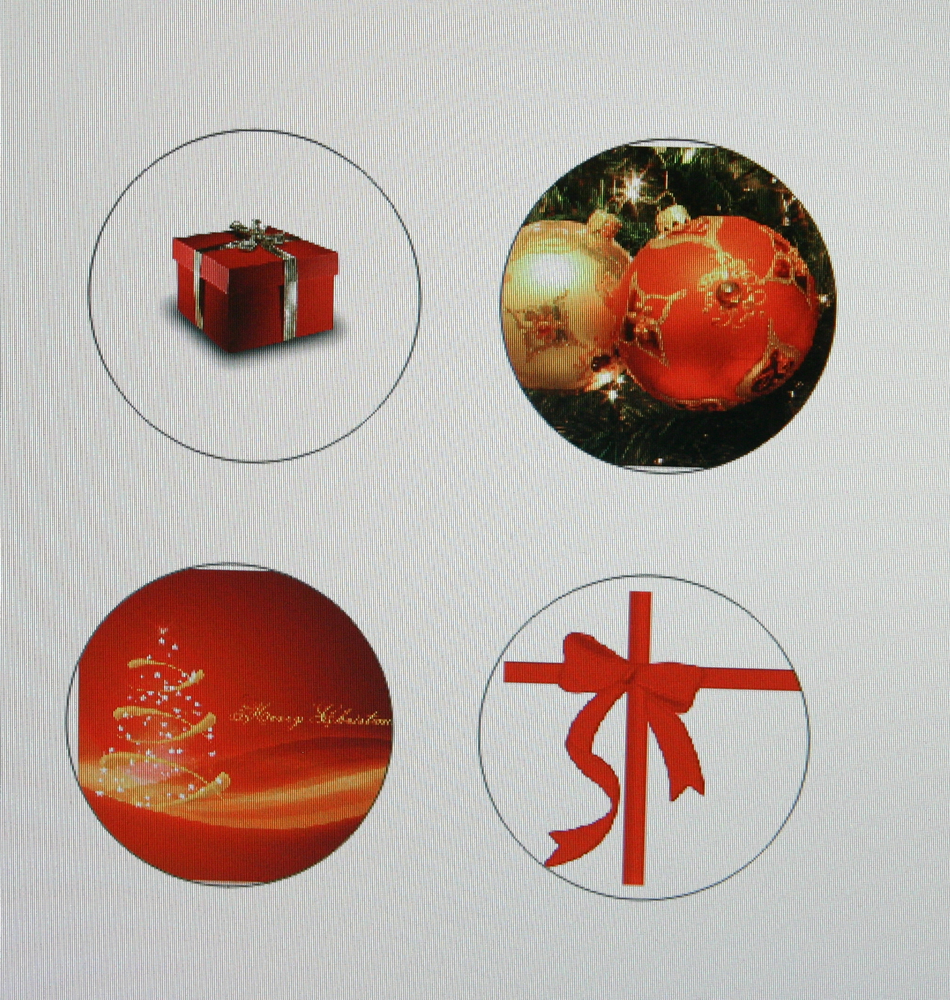
Four round button designs on the screen: a red present, Christmas tree baubles, a golden tree with ‘Merry Christmas’ and a red bow
Paper punch with a red lever knob: a strip of paper with a Christmas bauble design is positioned in the round cutting window, next to a hole that has already been punched
A die-cut design featuring red and gold Christmas baubles and transparent film, set in the metal holder of a button-making machine, ready to be pressed
Red button-making machine in operation: the punch rests on the chrome-plated die; on the left is the second die for the upper and lower halves
A hand holds a finished button featuring a red Christmas bauble design in front of the silver pressing unit of a red button-making machine
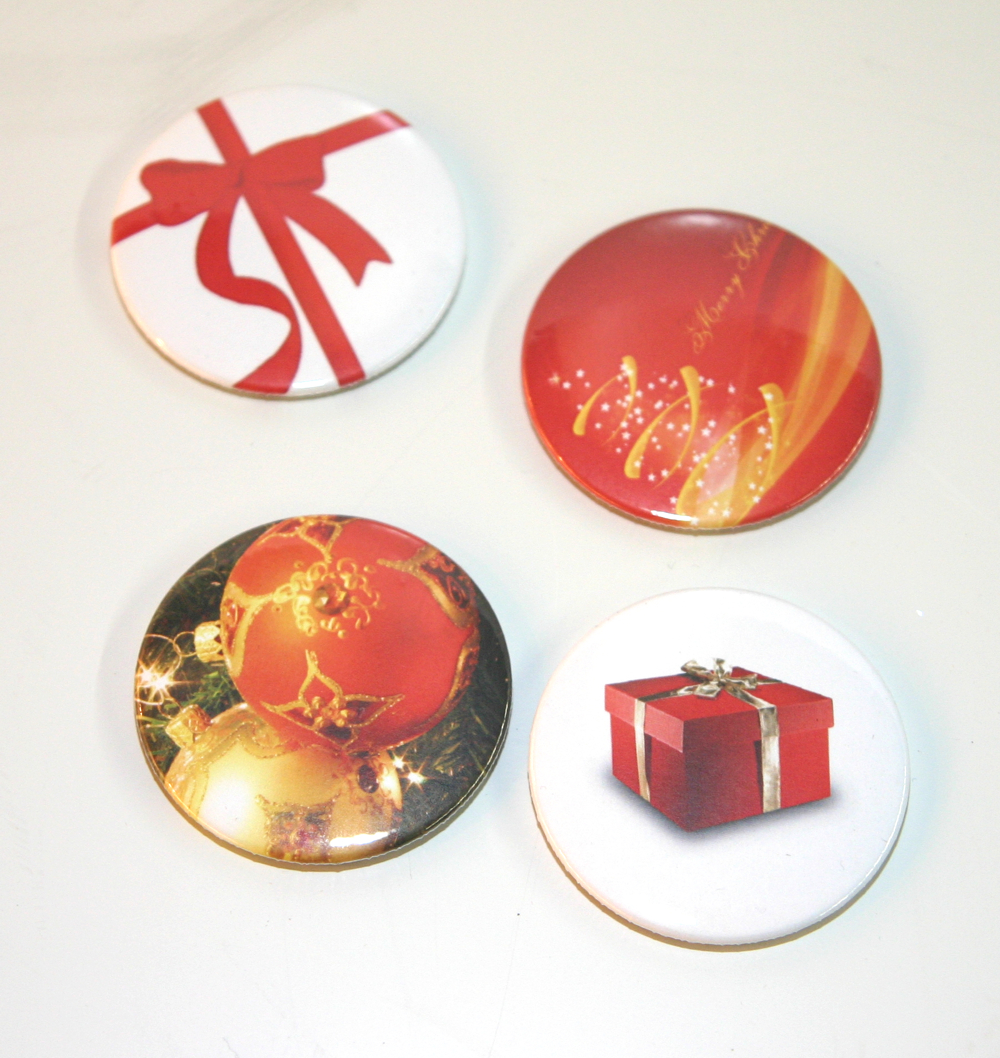
Four homemade magnetic buttons with Christmas motifs: a red bow, the words ‘Merry Christmas’, Christmas tree baubles, and a red present

One type of these buttons is bottle-opener buttons – ideal as gifts!

Tags Button-making machine Buttons Bottle opener Laser printer Pins